PasteQuill
Free transcripts for YouTube, TikTok and Instagram videos.
SpeedTranscript turns a voice recording into an editable transcript with timestamps and speaker labels. Upload a voice memo, meeting recording or interview, then edit and export. TXT and SRT export on free accounts; Pro adds DOCX, VTT, JSON and PDF. New accounts get free credits.
Published and maintained by ToolsBot Editorial Team
| Product website | SpeedTranscript |
|---|---|
| Category | |
| Listed on ToolsBot | |
| Listing record updated |
Dates refer to this ToolsBot listing, not the product’s launch date or a new independent review.
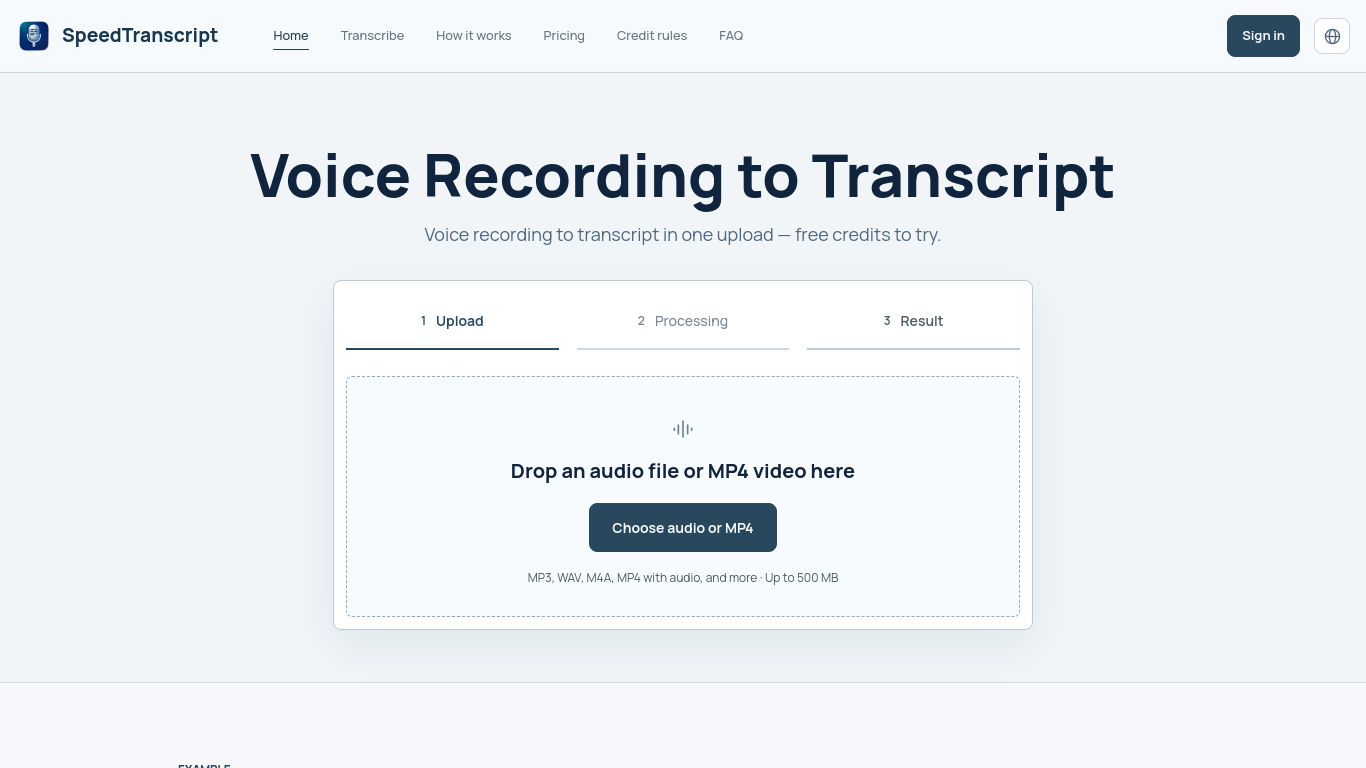
SpeedTranscript converts saved recordings into editable, timestamped transcripts.
Choose a recording, sign in, and upload it for cloud transcription. Review the text against the audio, then copy or export it.
Transcribe meetings, interviews, podcasts, lectures, and voice memos, or create subtitles and excerpts.
Supports files up to 500 MB, timestamp navigation, editable segments, and TXT and SRT exports. Pro adds speaker separation and DOCX, VTT, JSON, and PDF export options.
Q: Can I try it for free? A: New accounts receive two free credits, covering about one hour of audio. Q: Can it identify speakers? A: Pro provides inferred speaker labels that can be reviewed and renamed.
Tools in the same categories, ranked by shared categories and then total views. Compare their features to find a suitable alternative.
Free transcripts for YouTube, TikTok and Instagram videos.
Transcribe Audio to Text turns audio into text in the browser. Freemium: 15 minutes per day when not signed in, 30 minutes per day when sign
Transcribe video and audio to text online — upload a file, paste a YouTube/TikTok link, or record live.
AnyScript creates timestamped YouTube, Shorts, TikTok and Instagram transcripts for AI-assisted source research and original script preparat
Browser-based video and audio transcription with automatic language detection, timestamps, and in-place editing. Free tier: first file up to
FastScribe turns interviews, podcasts, and video recordings into editable transcripts and SRT subtitles.
More tools to explore, ranked by total views on ToolsBot. Newer listings come first when view counts are equal.
Glasshand is a visible, reviewable workspace for AI agents doing screen-based work. Hand over the task, watch the next move, and keep the fi
An LLM frontend for power users who want deep control over characters, prompts and local models.
HappyShrimp is an all-in-one AI music platform. Turn one line into a full song - lyrics, vocals and production included.
AI直充 提供 GPT 5.6 订阅代充服务,支持微信支付、订单查询和失败退款。
Capafy AI is a marketplace for expert AI agent Skills. Users can find agents for research, video, image, finance, commerce, marketing, writi
Google AI Plus 提供 Gemini Pro 一年自助开通(Pixel 开通包绑卡)与美区 12 个月成品号,Stripe 银行卡付款、自动发货、订单实时可查。
Product reference: SpeedTranscript — Product website.
Check the product website for current capabilities, pricing and policies before adopting this tool.
ToolsBot provides directory information for discovery and comparison. A listing is not an endorsement or a guarantee of product claims.