PasteQuill
Free transcripts for YouTube, TikTok and Instagram videos.
SpeedTranscript turns a voice recording into an editable transcript with timestamps and speaker labels. Upload a voice memo, meeting recording or interview, then edit and export. TXT and SRT export on free accounts; Pro adds DOCX, VTT, JSON and PDF. New accounts get free credits.
發布與維護: ToolsBot 編輯團隊
| 產品網站 | SpeedTranscript |
|---|---|
| 分類 | |
| ToolsBot 收錄日期 | |
| 收錄紀錄更新日期 |
日期僅表示 ToolsBot 收錄紀錄的時間,不代表產品上線時間或完成了新的獨立評測。
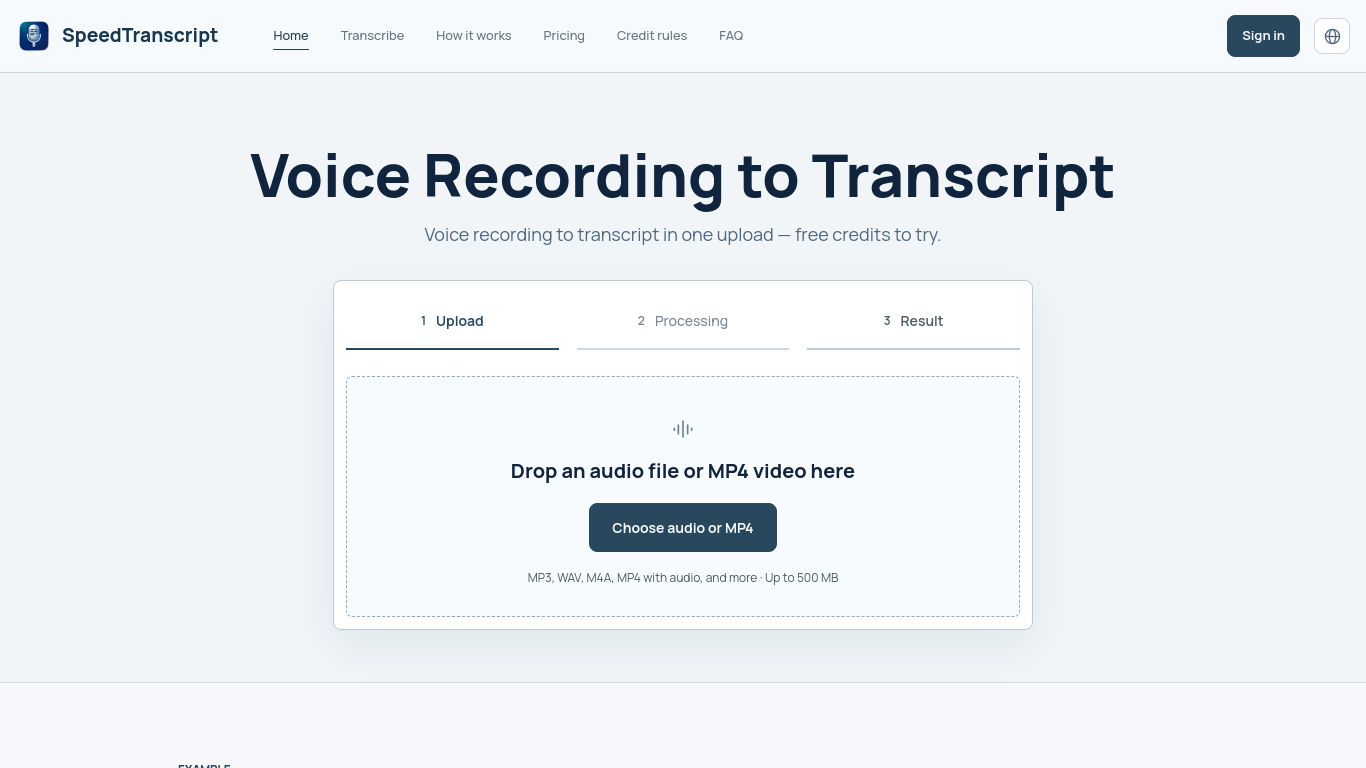
SpeedTranscript converts saved recordings into editable, timestamped transcripts.
Choose a recording, sign in, and upload it for cloud transcription. Review the text against the audio, then copy or export it.
Transcribe meetings, interviews, podcasts, lectures, and voice memos, or create subtitles and excerpts.
Supports files up to 500 MB, timestamp navigation, editable segments, and TXT and SRT exports. Pro adds speaker separation and DOCX, VTT, JSON, and PDF export options.
Q: Can I try it for free? A: New accounts receive two free credits, covering about one hour of audio. Q: Can it identify speakers? A: Pro provides inferred speaker labels that can be reviewed and renamed.
依共同分類數量及累計瀏覽量排序的相似工具,可比較功能後選擇合適的替代方案。
Free transcripts for YouTube, TikTok and Instagram videos.
Transcribe Audio to Text turns audio into text in the browser. Freemium: 15 minutes per day when not signed in, 30 minutes per day when sign
Transcribe video and audio to text online — upload a file, paste a YouTube/TikTok link, or record live.
AnyScript creates timestamped YouTube, Shorts, TikTok and Instagram transcripts for AI-assisted source research and original script preparat
以瀏覽器進行影片和音訊轉錄,具備自動語言偵測、時間戳記及原位編輯功能。免費方案:無須帳號即可轉錄第一個最長 10 分鐘的檔案;免費帳號每月可轉錄
FastScribe 可將訪談、Podcast 和影片錄影轉換為可編輯的逐字稿和 SRT 字幕。
依 ToolsBot 累計瀏覽量排序的更多工具;瀏覽量相同時優先顯示較新收錄的工具。
TaxBowl gives startups and small businesses one responsive team for bookkeeping, accounting, payroll support, tax planning, filing coordinat
Generate short 1080p videos with synchronized audio from prompts, images, or reference media. Sign up to open the studio immediately.
Glasshand is a visible, reviewable workspace for AI agents doing screen-based work. Hand over the task, watch the next move, and keep the fi
An LLM frontend for power users who want deep control over characters, prompts and local models.
HappyShrimp is an all-in-one AI music platform. Turn one line into a full song - lyrics, vocals and production included.
AI直充 提供 GPT 5.6 订阅代充服务,支持微信支付、订单查询和失败退款。
產品參考連結: SpeedTranscript — 產品網站.
採用此工具前,請到產品網站核實最新功能、價格與政策。
ToolsBot 提供目錄資訊,協助發現與比較產品。收錄不代表背書,也不保證產品聲明的準確性。