Maxify
All-in-one CRM to build, market, and scale your business.
Simplifies website feedback with direct collaboration and task management.
Published and maintained by ToolsBot Editorial Team
| Product website | Toolbar |
|---|---|
| Category |
Dates refer to this ToolsBot listing, not the product’s launch date or a new independent review.
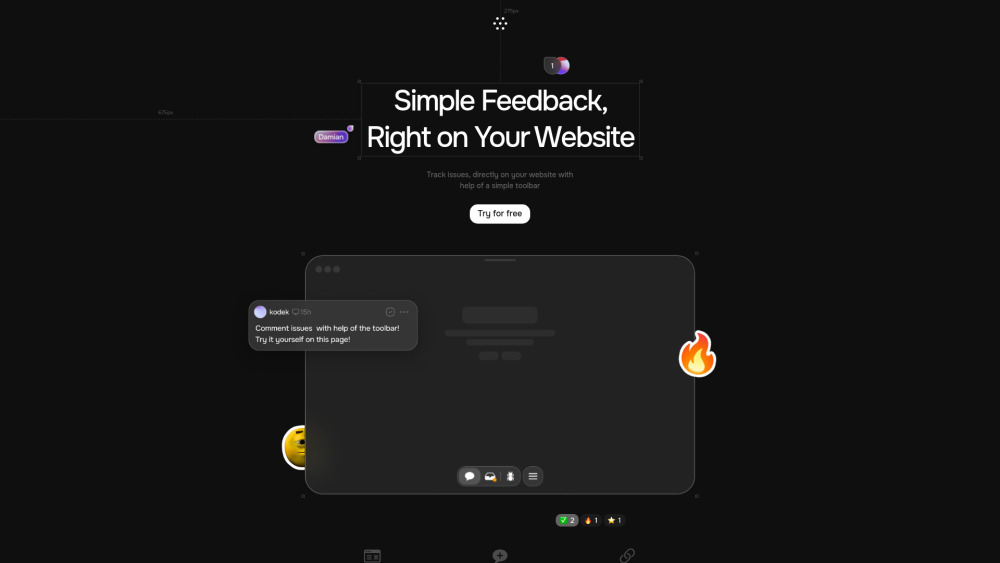
Toolbar is a fast feedback tool designed for agencies that allows users to leave comments, track issues, and manage tasks directly on their websites. It simplifies the feedback process by enabling direct collaboration among developers, clients, and stakeholders, eliminating the need for emails and screenshots.
To use Toolbar, simply install it on your website, then start leaving comments and tracking issues directly on your pages with a user-friendly interface. This allows for instant collaboration without the hassle of traditional communication methods.
#1 Report website bugs directly from the page #2 Collaborate with clients and developers in real-time #3 Track project issues efficiently
Instant issue reporting Precise bug tracking with device details Effortless task management Collaboration without barriers AI-powered task enhancement
How does Toolbar improve the feedback process? Can I try Toolbar for free?
Tools in the same categories, ranked by shared categories and then total views. Compare their features to find a suitable alternative.
All-in-one CRM to build, market, and scale your business.
AI-powered development environment for easy web application management.
AI platform for fast, easy web application development.
AI toolkit for websites, emails, and project management.
AI marketing platform for website and content creation.
AI website builder for quick and professional website creation.
More tools to explore, ranked by total views on ToolsBot. Newer listings come first when view counts are equal.
All-in-one AI creative studio for generating images, videos, music, and voiceovers.
Magi2AI is an independent web application powered by Sand.ai MAGI-2 for generating cinematic 1080p AI videos with native synchronized audio
Connect ChatGPT, Claude and developer clients to real-time and historical market data for US stocks, Forex, commodities and crypto through S
AI faceless video generator: turn any topic into a voiced, captioned short for YouTube Shorts, TikTok and Reels in minutes. No camera. Try o
Explore planting ideas from yard photos: named areas, plant suggestions, area refinements and a shareable brief. Public Beta includes six on
AI book cover design for independent authors. Generate genre-guided artwork, edit typography, and prepare ebook covers and paperback wraps.
Product reference: Toolbar — Product website.
Check the product website for current capabilities, pricing and policies before adopting this tool.
ToolsBot provides directory information for discovery and comparison. A listing is not an endorsement or a guarantee of product claims.