Postcrest
All-In-One AI Content Creation Platform for Social media
Draw Your Ideas Through AI-Powered Visuals
Published and maintained by ToolsBot Editorial Team
| Product website | VDraw AI |
|---|---|
| Category |
Dates refer to this ToolsBot listing, not the product’s launch date or a new independent review.
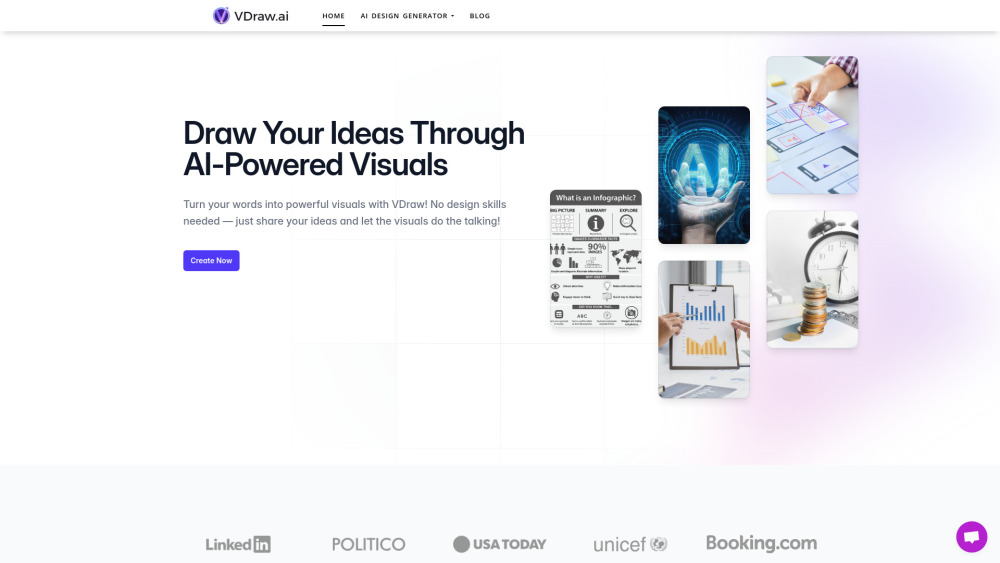
Turn your words into powerful visuals with VDraw! No design skills needed — just share your ideas and let the visuals do the talking!
1. Input Your Content:Enter your text or topic into the appropriate generator. 2. Generate Visuals:VDraw’s AI processes your input to produce initial designs within seconds. 3. Customize:Edit text, symbols, and color schemes to ensure your visuals align with your brand identity. 4. Download and Share:Export your designs for use across various platforms and presentations.
#1 Social Media Marketer #2 Content Creator for Blogs #3 Educator or Trainer
AI Infographic Generator AI Flowchart Generator AI PPT Generator AI Youtube Summary AI Carousels Generator
How does VDraw work? Can I personalize VDraw infographics? How much does it cost to use VDraw? Can I try VDraw before paying? Can I use VDraw infographics commercially? How can I contact you with other questions?
Tools in the same categories, ranked by shared categories and then total views. Compare their features to find a suitable alternative.
All-In-One AI Content Creation Platform for Social media
AI platform for creating magical experiences from selfies.
Create stunning graphic designs effortlessly with AI.
SMM panel for boosting social media engagement.
AI Writer AI Images AI Voiceovers AI ChatBots
A generative AI tool that automatically turns your podcast episode into short video clips & writes show notes, blog posts, social media post
More tools to explore, ranked by total views on ToolsBot. Newer listings come first when view counts are equal.
All-in-one AI creative studio for generating images, videos, music, and voiceovers.
Magi2AI is an independent web application powered by Sand.ai MAGI-2 for generating cinematic 1080p AI videos with native synchronized audio
Connect ChatGPT, Claude and developer clients to real-time and historical market data for US stocks, Forex, commodities and crypto through S
AI faceless video generator: turn any topic into a voiced, captioned short for YouTube Shorts, TikTok and Reels in minutes. No camera. Try o
Explore planting ideas from yard photos: named areas, plant suggestions, area refinements and a shareable brief. Public Beta includes six on
AI book cover design for independent authors. Generate genre-guided artwork, edit typography, and prepare ebook covers and paperback wraps.
Product reference: VDraw AI — Product website.
Check the product website for current capabilities, pricing and policies before adopting this tool.
ToolsBot provides directory information for discovery and comparison. A listing is not an endorsement or a guarantee of product claims.