Postcrest
All-In-One AI Content Creation Platform for Social media
Draw Your Ideas Through AI-Powered Visuals
Veröffentlicht und gepflegt von ToolsBot-Redaktion
| Produktwebsite | VDraw AI |
|---|---|
| Kategorie |
Die Daten beziehen sich auf den ToolsBot-Eintrag, nicht auf den Produktstart oder eine neue unabhängige Prüfung.
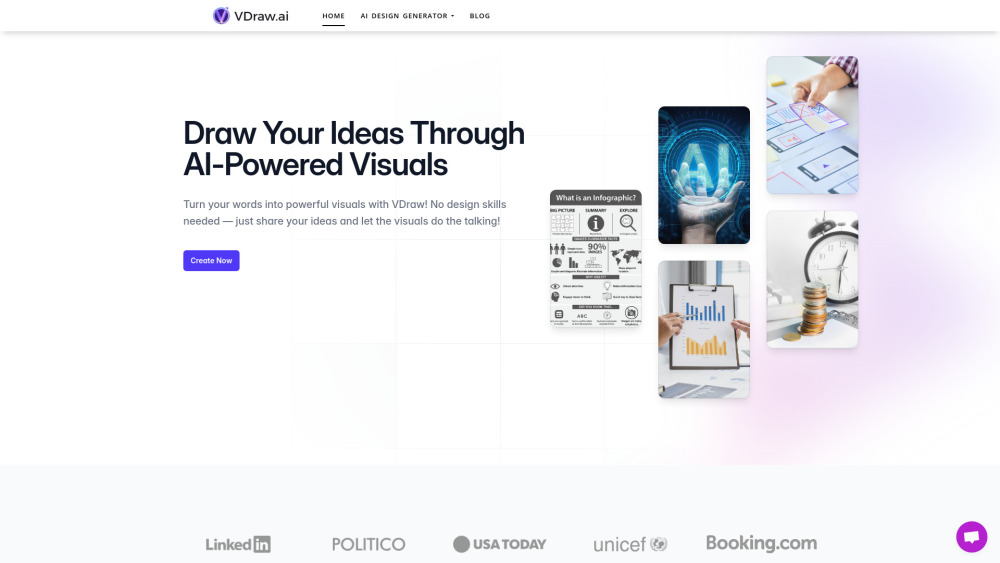
Turn your words into powerful visuals with VDraw! No design skills needed — just share your ideas and let the visuals do the talking!
1. Input Your Content:Enter your text or topic into the appropriate generator. 2. Generate Visuals:VDraw’s AI processes your input to produce initial designs within seconds. 3. Customize:Edit text, symbols, and color schemes to ensure your visuals align with your brand identity. 4. Download and Share:Export your designs for use across various platforms and presentations.
#1 Social Media Marketer #2 Content Creator for Blogs #3 Educator or Trainer
AI Infographic Generator AI Flowchart Generator AI PPT Generator AI Youtube Summary AI Carousels Generator
How does VDraw work? Can I personalize VDraw infographics? How much does it cost to use VDraw? Can I try VDraw before paying? Can I use VDraw infographics commercially? How can I contact you with other questions?
Tools aus denselben Kategorien, sortiert nach gemeinsamen Kategorien und dann nach Gesamtaufrufen. Vergleiche die Funktionen, um eine passende Alternative zu finden.
All-In-One AI Content Creation Platform for Social media
AI platform for creating magical experiences from selfies.
Create stunning graphic designs effortlessly with AI.
SMM panel for boosting social media engagement.
AI Writer AI Images AI Voiceovers AI ChatBots
A generative AI tool that automatically turns your podcast episode into short video clips & writes show notes, blog posts, social media post
Weitere Tools nach Gesamtaufrufen auf ToolsBot. Bei gleicher Aufrufzahl erscheinen neuere Einträge zuerst.
Ein Online-Konverter für die Umwandlung von Audio in Text für MP3, M4A, WAV, MP4 und andere Mediendateien.
Data-Story-, Whiteboard- und Keynote-Looks; die KI schreibt das Skript, spricht den Kommentar, zeichnet und vertont einen 15-60 Sekunden lan
Sprich in beliebiger Reihenfolge oder lade eine Sprachnotiz hoch und erhalte übersichtliche Notizen mit Überschriften, Aufzählungspunkten un
SMS-basierte Einsatzplanung für Außendienstbetriebe mit 2–10 Einsatzfahrzeugen. Techniker müssen keine App installieren – sie antworten auf
Kostenloser KI-Ausmalbildgenerator, der Texte oder Fotos in ausdruckbare Ausmalbilder und Fotos in Cartoon-Porträts verwandelt.
KI-Charakter-Chat und interaktives Geschichtenerzählen. Erstelle eigene fiktive Charaktere und entdecke textbasiertes Rollenspiel.
Produktreferenz: VDraw AI — Produktwebsite.
Prüfe aktuelle Funktionen, Preise und Richtlinien auf der Produktwebsite, bevor du das Tool einsetzt.
ToolsBot hilft bei der Suche und beim Vergleich. Ein Eintrag ist keine Empfehlung oder Garantie für Produktangaben.