Mansaibots
Custom AI chatbot solutions tailored for businesses.
TallyClip converts messy bank-statement PDFs into clean Excel, CSV, or QuickBooks Online imports. Built for bookkeepers, accountants, and small businesses.
發布與維護: ToolsBot 編輯團隊
| 產品網站 | TallyClip |
|---|---|
| 分類 | |
| ToolsBot 收錄日期 | |
| 收錄紀錄更新日期 |
日期僅表示 ToolsBot 收錄紀錄的時間,不代表產品上線時間或完成了新的獨立評測。
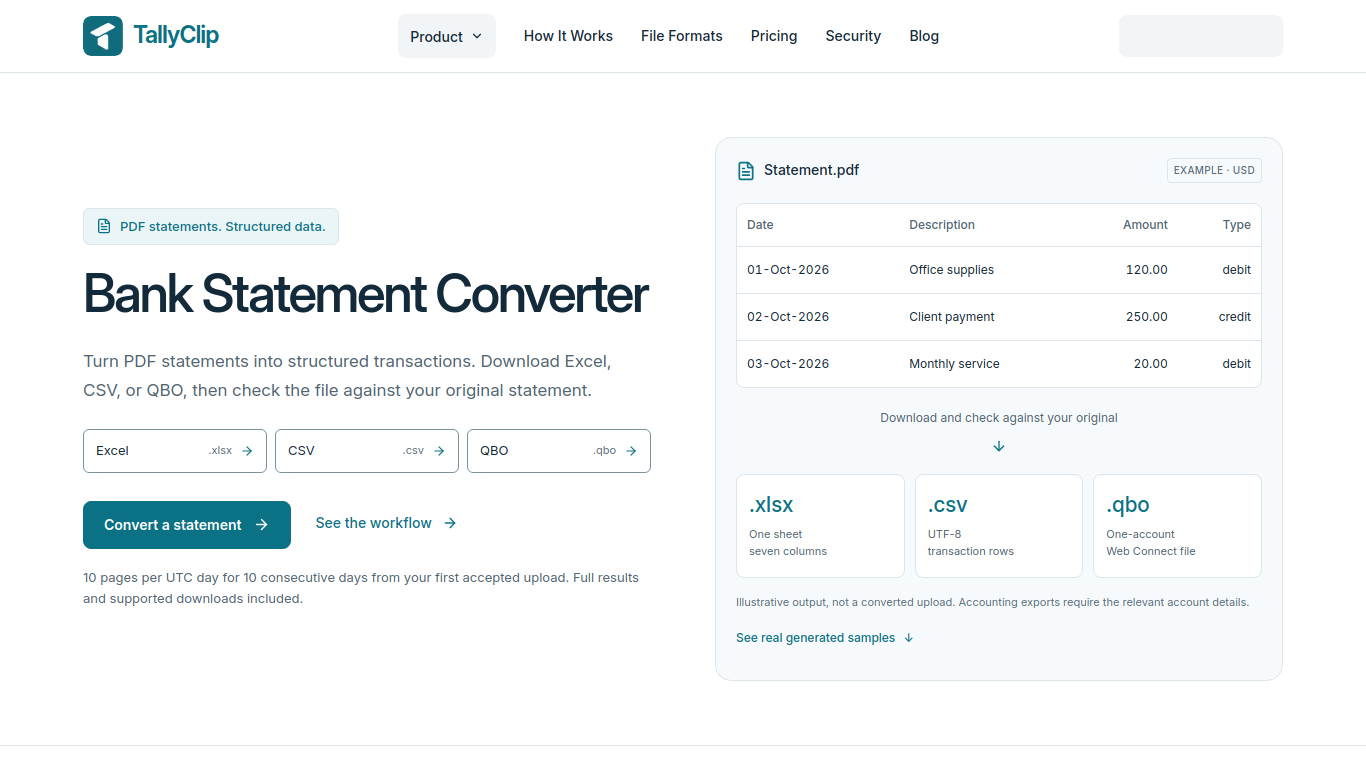
TallyClip turns messy bank-statement PDFs into structured Excel/CSV files ready for bookkeeping or QuickBooks Online import. Built for bookkeepers, accountants, and small businesses who waste hours retyping statements. A focused SaaS for converting bank statements into clean, import-ready data—without the spreadsheet grind.
Upload a digital PDF or readable English scan. The tool extracts transactions for download; users should check the results against the original statement.
Convert statement archives or client-sent documents into transaction rows for review or import.
TallyClip turns messy bank-statement PDFs into structured Excel/CSV files ready for bookkeeping or QuickBooks Online import. Built for bookkeepers, accountants, and small businesses who waste hours retyping statements. A focused SaaS for converting bank statements into clean, import-ready data—without the spreadsheet grind.
Q: Does TallyClip support scanned statements? A: It supports readable English scanned PDFs through OCR. Q: Is there free access? A: Users can process up to 10 pages per UTC day for 10 consecutive days from their first accepted upload.
依共同分類數量及累計瀏覽量排序的相似工具,可比較功能後選擇合適的替代方案。
Custom AI chatbot solutions tailored for businesses.
AI tool for extracting data from invoices efficiently.
AI tool for web scraping and automation.
API for extracting product data from any webpage effortlessly.
AI-powered tool for chatting and interacting with PDF documents.
AI data extraction from financial documents with human-like accuracy.
依 ToolsBot 累計瀏覽量排序的更多工具;瀏覽量相同時優先顯示較新收錄的工具。
원하는 곡을 설명하거나 가사를 붙여넣으면 BestSong이 작곡·편곡·보컬까지 완성합니다. 스템 분리, 목소리 클론, MIDI 편집, 마스터링도 지원.
NanoAPI provides one API key and prepaid balance for AI video and image generation. Video is billed per second and images per image; no subs
Coherta combines B2B lead discovery, contact-data enrichment, lead monitoring and LinkedIn outreach. Its AI Personalisation feature creates
Web data API for AI applications and agents, returning Markdown, JSON, and structured search results.
Online AI image generator and editor built on Nano Banana 2 and other models. Make headshots, product photos and styled portraits up to 4K.
Upload one photo and AI puts you or your pet in the driver's seat of the viral "hit the road dude, this ain't state property" meme. No filmi
產品參考連結: TallyClip — 產品網站.
採用此工具前,請到產品網站核實最新功能、價格與政策。
ToolsBot 提供目錄資訊,協助發現與比較產品。收錄不代表背書,也不保證產品聲明的準確性。