AI Photo Detector
AI Photo Detector prüft Fotos auf KI-Generierung und Bearbeitung. Zeigen Sie die Klassifizierung, den Konfidenzwert und gegebenenfalls eine
Bimta scans images for hidden AI fingerprints — C2PA, XMP and EXIF — then strips them in your browser. Nothing is uploaded. Free for single images, no account, works offline.
Veröffentlicht und gepflegt von ToolsBot-Redaktion
| Produktwebsite | Bimta |
|---|---|
| Kategorie | |
| Auf ToolsBot gelistet | |
| Eintrag aktualisiert |
Die Daten beziehen sich auf den ToolsBot-Eintrag, nicht auf den Produktstart oder eine neue unabhängige Prüfung.
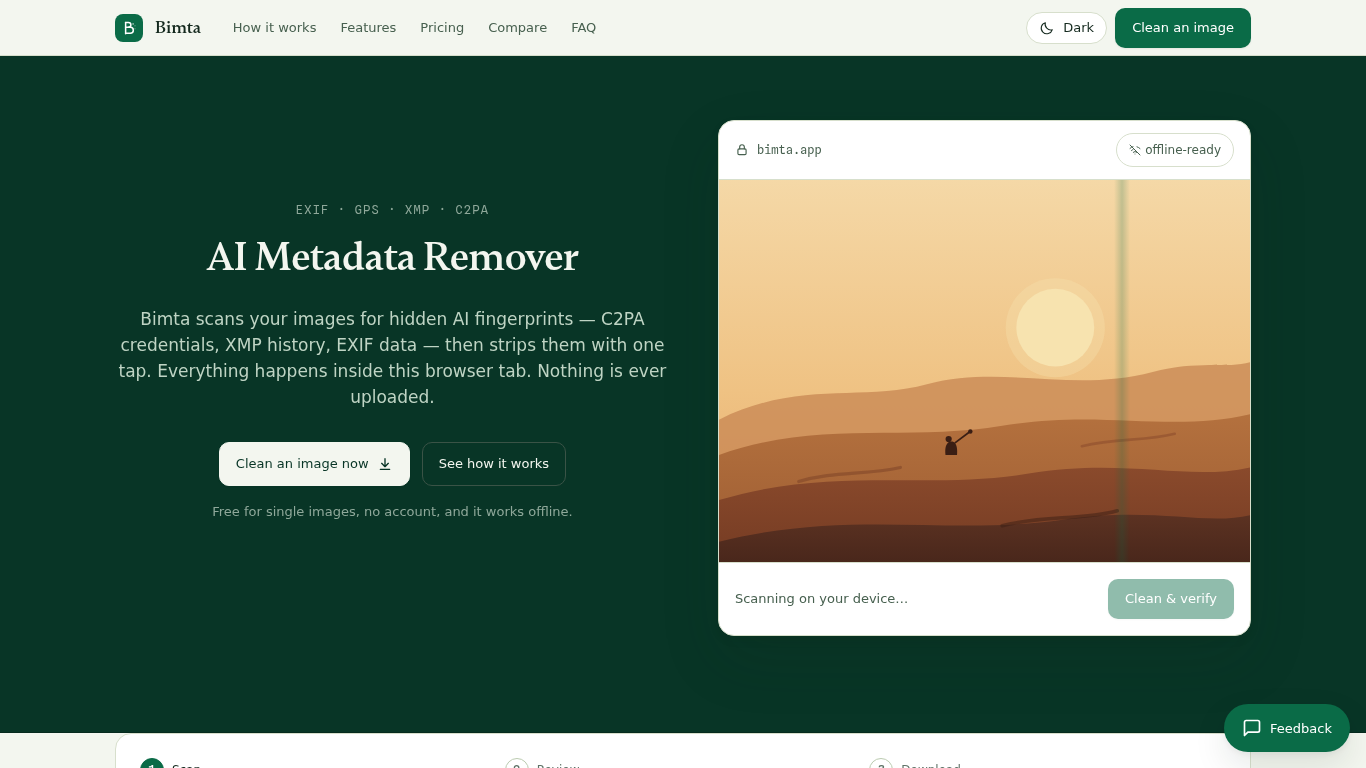
Bimta is an on-device AI image metadata remover. It finds C2PA credentials, XMP history and EXIF data in your images, then strips them in the browser tab. Nothing is uploaded. Free for single images, no account required, and it works offline.
Add images, review detected metadata, clean them and download the verified results. Processing happens on the device.
Remove location, camera details and editing history before sharing an image.
Scans images for C2PA, XMP and EXIF metadata; strips hidden AI labels in the browser; nothing is uploaded; free for single images; no account; works offline.
Q: Are images uploaded? A: No. Processing happens in the browser. Q: Does Bimta remove invisible watermarks? A: No. It removes metadata, not watermarks embedded in pixels.
Tools aus denselben Kategorien, sortiert nach gemeinsamen Kategorien und dann nach Gesamtaufrufen. Vergleiche die Funktionen, um eine passende Alternative zu finden.
AI Photo Detector prüft Fotos auf KI-Generierung und Bearbeitung. Zeigen Sie die Klassifizierung, den Konfidenzwert und gegebenenfalls eine
Noten online in MIDI umwandeln. Lade ein PDF oder ein Handyfoto hoch, höre jede Note in deinem Browser und lade MIDI und MusicXML herunter.
AI Picture Checker ist ein kostenloses Browser-Tool, das ein hochgeladenes Bild analysiert, um einzuschätzen, ob es von einer KI erzeugt wur
Transcribe handwritten notes to digital text with Notion integration.
A community-based app enhancing reading experience with AI tools.
AI-powered recipe generator from grocery receipts.
Weitere Tools nach Gesamtaufrufen auf ToolsBot. Bei gleicher Aufrufzahl erscheinen neuere Einträge zuerst.
Ein Online-Konverter für die Umwandlung von Audio in Text für MP3, M4A, WAV, MP4 und andere Mediendateien.
Data-Story-, Whiteboard- und Keynote-Looks; die KI schreibt das Skript, spricht den Kommentar, zeichnet und vertont einen 15-60 Sekunden lan
Sprich in beliebiger Reihenfolge oder lade eine Sprachnotiz hoch und erhalte übersichtliche Notizen mit Überschriften, Aufzählungspunkten un
SMS-basierte Einsatzplanung für Außendienstbetriebe mit 2–10 Einsatzfahrzeugen. Techniker müssen keine App installieren – sie antworten auf
Kostenloser KI-Ausmalbildgenerator, der Texte oder Fotos in ausdruckbare Ausmalbilder und Fotos in Cartoon-Porträts verwandelt.
KI-Charakter-Chat und interaktives Geschichtenerzählen. Erstelle eigene fiktive Charaktere und entdecke textbasiertes Rollenspiel.
Produktreferenz: Bimta — Produktwebsite.
Prüfe aktuelle Funktionen, Preise und Richtlinien auf der Produktwebsite, bevor du das Tool einsetzt.
ToolsBot hilft bei der Suche und beim Vergleich. Ein Eintrag ist keine Empfehlung oder Garantie für Produktangaben.