AI Photo Detector
AI Photo Detector checks photos for AI generation and editing. View classification, confidence and available region analysis. English and Ch
Bimta scans images for hidden AI fingerprints — C2PA, XMP and EXIF — then strips them in your browser. Nothing is uploaded. Free for single images, no account, works offline.
Published and maintained by ToolsBot Editorial Team
| Product website | Bimta |
|---|---|
| Category | |
| Listed on ToolsBot | |
| Listing record updated |
Dates refer to this ToolsBot listing, not the product’s launch date or a new independent review.
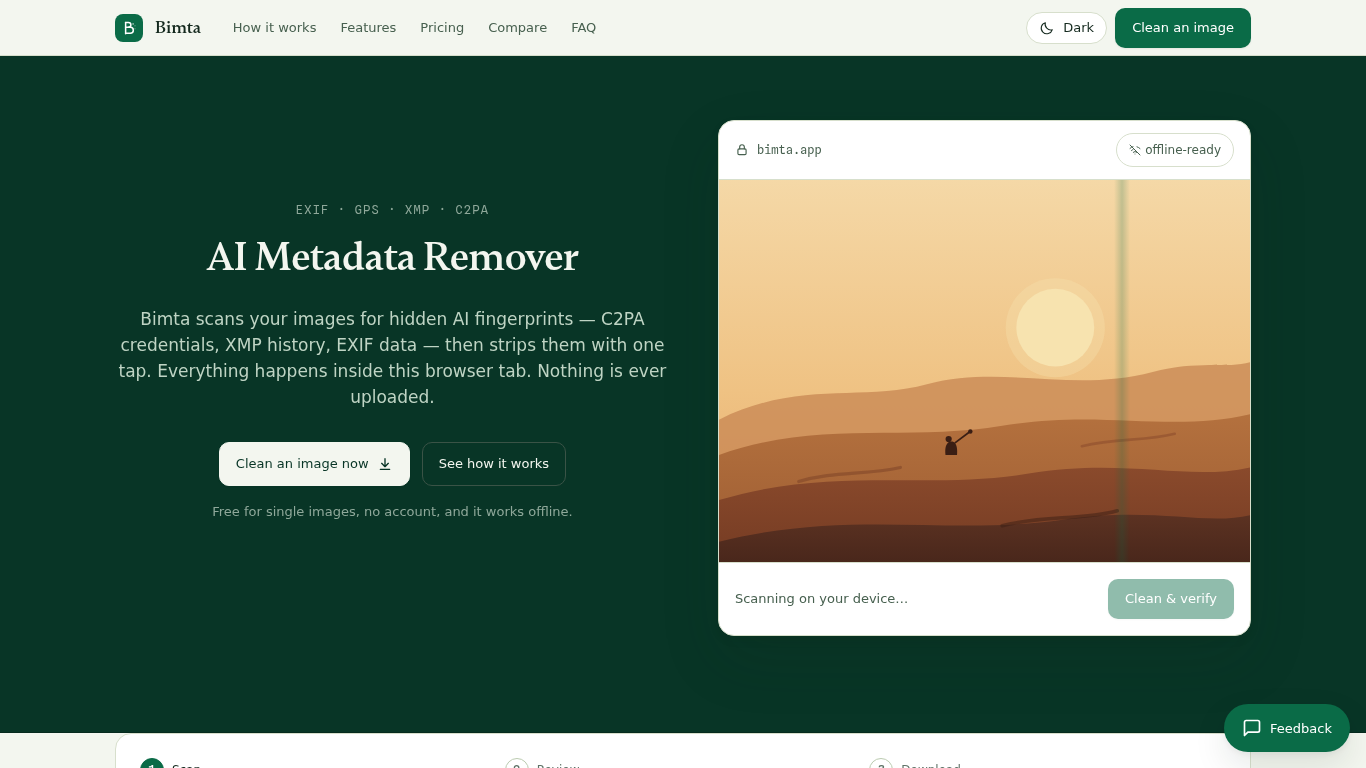
Bimta is an on-device AI image metadata remover. It finds C2PA credentials, XMP history and EXIF data in your images, then strips them in the browser tab. Nothing is uploaded. Free for single images, no account required, and it works offline.
Add images, review detected metadata, clean them and download the verified results. Processing happens on the device.
Remove location, camera details and editing history before sharing an image.
Scans images for C2PA, XMP and EXIF metadata; strips hidden AI labels in the browser; nothing is uploaded; free for single images; no account; works offline.
Q: Are images uploaded? A: No. Processing happens in the browser. Q: Does Bimta remove invisible watermarks? A: No. It removes metadata, not watermarks embedded in pixels.
Tools in the same categories, ranked by shared categories and then total views. Compare their features to find a suitable alternative.
AI Photo Detector checks photos for AI generation and editing. View classification, confidence and available region analysis. English and Ch
Convert sheet music to MIDI online. Upload a PDF or phone photo, hear every note in your browser, and download MIDI and MusicXML. First 3 pa
AI Picture Checker is a free browser tool that analyzes an uploaded image to estimate whether it was generated by AI. It can flag likely AI
Transcribe handwritten notes to digital text with Notion integration.
A community-based app enhancing reading experience with AI tools.
AI-powered recipe generator from grocery receipts.
More tools to explore, ranked by total views on ToolsBot. Newer listings come first when view counts are equal.
An online audio-to-text converter for MP3, M4A, WAV, MP4 and other media files.
Data-story, whiteboard and keynote looks; AI writes the script, narrates, draws and scores a 15-60 second film with SRT subtitles.
Talk in any order, or upload a voice memo, and get clean notes with headings, bullet points and a to-do list - or an email, journal entry, l
SMS-first dispatch software for field-service shops running 2–10 trucks. Techs never install an app — they reply to a text. Flat pricing fro
Free AI coloring page generator that turns text or photos into printable coloring pages, and photos into cartoon portraits.
AI character chat and interactive storytelling. Create custom fictional characters and explore text-based roleplay.
Product reference: Bimta — Product website.
Check the product website for current capabilities, pricing and policies before adopting this tool.
ToolsBot provides directory information for discovery and comparison. A listing is not an endorsement or a guarantee of product claims.