Skarbe
Sales platform for SMBs automating deal management and insights.
Capture and convert your screen recordings into interactive demos, guides, and videos.
Veröffentlicht und gepflegt von ToolsBot-Redaktion
| Produktwebsite | Layerpath |
|---|---|
| Kategorie |
Die Daten beziehen sich auf den ToolsBot-Eintrag, nicht auf den Produktstart oder eine neue unabhängige Prüfung.
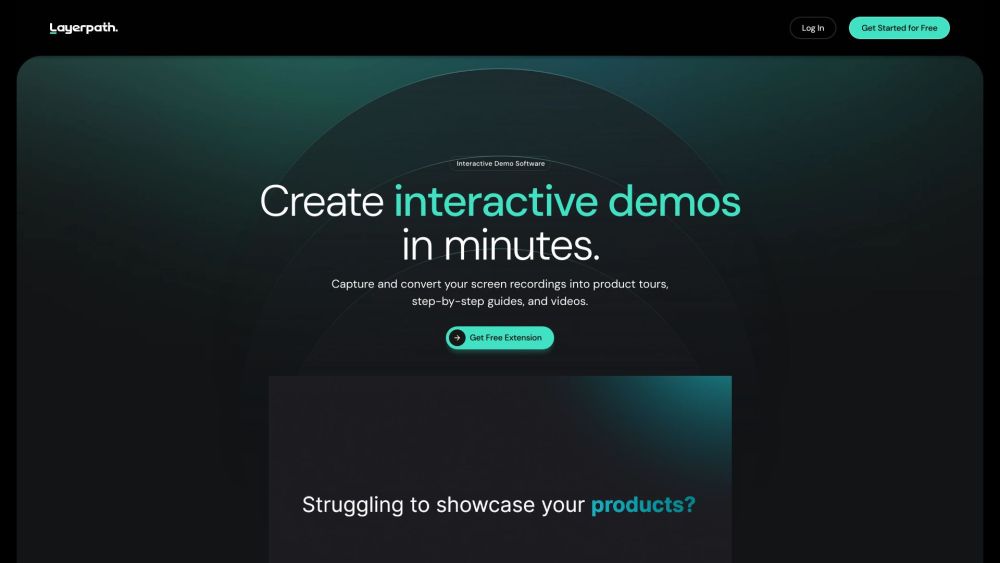
Capture and convert your screen recordings into interactive demos, guides, and videos.
To create interactive demos, guides, and videos, start by recording your product in action. Then, use Layerpath's AI to transform your recordings into clickable demos or step-by-step guides. You can also record yourself and your screen directly from your browser to create how-to videos. Measure user engagement and feedback through Layerpath's analytics.
#1 Product walkthroughs #2 Help guides #3 Website demos #4 Training videos
Interactive product demos Step-by-step guides How-to videos Engagement and analytics
What can I use Layerpath for? Can I measure user engagement with Layerpath? What is the pricing for Layerpath? Can I remove the Layerpath branding from my creations? Is there a free trial available?
Tools aus denselben Kategorien, sortiert nach gemeinsamen Kategorien und dann nach Gesamtaufrufen. Vergleiche die Funktionen, um eine passende Alternative zu finden.
Sales platform for SMBs automating deal management and insights.
AI tool for summarizing video content efficiently.
An advanced All-In-One A.I. platform tailored for marketing and selling online courses, communities, memberships, and coaching services with
Oliv is an AI-powered sales enablement platform.
A conversation intelligence tool for sales meetings
AgentHub is a no-code platform for building powerful AI automations.
Weitere Tools nach Gesamtaufrufen auf ToolsBot. Bei gleicher Aufrufzahl erscheinen neuere Einträge zuerst.
Kostenloser Online-Editor für Rückblickvideos: Fotos hinzufügen, Vorlage auswählen und ein auf den Beat abgestimmtes MP4 herunterladen. Kein
Verwandle Fotos direkt in Telegram in Anime, Aquarelle, 3D-Avatare und andere kreative Stile. Erstelle personalisierte Foto-Grußkarten. Neue
Verwandle Produktupdates in kanalreife Marketingtexte und visuelle Inhalte.
Das LinkedIn MCP für KI-Agenten.
KI-Produktfotografie für Kleidungshändler: Erstelle aus Kleidungsfotos Bilder mit Models, Ghost-Mannequin- und Flat-Lay-Bilder oder entferne
AI Photo Detector prüft Fotos auf KI-Generierung und Bearbeitung. Zeigen Sie die Klassifizierung, den Konfidenzwert und gegebenenfalls eine
Produktreferenz: Layerpath — Produktwebsite.
Prüfe aktuelle Funktionen, Preise und Richtlinien auf der Produktwebsite, bevor du das Tool einsetzt.
ToolsBot hilft bei der Suche und beim Vergleich. Ein Eintrag ist keine Empfehlung oder Garantie für Produktangaben.