DDScore
DDScore helps investors, lenders, and founders research private companies. It cross-checks company materials against each other and public s
GeoSolver estimates where a photo was taken and explains visible clues such as road markings, signs, architecture, and terrain. Useful for GeoGuessr practice and open-source image verification. AI analysis is paid; separate EXIF tools and guides are free.
Veröffentlicht und gepflegt von ToolsBot-Redaktion
| Produktwebsite | Reverse Image Location (GeoSolver) |
|---|---|
| Kategorie | |
| Auf ToolsBot gelistet | |
| Eintrag aktualisiert |
Die Daten beziehen sich auf den ToolsBot-Eintrag, nicht auf den Produktstart oder eine neue unabhängige Prüfung.
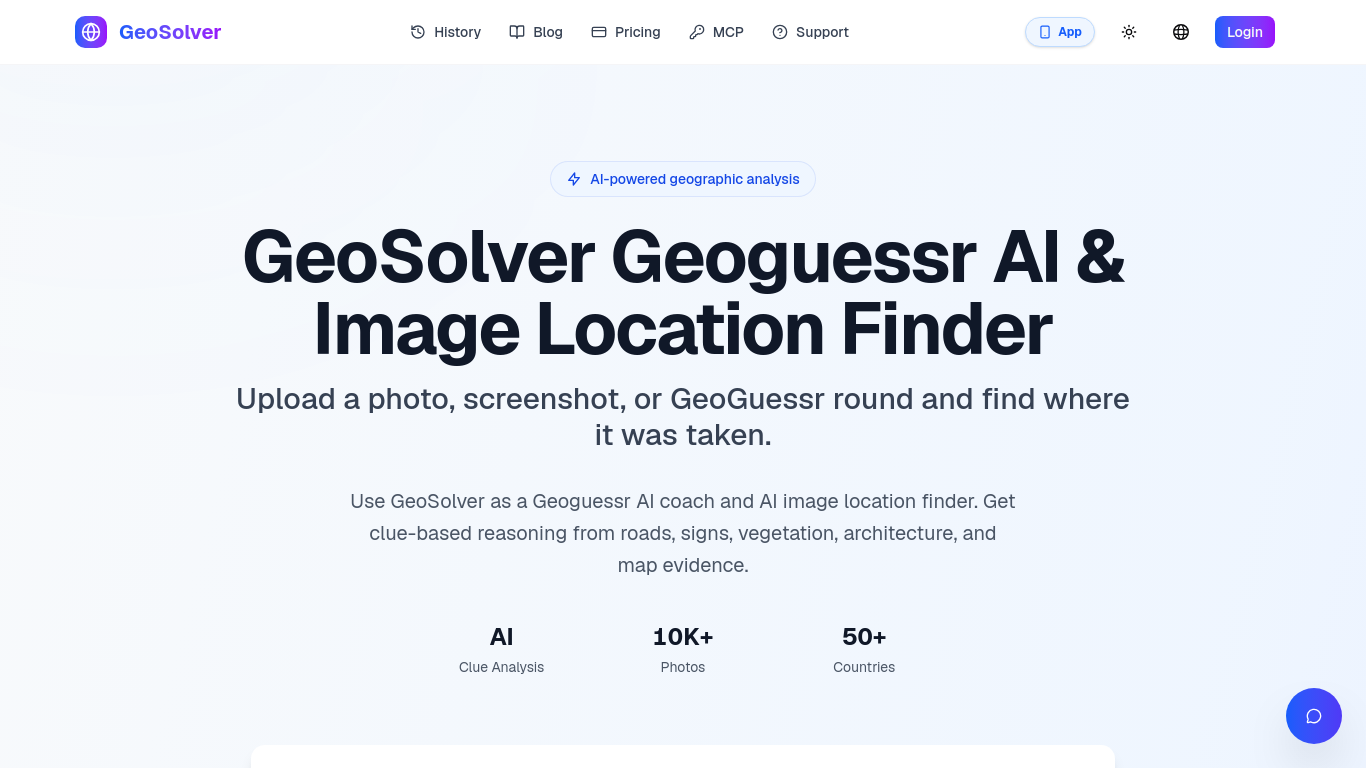
GeoSolver estimates where a photo, screenshot, or GeoGuessr round was taken.
Upload an image for AI analysis of visible geographic clues and an explained location estimate.
Practice geographic clue recognition or investigate an image's likely location for verification.
Analyzes roads, signs, architecture, vegetation, and terrain; works without GPS metadata; previews key clues. Full reasoning, location details, and map access require a premium plan.
Q: What images work best? A: Street View-style images with clear geographic clues. Q: How accurate are estimates? A: Accuracy depends on the visible evidence; country and region estimates are generally more reliable than exact coordinates when clues are limited.
Tools aus denselben Kategorien, sortiert nach gemeinsamen Kategorien und dann nach Gesamtaufrufen. Vergleiche die Funktionen, um eine passende Alternative zu finden.
DDScore helps investors, lenders, and founders research private companies. It cross-checks company materials against each other and public s
Large Trader AI is a freemium conversational AI assistant for financial-market research. Ask questions about stocks, options and market data
Create an AI-drafted graphical abstract from abstract text or a sketch, then export a journal-sized 300 DPI RGB PNG or TIFF with Abfig.
LawAsked is a free legal information website, not a law firm. It answers real legal questions in plain language for 12 countries, and every
Research US and Hong Kong companies through financial reports and historical disclosures, with source links for verification. AI-assisted re
Research emerging keywords with first-seen dates, Hacker News site discovery, and SERP difficulty estimates. Browse public boards or query d
Weitere Tools nach Gesamtaufrufen auf ToolsBot. Bei gleicher Aufrufzahl erscheinen neuere Einträge zuerst.
Turn one or two photos into a short AI trend video with original audio. Pick a template, upload, generate, download the MP4 for TikTok, Reel
AI Picture Checker is a free browser tool that analyzes an uploaded image to estimate whether it was generated by AI. It can flag likely AI
Image to 3D Model turns a photo or illustration into a 3D model in the browser. Sign in for 20 welcome credits (one Trellis model). Export G
Score your college essay and get line-by-line feedback on structure, argument, language and grammar.
Wishora turns a recipient’s name, one memory, and an inside joke into a personalized gift song. Free 30-second preview; unlock the full song
AI role-play practice for customer-facing teams, with live video conversations and feedback. Three free owner practice challenges; team subs
Produktreferenz: Reverse Image Location (GeoSolver) — Produktwebsite.
Prüfe aktuelle Funktionen, Preise und Richtlinien auf der Produktwebsite, bevor du das Tool einsetzt.
ToolsBot hilft bei der Suche und beim Vergleich. Ein Eintrag ist keine Empfehlung oder Garantie für Produktangaben.