SrefHunt
Community platform for sharing MidJourney prompts and SREF codes.
Fooocus brings your creative ideas to life with state-of-the-art AI technology.
Publicado y mantenido por Equipo editorial de ToolsBot
| Sitio web del producto | https://fooocus.one/ |
|---|---|
| Categoría |
Las fechas corresponden al registro de ToolsBot, no al lanzamiento del producto ni a una nueva evaluación independiente.
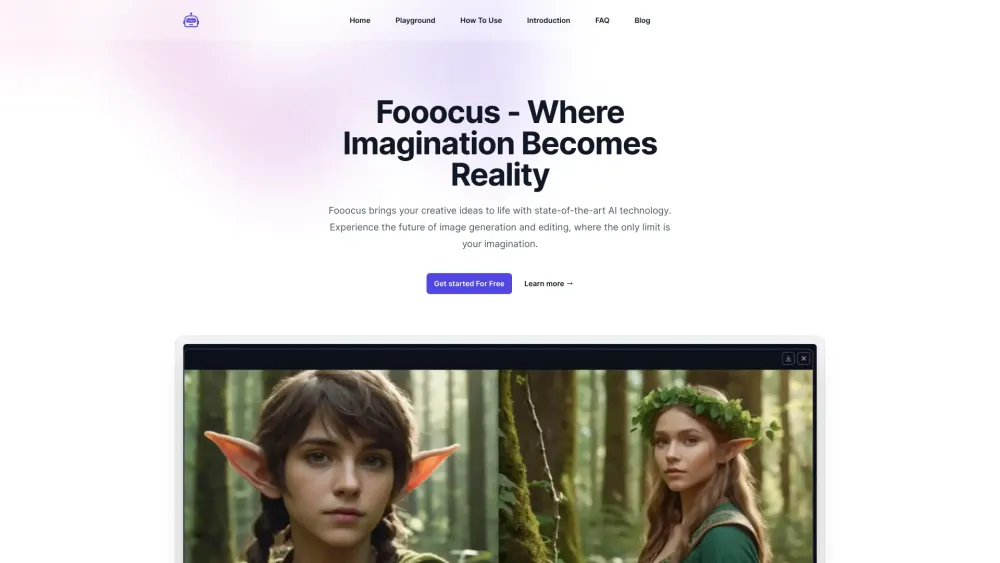
Fooocus brings your creative ideas to life with state-of-the-art AI technology.
Step 1 - Choose Your Prompt Start by selecting or crafting a detailed prompt that captures your creative vision for the image you want to generate. Step 2 - Customize Settings Adjust Fooocus's advanced settings to fine-tune the AI's focus, style, and output quality according to your needs. Experiment with different model presets for varied artistic or realistic outputs. Step 3 - Generate Your Image Initiate the image generation process and watch as Fooocus transforms your prompt into a visually stunning piece of art. Step 4 - Edit and Refine Use Fooocus's inpainting and editing tools to make adjustments or add final touches to your generated image. Step 5 - Share and Collaborate Easily share your creations with the community or collaborate with others to explore new creative horizons.
#1 Create stunning digital art #2 Enhance photographs with realistic effects #3 Generate personalized avatars
Advanced Inpainting Seamless Image Prompts Multi-Prompt Support Diverse Model Compatibility Customizable Aspect Ratios Advanced Style Control Prompt Reweighting High-Quality Face Swapping Efficient Performance on Varied Hardware
What sets Fooocus apart in terms of inpainting capabilities? How does the multi-prompt support enhance image generation? Can I customize the style and appearance of generated images? What is prompt reweighting and how does it work? Is Fooocus optimized for different hardware configurations? Does Fooocus support face swapping, and how accurate is it? How does Fooocus ensure the quality of generated images? Can I specify the aspect ratio for my generated images? Is there a community or platform for Fooocus users to share and collaborate?
Herramientas de las mismas categorías, ordenadas por categorías compartidas y luego por visitas totales. Compara sus funciones para encontrar una alternativa adecuada.
Community platform for sharing MidJourney prompts and SREF codes.
AI web helper for streamlined information gathering and study efficiency.
Largest collection of Midjourney style reference codes.
AI image generator for creating high-quality images from text.
AI art prompt generator for images and videos.
AI image generator with DALL·E 3 model
Más herramientas, ordenadas por visitas totales en ToolsBot. Con las mismas visitas, se muestran primero las publicaciones más recientes.
RapVideo AI turns one or two photos into an AI rap video, including the viral Hotel Lobby trend. It writes the lyrics, makes the beat, gener
AI video generation turning text and images into videos and animations for creators.
Online AI face swap for videos and photos, fast and free to try.
All-in-one AI image and video generator using many top models in one place.
输入一段文字描述或上传草图,即可在几分钟内生成符合制图规范的专业平面图,无需 CAD 基础。
Capafy AI is a browser-based AI video generator. Add up to 9 photos or write a prompt, pick one of 5 models (Seedance 2.5, Seedance 2.0, Kli
Referencia del producto: Fooocus — Sitio web del producto.
Consulta las funciones, los precios y las políticas actuales en el sitio del producto antes de utilizarlo.
ToolsBot ofrece información para descubrir y comparar productos. La inclusión no implica respaldo ni garantiza las afirmaciones del producto.