SrefHunt
Community platform for sharing MidJourney prompts and SREF codes.
Fooocus brings your creative ideas to life with state-of-the-art AI technology.
Published and maintained by ToolsBot Editorial Team
| Product website | Fooocus |
|---|---|
| Category |
Dates refer to this ToolsBot listing, not the product’s launch date or a new independent review.
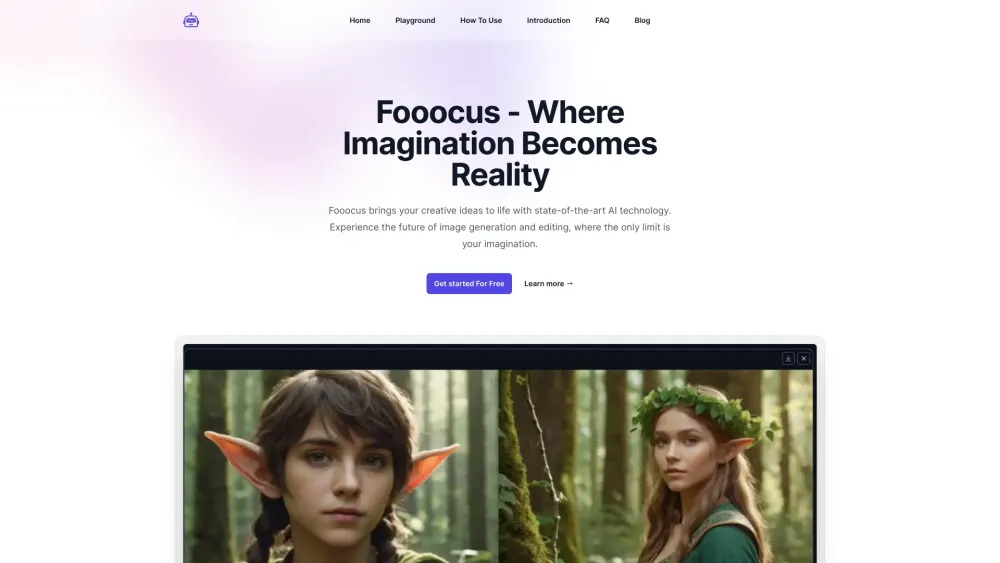
Fooocus brings your creative ideas to life with state-of-the-art AI technology.
Step 1 - Choose Your Prompt Start by selecting or crafting a detailed prompt that captures your creative vision for the image you want to generate. Step 2 - Customize Settings Adjust Fooocus's advanced settings to fine-tune the AI's focus, style, and output quality according to your needs. Experiment with different model presets for varied artistic or realistic outputs. Step 3 - Generate Your Image Initiate the image generation process and watch as Fooocus transforms your prompt into a visually stunning piece of art. Step 4 - Edit and Refine Use Fooocus's inpainting and editing tools to make adjustments or add final touches to your generated image. Step 5 - Share and Collaborate Easily share your creations with the community or collaborate with others to explore new creative horizons.
#1 Create stunning digital art #2 Enhance photographs with realistic effects #3 Generate personalized avatars
Advanced Inpainting Seamless Image Prompts Multi-Prompt Support Diverse Model Compatibility Customizable Aspect Ratios Advanced Style Control Prompt Reweighting High-Quality Face Swapping Efficient Performance on Varied Hardware
What sets Fooocus apart in terms of inpainting capabilities? How does the multi-prompt support enhance image generation? Can I customize the style and appearance of generated images? What is prompt reweighting and how does it work? Is Fooocus optimized for different hardware configurations? Does Fooocus support face swapping, and how accurate is it? How does Fooocus ensure the quality of generated images? Can I specify the aspect ratio for my generated images? Is there a community or platform for Fooocus users to share and collaborate?
Tools in the same categories, ranked by shared categories and then total views. Compare their features to find a suitable alternative.
Community platform for sharing MidJourney prompts and SREF codes.
AI web helper for streamlined information gathering and study efficiency.
Largest collection of Midjourney style reference codes.
AI image generator for creating high-quality images from text.
AI art prompt generator for images and videos.
AI image generator with DALL·E 3 model
More tools to explore, ranked by total views on ToolsBot. Newer listings come first when view counts are equal.
Record your screen in the browser, cut video by editing the transcript, and share a link viewers can open without an account. Turn recording
Linger is a local-first Mac app for collecting and comparing design references. Save images with their source links and notes, find referenc
Convert photos, scans and screenshots into editable text without uploading your images or signing up.
Upload a photo, poster or sign, type what the words should say, and get the same image back with the new text matched to the original font s
Press Start and talk: each sentence lands in your document about a second after you say it, with punctuation, in English, Chinese or both mi
FindLeadEmails finds work emails from a person's name and a company domain. It checks each address against the mail server before returning
Product reference: Fooocus — Product website.
Check the product website for current capabilities, pricing and policies before adopting this tool.
ToolsBot provides directory information for discovery and comparison. A listing is not an endorsement or a guarantee of product claims.