AI Translate Manga
Translate Japanese manga pages into English or Simplified Chinese inside the artwork. Upload PNG, JPG or PDF pages, or use the Chrome extens
YouTube dubbing extension that lets you hear foreign-language videos in your own language as they play.
公開・管理: ToolsBot 編集チーム
| 製品サイト | EarDub |
|---|---|
| カテゴリー | |
| ToolsBot 掲載日 | |
| 掲載情報の更新日 |
日付は ToolsBot の掲載記録を示し、製品の公開日や新たな独立評価の実施日ではありません。
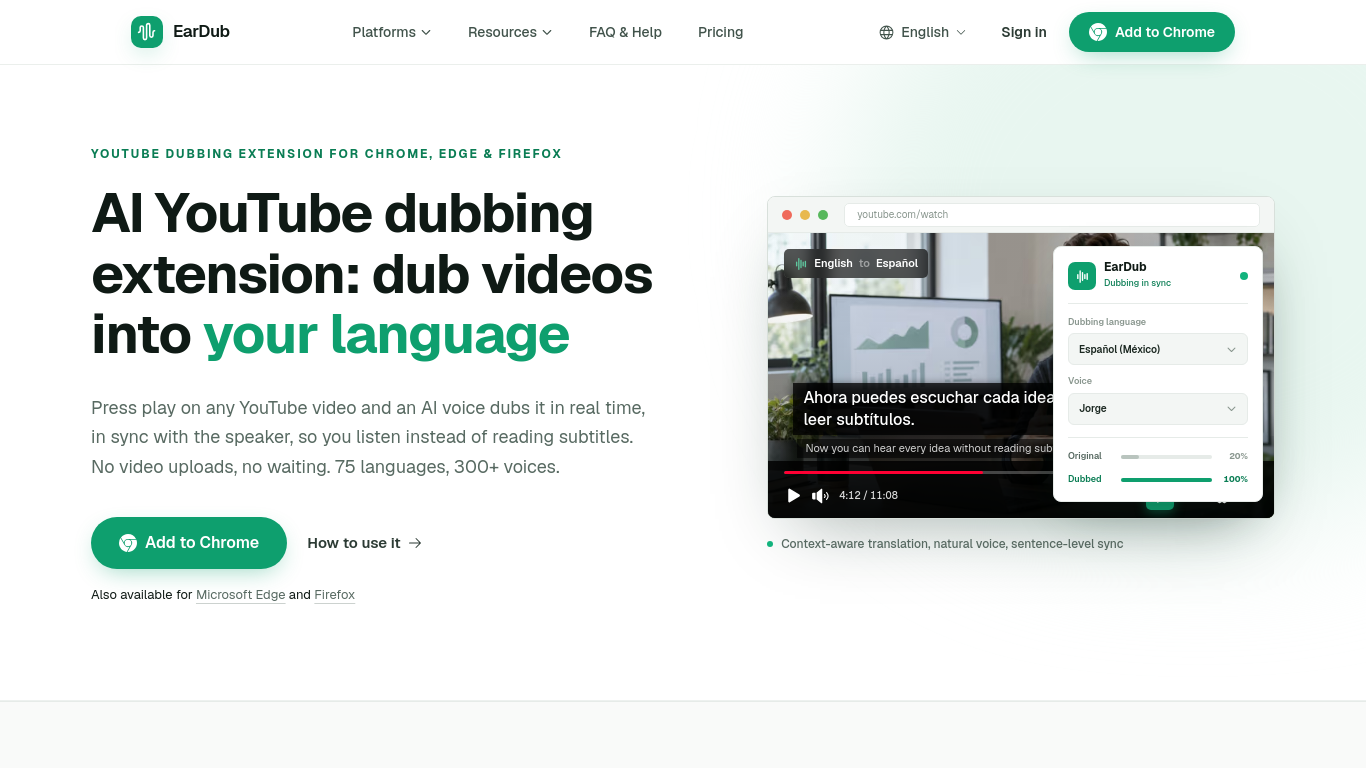
EarDub adds a button to the video player. Click it and an AI voice speaks the video in your language during playback, keeping pace with the speaker. Nothing is uploaded and there is no render to wait for. It is built for viewers rather than creators, and it also works on Udemy, Coursera and other video sites. A free plan is available. It is not designed for live streams.
Install the extension, sign in, choose a language, and start dubbing from the extension panel. It translates captions or, on paid plans, recognizes speech in videos without captions.
Listen to translated YouTube videos, online courses, tutorials, podcasts and interviews.
Real-time AI dubbing timed to the speaker; whole-sentence translation that keeps names and terms consistent; 75+ languages and 300+ AI voices; bilingual subtitles; separate volume for the original audio.
Q: Does EarDub work on videos without captions? A: Yes, on paid plans, except for live streams and copy-protected video.
同じカテゴリのツールを、共通カテゴリ数、累計閲覧数の順に表示します。機能を比較して適切な代替ツールを探しましょう。
Translate Japanese manga pages into English or Simplified Chinese inside the artwork. Upload PNG, JPG or PDF pages, or use the Chrome extens
AI tool for generating SEO-friendly alt text for images.
AI dual editor for writing, coding, and translations.
AI-powered transcription service for audio and video files.
Create custom translators for fun and professional styles.
AI assistant for Android streamlining tasks and productivity.
ToolsBot の累計閲覧数順で表示するその他のツールです。同数の場合は新しく掲載されたツールを優先します。
AI landscape design concepts from your yard photo.
Screen recordings that become instant shareable links.
Resize and convert images to exact print dimensions.
Star in the Bulin 47 freestyle trend from one photo. Makes a short 9:16 trend video for TikTok, Reels and Shorts creators.
Uptown Funk AI Video puts you and your friends into the viral AI CEO dance. Upload one lead photo plus up to four crew photos and get a 15-s
Ozil Goal AI recreates Mesut Özil's viral 2016 Ludogorets goal with you on the ball. Upload one photo and get a 14-second vertical video wit
製品の参照先: EarDub — 製品サイト.
導入前に製品サイトで最新の機能、料金、ポリシーを確認してください。
ToolsBot は製品の発見と比較のための情報を提供します。掲載は推奨や製品の主張の保証を意味しません。