AI Translate Manga
Translate Japanese manga pages into English or Simplified Chinese inside the artwork. Upload PNG, JPG or PDF pages, or use the Chrome extens
YouTube dubbing extension that lets you hear foreign-language videos in your own language as they play.
Published and maintained by ToolsBot Editorial Team
| Product website | EarDub |
|---|---|
| Category | |
| Listed on ToolsBot | |
| Listing record updated |
Dates refer to this ToolsBot listing, not the product’s launch date or a new independent review.
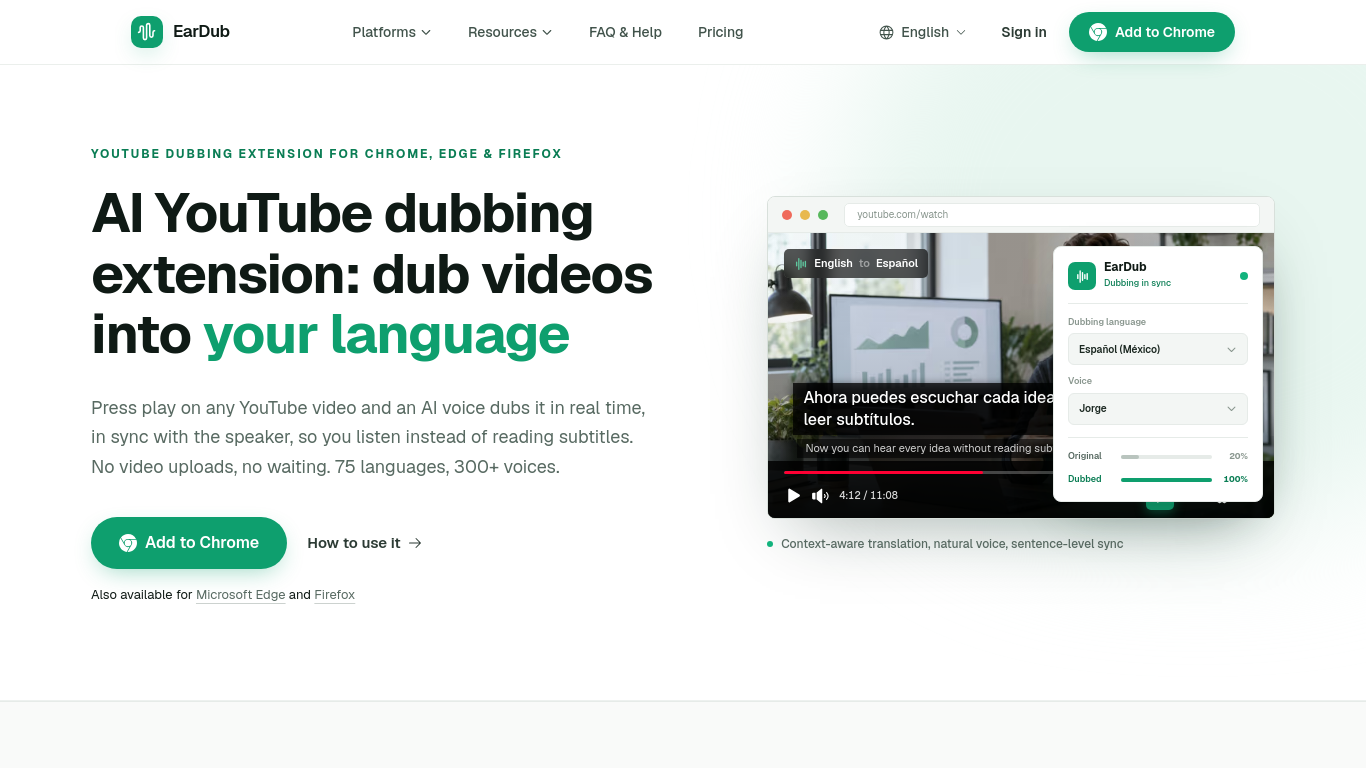
EarDub adds a button to the video player. Click it and an AI voice speaks the video in your language during playback, keeping pace with the speaker. Nothing is uploaded and there is no render to wait for. It is built for viewers rather than creators, and it also works on Udemy, Coursera and other video sites. A free plan is available. It is not designed for live streams.
Install the extension, sign in, choose a language, and start dubbing from the extension panel. It translates captions or, on paid plans, recognizes speech in videos without captions.
Listen to translated YouTube videos, online courses, tutorials, podcasts and interviews.
Real-time AI dubbing timed to the speaker; whole-sentence translation that keeps names and terms consistent; 75+ languages and 300+ AI voices; bilingual subtitles; separate volume for the original audio.
Q: Does EarDub work on videos without captions? A: Yes, on paid plans, except for live streams and copy-protected video.
Tools in the same categories, ranked by shared categories and then total views. Compare their features to find a suitable alternative.
Translate Japanese manga pages into English or Simplified Chinese inside the artwork. Upload PNG, JPG or PDF pages, or use the Chrome extens
AI tool for generating SEO-friendly alt text for images.
AI dual editor for writing, coding, and translations.
AI-powered transcription service for audio and video files.
Create custom translators for fun and professional styles.
AI assistant for Android streamlining tasks and productivity.
More tools to explore, ranked by total views on ToolsBot. Newer listings come first when view counts are equal.
AI landscape design concepts from your yard photo.
Screen recordings that become instant shareable links.
Resize and convert images to exact print dimensions.
Star in the Bulin 47 freestyle trend from one photo. Makes a short 9:16 trend video for TikTok, Reels and Shorts creators.
Uptown Funk AI Video puts you and your friends into the viral AI CEO dance. Upload one lead photo plus up to four crew photos and get a 15-s
Ozil Goal AI recreates Mesut Özil's viral 2016 Ludogorets goal with you on the ball. Upload one photo and get a 14-second vertical video wit
Product reference: EarDub — Product website.
Check the product website for current capabilities, pricing and policies before adopting this tool.
ToolsBot provides directory information for discovery and comparison. A listing is not an endorsement or a guarantee of product claims.