One-line prompt to narrated explainer MP4
Data-story, whiteboard and keynote looks; AI writes the script, narrates, draws and scores a 15-60 second film with SRT subtitles.
Plan short videos with editable scene timings and notes, then export a text brief without signing in. The separate text-to-video and image-to-video renderer requires an invited account, a configured provider and paid credits.
公開・管理: ToolsBot 編集チーム
| 製品サイト | every gen ai |
|---|---|
| カテゴリー | |
| ToolsBot 掲載日 | |
| 掲載情報の更新日 |
日付は ToolsBot の掲載記録を示し、製品の公開日や新たな独立評価の実施日ではありません。
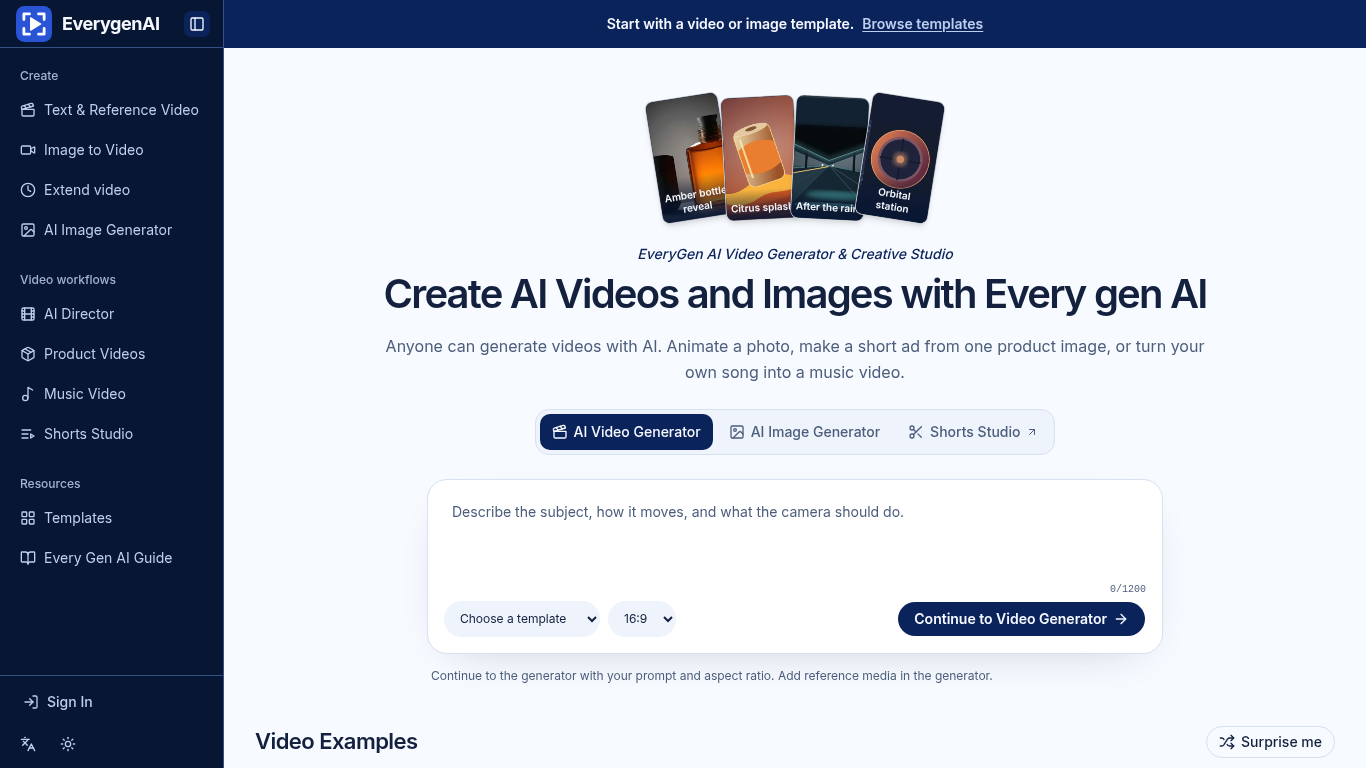
EverygenAI is a creative studio for generating images and videos from prompts, photos, and songs.
Start with text, a photo, or a template, then specify motion, framing, and aspect ratio before generating a clip or exporting a plan.
Create a product reveal from a photo or plan a vertical short for social media.
Text-to-video, image-to-video, image generation and editing, video templates, Shorts Studio, and music video creation.
Q: What does Shorts Studio export? A: A 9:16 storyboard or shot list.
同じカテゴリのツールを、共通カテゴリ数、累計閲覧数の順に表示します。機能を比較して適切な代替ツールを探しましょう。
Data-story, whiteboard and keynote looks; AI writes the script, narrates, draws and scores a 15-60 second film with SRT subtitles.
AI video generator that turns your photos into a desk-concert session. Upload portraits locally, choose the lead and optional bandmates, and
AI video generator powered by VEO3, Nano Banana Pro and Sora2: text-to-video, image-to-video, and viral templates for social content.
Framov turns images or keyframes into short clips. Editors can set the first and last frames to guide a transition, or extract a still from
Vidionは、テキストプロンプトから短い動画のたたき台を作成したり、元画像を動かしたりするための独立したウェブアプリです。OpenAIや公式のSora製品
MiniMax H3 AI Video Generatorは、短い説明文、静止画像、参照メディアから短い動画を作成するためのウェブワークスペースです。ショットを調整し、
ToolsBot の累計閲覧数順で表示するその他のツールです。同数の場合は新しく掲載されたツールを優先します。
An online audio-to-text converter for MP3, M4A, WAV, MP4 and other media files.
Talk in any order, or upload a voice memo, and get clean notes with headings, bullet points and a to-do list - or an email, journal entry, l
SMS-first dispatch software for field-service shops running 2–10 trucks. Techs never install an app — they reply to a text. Flat pricing fro
Free AI coloring page generator that turns text or photos into printable coloring pages, and photos into cartoon portraits.
AI character chat and interactive storytelling. Create custom fictional characters and explore text-based roleplay.
Animate Photo Online – Bring Portraits and Memories to Life
製品の参照先: every gen ai — 製品サイト.
導入前に製品サイトで最新の機能、料金、ポリシーを確認してください。
ToolsBot は製品の発見と比較のための情報を提供します。掲載は推奨や製品の主張の保証を意味しません。