One-line prompt to narrated explainer MP4
Data-story, whiteboard and keynote looks; AI writes the script, narrates, draws and scores a 15-60 second film with SRT subtitles.
Plan short videos with editable scene timings and notes, then export a text brief without signing in. The separate text-to-video and image-to-video renderer requires an invited account, a configured provider and paid credits.
Published and maintained by ToolsBot Editorial Team
| Product website | every gen ai |
|---|---|
| Category | |
| Listed on ToolsBot | |
| Listing record updated |
Dates refer to this ToolsBot listing, not the product’s launch date or a new independent review.
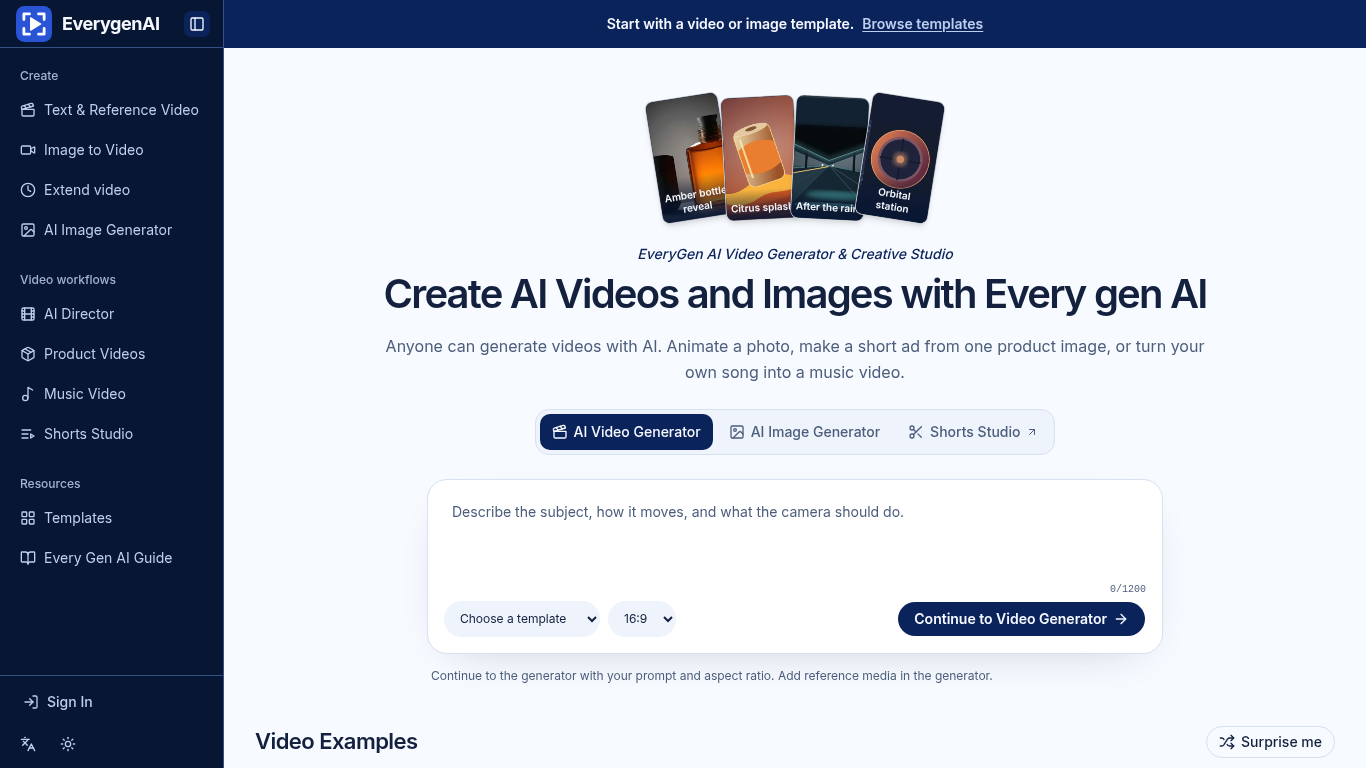
EverygenAI is a creative studio for generating images and videos from prompts, photos, and songs.
Start with text, a photo, or a template, then specify motion, framing, and aspect ratio before generating a clip or exporting a plan.
Create a product reveal from a photo or plan a vertical short for social media.
Text-to-video, image-to-video, image generation and editing, video templates, Shorts Studio, and music video creation.
Q: What does Shorts Studio export? A: A 9:16 storyboard or shot list.
Tools in the same categories, ranked by shared categories and then total views. Compare their features to find a suitable alternative.
Data-story, whiteboard and keynote looks; AI writes the script, narrates, draws and scores a 15-60 second film with SRT subtitles.
AI video generator that turns your photos into a desk-concert session. Upload portraits locally, choose the lead and optional bandmates, and
AI video generator powered by VEO3, Nano Banana Pro and Sora2: text-to-video, image-to-video, and viral templates for social content.
Framov turns images or keyframes into short clips. Editors can set the first and last frames to guide a transition, or extract a still from
Vidion is an independent web app for sketching a short video from a text prompt or animating a starting image. It is not affiliated with Ope
MiniMax H3 AI Video Generator is a web workspace for drafting short clips from a brief, still image or reference media. Adjust the shot and
More tools to explore, ranked by total views on ToolsBot. Newer listings come first when view counts are equal.
An online audio-to-text converter for MP3, M4A, WAV, MP4 and other media files.
Talk in any order, or upload a voice memo, and get clean notes with headings, bullet points and a to-do list - or an email, journal entry, l
SMS-first dispatch software for field-service shops running 2–10 trucks. Techs never install an app — they reply to a text. Flat pricing fro
Free AI coloring page generator that turns text or photos into printable coloring pages, and photos into cartoon portraits.
AI character chat and interactive storytelling. Create custom fictional characters and explore text-based roleplay.
Animate Photo Online – Bring Portraits and Memories to Life
Product reference: every gen ai — Product website.
Check the product website for current capabilities, pricing and policies before adopting this tool.
ToolsBot provides directory information for discovery and comparison. A listing is not an endorsement or a guarantee of product claims.