One-line prompt to narrated explainer MP4
データストーリー、ホワイトボード、キーノート風のスタイル。AIが脚本を作成し、ナレーション、作画、音楽を付けて、SRT字幕付きの15~60秒の動画を
Framov turns images or keyframes into short clips. Editors can set the first and last frames to guide a transition, or extract a still from existing footage before creating new motion.
公開・管理: ToolsBot 編集チーム
| 製品サイト | Framov |
|---|---|
| カテゴリー | |
| ToolsBot 掲載日 | |
| 掲載情報の更新日 |
日付は ToolsBot の掲載記録を示し、製品の公開日や新たな独立評価の実施日ではありません。
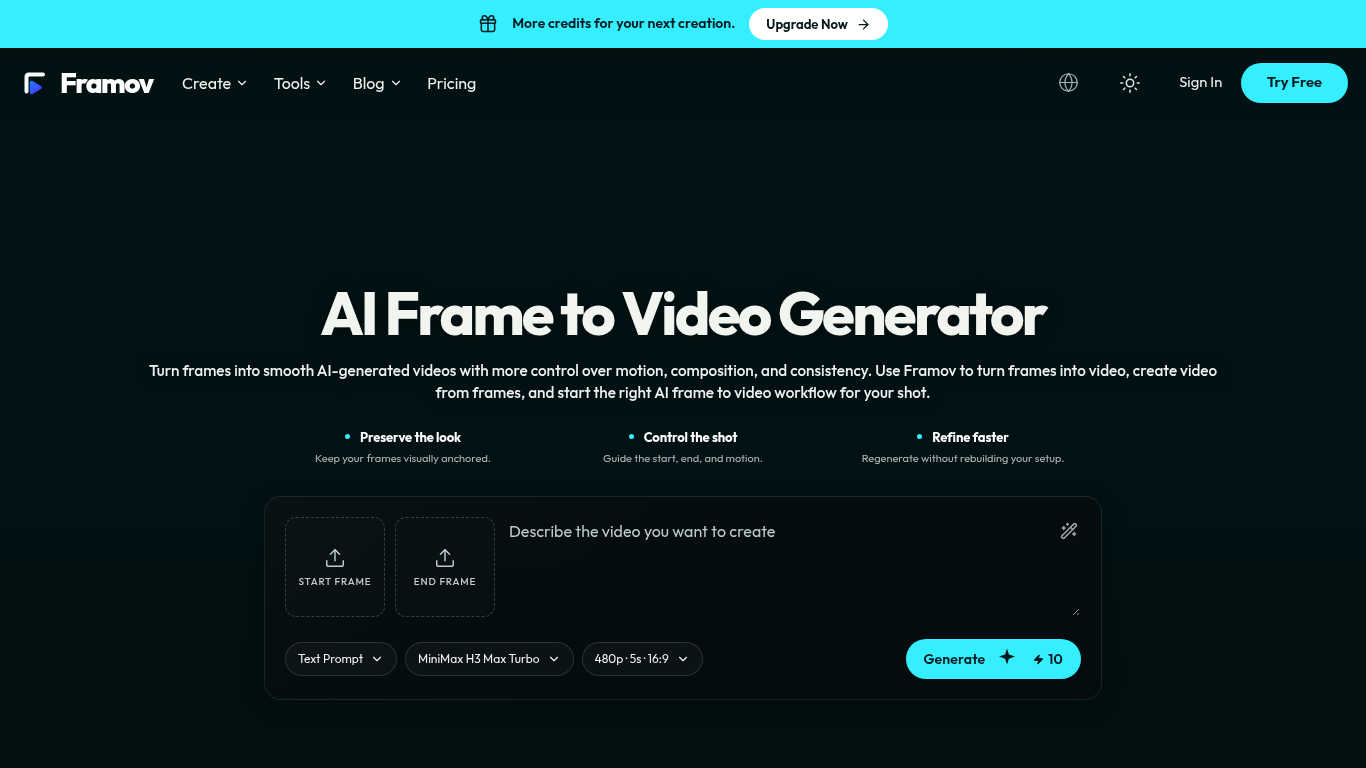
Framov turns images or frames into AI-generated videos.
Choose a workflow, upload one or more frames, describe the desired motion, adjust settings, and generate a clip.
Animate characters and products, create camera movements, and generate transitions between scenes.
Single-image, start-and-end-frame, two-frame, and keyframe workflows; motion prompts; video frame extraction; multiple AI models.
Q: Can I create a video between two frames? A: Yes, when the selected model supports start and end frame control.
同じカテゴリのツールを、共通カテゴリ数、累計閲覧数の順に表示します。機能を比較して適切な代替ツールを探しましょう。
データストーリー、ホワイトボード、キーノート風のスタイル。AIが脚本を作成し、ナレーション、作画、音楽を付けて、SRT字幕付きの15~60秒の動画を
AI video generator that turns your photos into a desk-concert session. Upload portraits locally, choose the lead and optional bandmates, and
AI video generator powered by VEO3, Nano Banana Pro and Sora2: text-to-video, image-to-video, and viral templates for social content.
Plan short videos with editable scene timings and notes, then export a text brief without signing in. The separate text-to-video and image-t
Vidionは、テキストプロンプトから短い動画のたたき台を作成したり、元画像を動かしたりするための独立したウェブアプリです。OpenAIや公式のSora製品
MiniMax H3 AI Video Generatorは、短い説明文、静止画像、参照メディアから短い動画を作成するためのウェブワークスペースです。ショットを調整し、
ToolsBot の累計閲覧数順で表示するその他のツールです。同数の場合は新しく掲載されたツールを優先します。
MP3、M4A、WAV、MP4などのメディアファイルに対応したオンライン音声文字起こしツール。
思いつくままに話すか、音声メモをアップロードするだけで、見出し、箇条書き、ToDoリスト付きの整理されたノートや、自分の言葉によるメール、日記、
2〜10台の作業車を運用するフィールドサービス事業者向けの、SMSを中心とした配車管理ソフトウェアです。技術者はアプリをインストールする必要がなく
テキストや写真から印刷できる塗り絵を作成し、写真をカートゥーン風のポートレートに変換できる無料のAI塗り絵生成ツール。
AIキャラクターとのチャットとインタラクティブなストーリーテリング。オリジナルの架空のキャラクターを作成し、テキストベースのロールプレイを楽し
Animate Photo Online – ポートレートや思い出に命を吹き込む
製品の参照先: Framov — 製品サイト.
導入前に製品サイトで最新の機能、料金、ポリシーを確認してください。
ToolsBot は製品の発見と比較のための情報を提供します。掲載は推奨や製品の主張の保証を意味しません。