Change words in a photo and keep the original font
Rewrite, remove or translate text that is already in a photo while keeping the original font, color and size.
Free in-browser image combiner — merge, crop, resize photos with zero uploads
公開・管理: ToolsBot 編集チーム
| 製品サイト | Pimg.pro |
|---|---|
| カテゴリー | |
| ToolsBot 掲載日 | |
| 掲載情報の更新日 |
日付は ToolsBot の掲載記録を示し、製品の公開日や新たな独立評価の実施日ではありません。
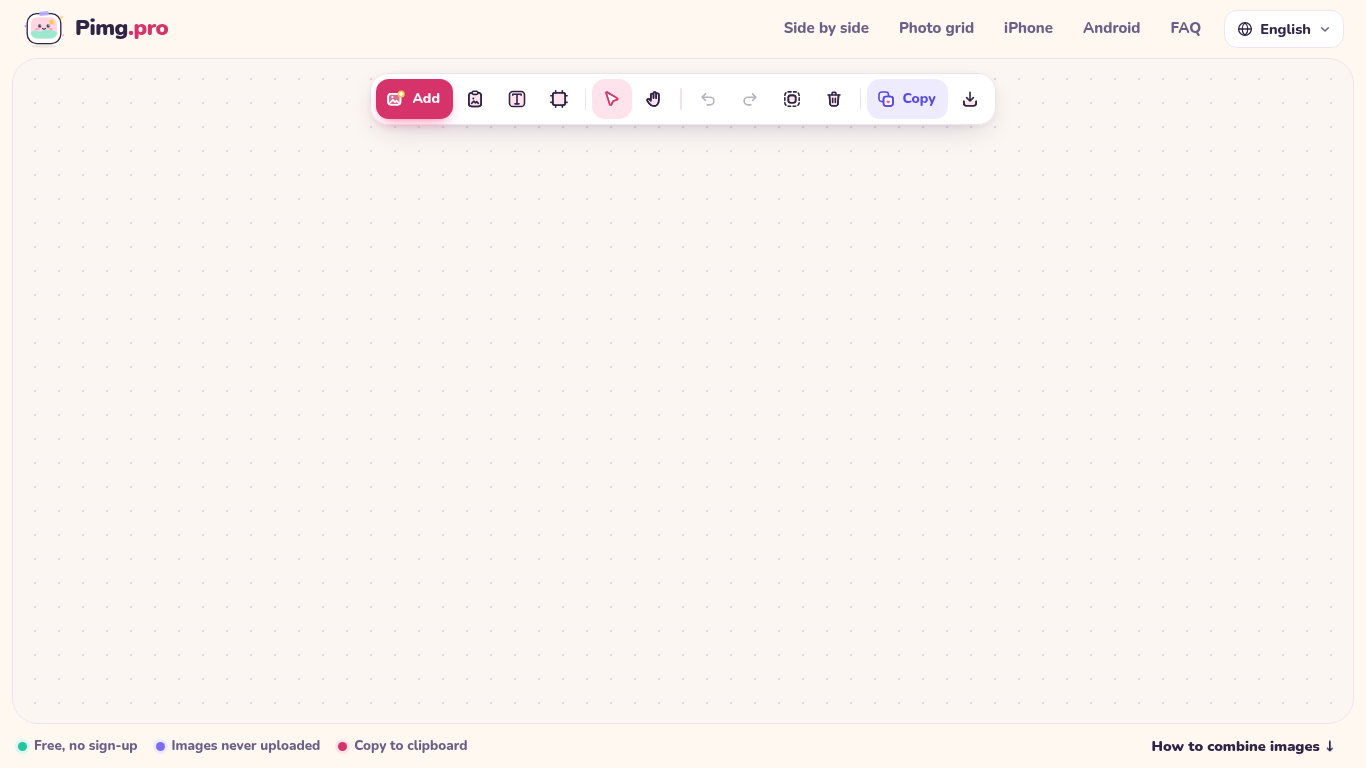
Pimg.pro is a free, browser-local canvas for combining, cropping, and resizing images. Drop or paste photos to place them side by side, stack vertically, build 2x2/3x3 grids, or arrange freely on an infinite canvas, then copy to clipboard or export PNG/JPG/WebP. Images are processed on your device and never uploaded.
Add images by uploading, dragging, or pasting them. Arrange and edit them on the canvas, then copy or download the result.
Create photo comparisons, stitch screenshots, build product grids or prepare images for social media.
Side-by-side photo combiner, vertical stacker, 2x2 and 3x3 photo grid maker, free-form canvas, crop and resize, export PNG/JPG/WebP or copy to clipboard locally with zero uploads
Q: Are images uploaded? A: No. Images are processed locally on the device. Q: Is an account required? A: No. Q: Is the tool free? A: Yes, with no watermark or daily limit.
同じカテゴリのツールを、共通カテゴリ数、累計閲覧数の順に表示します。機能を比較して適切な代替ツールを探しましょう。
Rewrite, remove or translate text that is already in a photo while keeping the original font, color and size.
Pixvael converts any image into a 128×128 Minecraft Java map art build. Crop, edit blocks one by one, and get exact material counts. Exports
無料のオンライン総集編動画メーカー。写真を追加し、テンプレートを選んで、ビートに同期したMP4をダウンロードできます。アプリや登録は不要。写真
Telegram内で写真をアニメ、水彩画、3Dアバターなどのクリエイティブなスタイルに変換できます。パーソナライズされた写真グリーティングカードも作成
Image Text Eraserは、写真やスクリーンショットから見えている文字を削除し、背景を再構築します。対象となる認証済みアカウントには30トライアルク
RemoveTextは写真から目に見える文字を消去し、文字で隠れていた背景を再構築します。JPG、PNG、WebP形式の画像を一度に最大10枚アップロードできます
ToolsBot の累計閲覧数順で表示するその他のツールです。同数の場合は新しく掲載されたツールを優先します。
MP3、M4A、WAV、MP4などのメディアファイルに対応したオンライン音声文字起こしツール。
データストーリー、ホワイトボード、キーノート風のスタイル。AIが脚本を作成し、ナレーション、作画、音楽を付けて、SRT字幕付きの15~60秒の動画を
思いつくままに話すか、音声メモをアップロードするだけで、見出し、箇条書き、ToDoリスト付きの整理されたノートや、自分の言葉によるメール、日記、
2〜10台の作業車を運用するフィールドサービス事業者向けの、SMSを中心とした配車管理ソフトウェアです。技術者はアプリをインストールする必要がなく
テキストや写真から印刷できる塗り絵を作成し、写真をカートゥーン風のポートレートに変換できる無料のAI塗り絵生成ツール。
AIキャラクターとのチャットとインタラクティブなストーリーテリング。オリジナルの架空のキャラクターを作成し、テキストベースのロールプレイを楽し
製品の参照先: Pimg.pro — 製品サイト.
導入前に製品サイトで最新の機能、料金、ポリシーを確認してください。
ToolsBot は製品の発見と比較のための情報を提供します。掲載は推奨や製品の主張の保証を意味しません。