Change words in a photo and keep the original font
Rewrite, remove or translate text that is already in a photo while keeping the original font, color and size.
Free in-browser image combiner — merge, crop, resize photos with zero uploads
Published and maintained by ToolsBot Editorial Team
| Product website | Pimg.pro |
|---|---|
| Category | |
| Listed on ToolsBot | |
| Listing record updated |
Dates refer to this ToolsBot listing, not the product’s launch date or a new independent review.
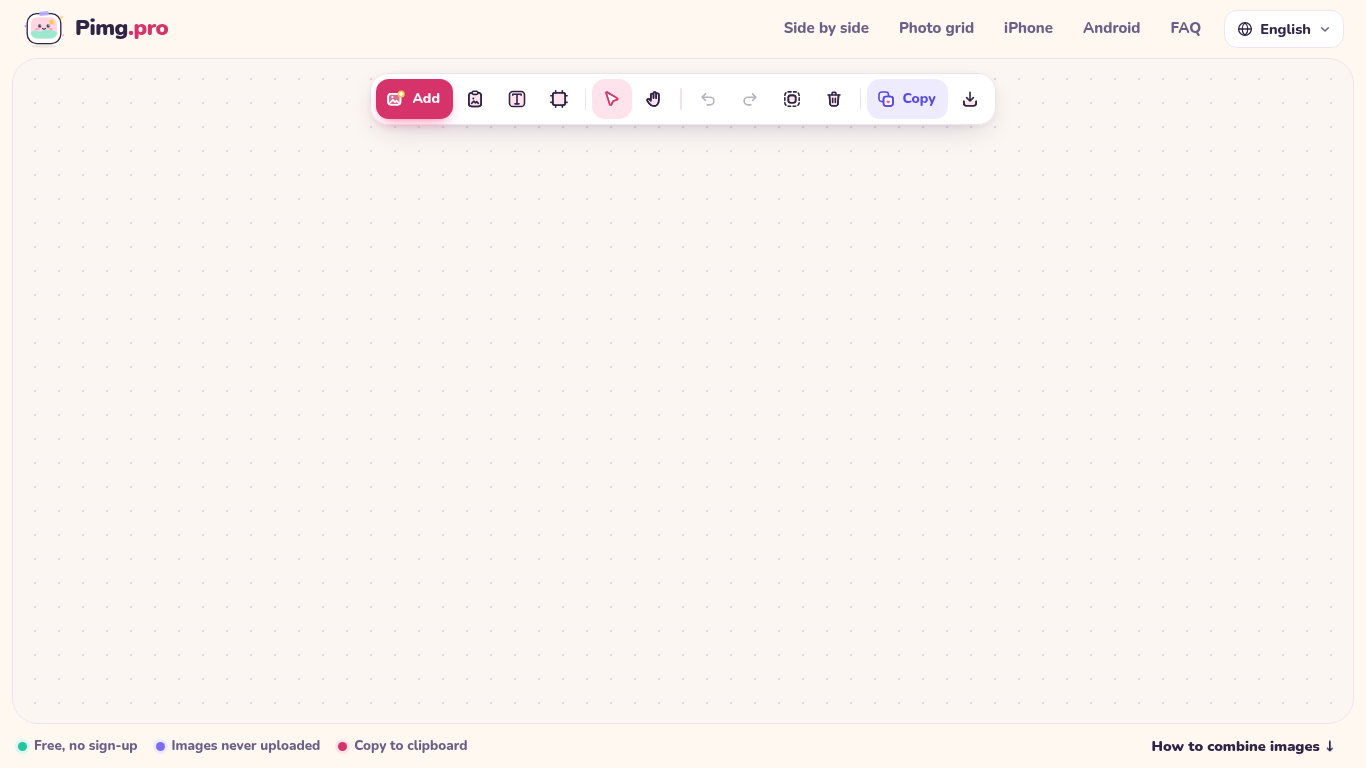
Pimg.pro is a free, browser-local canvas for combining, cropping, and resizing images. Drop or paste photos to place them side by side, stack vertically, build 2x2/3x3 grids, or arrange freely on an infinite canvas, then copy to clipboard or export PNG/JPG/WebP. Images are processed on your device and never uploaded.
Add images by uploading, dragging, or pasting them. Arrange and edit them on the canvas, then copy or download the result.
Create photo comparisons, stitch screenshots, build product grids or prepare images for social media.
Side-by-side photo combiner, vertical stacker, 2x2 and 3x3 photo grid maker, free-form canvas, crop and resize, export PNG/JPG/WebP or copy to clipboard locally with zero uploads
Q: Are images uploaded? A: No. Images are processed locally on the device. Q: Is an account required? A: No. Q: Is the tool free? A: Yes, with no watermark or daily limit.
Tools in the same categories, ranked by shared categories and then total views. Compare their features to find a suitable alternative.
Rewrite, remove or translate text that is already in a photo while keeping the original font, color and size.
Pixvael converts any image into a 128×128 Minecraft Java map art build. Crop, edit blocks one by one, and get exact material counts. Exports
Free online recap video maker: add your photos, pick a template, download a beat-synced MP4. No app, no sign-up. Photos deleted after your v
Transform photos into anime, watercolor, 3D avatars and other creative styles inside Telegram. Make personalized photo greeting cards. New a
Image Text Eraser removes visible text from photos and screenshots and rebuilds the background. Eligible verified accounts receive 30 trial
RemoveText erases visible words from photos and rebuilds the covered background. Upload JPG, PNG or WebP, up to 10 images at once. A new acc
More tools to explore, ranked by total views on ToolsBot. Newer listings come first when view counts are equal.
An online audio-to-text converter for MP3, M4A, WAV, MP4 and other media files.
Data-story, whiteboard and keynote looks; AI writes the script, narrates, draws and scores a 15-60 second film with SRT subtitles.
Talk in any order, or upload a voice memo, and get clean notes with headings, bullet points and a to-do list - or an email, journal entry, l
SMS-first dispatch software for field-service shops running 2–10 trucks. Techs never install an app — they reply to a text. Flat pricing fro
Free AI coloring page generator that turns text or photos into printable coloring pages, and photos into cartoon portraits.
AI character chat and interactive storytelling. Create custom fictional characters and explore text-based roleplay.
Product reference: Pimg.pro — Product website.
Check the product website for current capabilities, pricing and policies before adopting this tool.
ToolsBot provides directory information for discovery and comparison. A listing is not an endorsement or a guarantee of product claims.