Change words in a photo and keep the original font
Text, der sich bereits auf einem Foto befindet, umschreiben, entfernen oder übersetzen und dabei die ursprüngliche Schriftart, Farbe und Grö
Free in-browser image combiner — merge, crop, resize photos with zero uploads
Veröffentlicht und gepflegt von ToolsBot-Redaktion
| Produktwebsite | Pimg.pro |
|---|---|
| Kategorie | |
| Auf ToolsBot gelistet | |
| Eintrag aktualisiert |
Die Daten beziehen sich auf den ToolsBot-Eintrag, nicht auf den Produktstart oder eine neue unabhängige Prüfung.
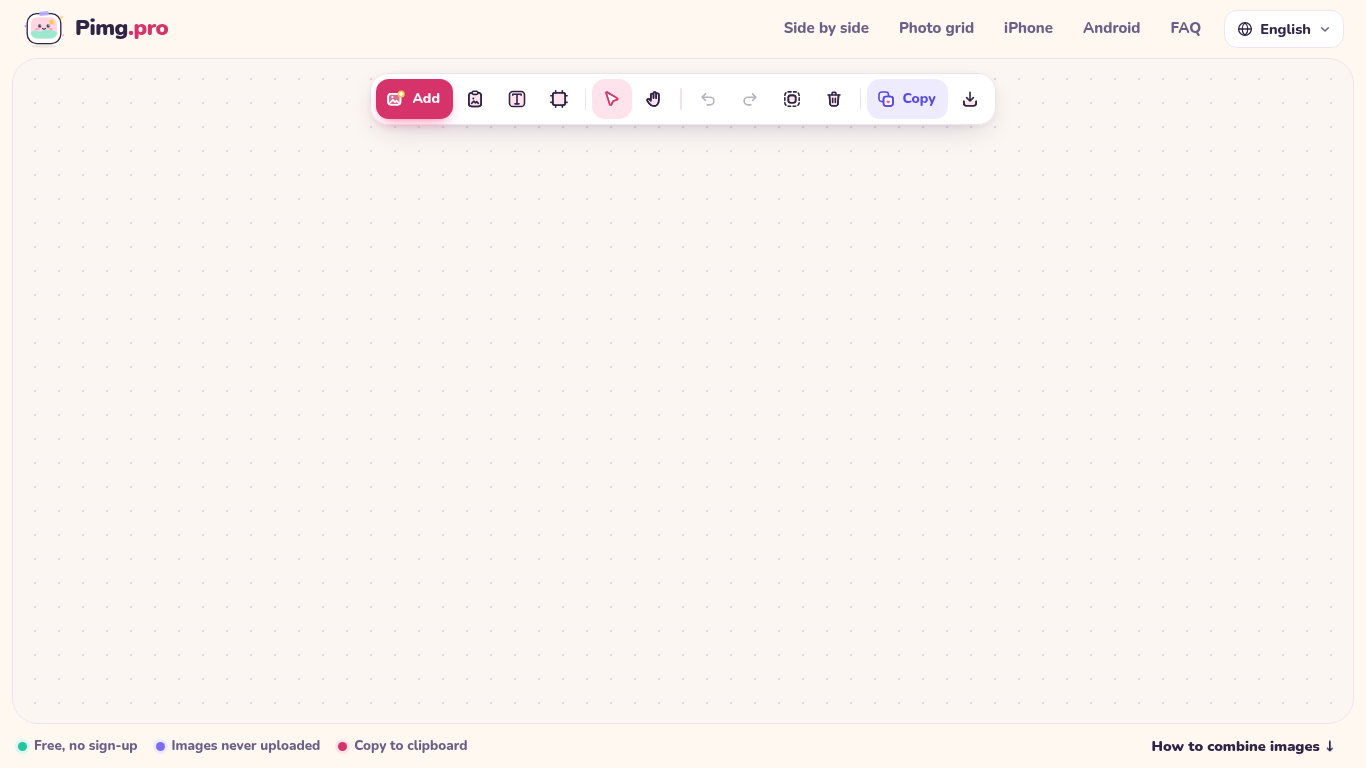
Pimg.pro is a free, browser-local canvas for combining, cropping, and resizing images. Drop or paste photos to place them side by side, stack vertically, build 2x2/3x3 grids, or arrange freely on an infinite canvas, then copy to clipboard or export PNG/JPG/WebP. Images are processed on your device and never uploaded.
Add images by uploading, dragging, or pasting them. Arrange and edit them on the canvas, then copy or download the result.
Create photo comparisons, stitch screenshots, build product grids or prepare images for social media.
Side-by-side photo combiner, vertical stacker, 2x2 and 3x3 photo grid maker, free-form canvas, crop and resize, export PNG/JPG/WebP or copy to clipboard locally with zero uploads
Q: Are images uploaded? A: No. Images are processed locally on the device. Q: Is an account required? A: No. Q: Is the tool free? A: Yes, with no watermark or daily limit.
Tools aus denselben Kategorien, sortiert nach gemeinsamen Kategorien und dann nach Gesamtaufrufen. Vergleiche die Funktionen, um eine passende Alternative zu finden.
Text, der sich bereits auf einem Foto befindet, umschreiben, entfernen oder übersetzen und dabei die ursprüngliche Schriftart, Farbe und Grö
Pixvael converts any image into a 128×128 Minecraft Java map art build. Crop, edit blocks one by one, and get exact material counts. Exports
Kostenloser Online-Editor für Rückblickvideos: Fotos hinzufügen, Vorlage auswählen und ein auf den Beat abgestimmtes MP4 herunterladen. Kein
Verwandle Fotos direkt in Telegram in Anime, Aquarelle, 3D-Avatare und andere kreative Stile. Erstelle personalisierte Foto-Grußkarten. Neue
Image Text Eraser entfernt sichtbaren Text aus Fotos und Screenshots und rekonstruiert den Hintergrund. Berechtigte verifizierte Konten erha
RemoveText entfernt sichtbare Schrift aus Fotos und stellt den verdeckten Hintergrund wieder her. Laden Sie bis zu 10 Bilder gleichzeitig im
Weitere Tools nach Gesamtaufrufen auf ToolsBot. Bei gleicher Aufrufzahl erscheinen neuere Einträge zuerst.
Ein Online-Konverter für die Umwandlung von Audio in Text für MP3, M4A, WAV, MP4 und andere Mediendateien.
Data-Story-, Whiteboard- und Keynote-Looks; die KI schreibt das Skript, spricht den Kommentar, zeichnet und vertont einen 15-60 Sekunden lan
Sprich in beliebiger Reihenfolge oder lade eine Sprachnotiz hoch und erhalte übersichtliche Notizen mit Überschriften, Aufzählungspunkten un
SMS-basierte Einsatzplanung für Außendienstbetriebe mit 2–10 Einsatzfahrzeugen. Techniker müssen keine App installieren – sie antworten auf
Kostenloser KI-Ausmalbildgenerator, der Texte oder Fotos in ausdruckbare Ausmalbilder und Fotos in Cartoon-Porträts verwandelt.
KI-Charakter-Chat und interaktives Geschichtenerzählen. Erstelle eigene fiktive Charaktere und entdecke textbasiertes Rollenspiel.
Produktreferenz: Pimg.pro — Produktwebsite.
Prüfe aktuelle Funktionen, Preise und Richtlinien auf der Produktwebsite, bevor du das Tool einsetzt.
ToolsBot hilft bei der Suche und beim Vergleich. Ein Eintrag ist keine Empfehlung oder Garantie für Produktangaben.