Pimg.pro
Free in-browser image combiner — merge, crop, resize photos with zero uploads
Rewrite, remove or translate text that is already in a photo while keeping the original font, color and size.
Published and maintained by ToolsBot Editorial Team
| Product website | Change words in a photo and keep the original font |
|---|---|
| Category | |
| Listed on ToolsBot | |
| Listing record updated |
Dates refer to this ToolsBot listing, not the product’s launch date or a new independent review.
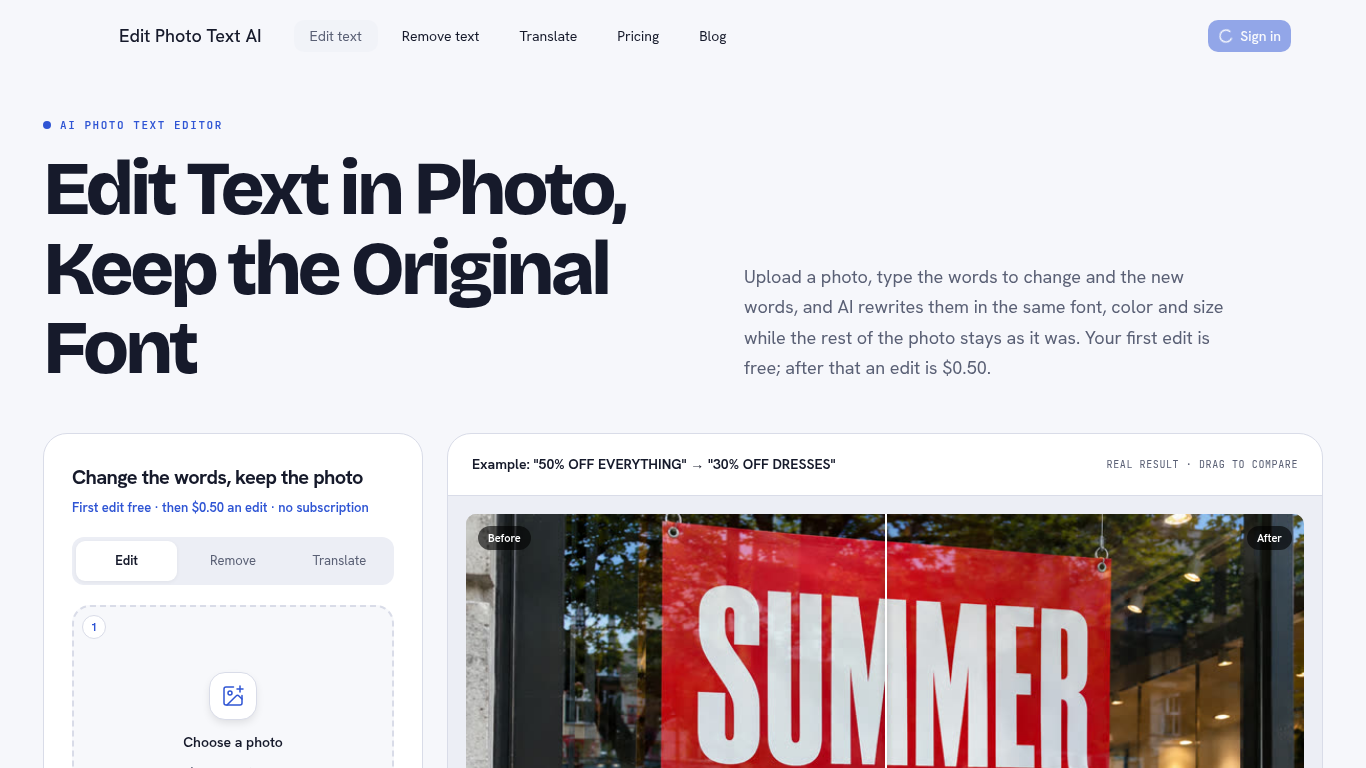
Edit Photo Text AI edits text inside existing images: select a line in a poster, menu, screenshot or product photo, type the new words, and the result matches the original lettering. It can also erase text and rebuild the background, or translate the text in place into 20 languages. The first edit is free, then $0.50 per edit.
Upload a JPG, PNG or WebP image, enter the existing and replacement text, then compare and download the result. Sign-in is required to edit.
Update prices or dates, correct typos, create mock-ups, revise memes, remove captions or translate labels and menus.
Font-matched text replacement; text removal with background fill; in-place translation into 20 languages; no subscription.
Q: Does it keep the original font? A: It attempts to match the font, color, size and other visual qualities, but results may vary. Q: Is it free? A: The first edit is free; later edits cost $0.50 each. Q: Are photos used to train AI models? A: The site says they are not.
Tools in the same categories, ranked by shared categories and then total views. Compare their features to find a suitable alternative.
Free in-browser image combiner — merge, crop, resize photos with zero uploads
Pixvael converts any image into a 128×128 Minecraft Java map art build. Crop, edit blocks one by one, and get exact material counts. Exports
Free online recap video maker: add your photos, pick a template, download a beat-synced MP4. No app, no sign-up. Photos deleted after your v
Transform photos into anime, watercolor, 3D avatars and other creative styles inside Telegram. Make personalized photo greeting cards. New a
Image Text Eraser removes visible text from photos and screenshots and rebuilds the background. Eligible verified accounts receive 30 trial
RemoveText erases visible words from photos and rebuilds the covered background. Upload JPG, PNG or WebP, up to 10 images at once. A new acc
More tools to explore, ranked by total views on ToolsBot. Newer listings come first when view counts are equal.
An online audio-to-text converter for MP3, M4A, WAV, MP4 and other media files.
Data-story, whiteboard and keynote looks; AI writes the script, narrates, draws and scores a 15-60 second film with SRT subtitles.
Talk in any order, or upload a voice memo, and get clean notes with headings, bullet points and a to-do list - or an email, journal entry, l
SMS-first dispatch software for field-service shops running 2–10 trucks. Techs never install an app — they reply to a text. Flat pricing fro
Free AI coloring page generator that turns text or photos into printable coloring pages, and photos into cartoon portraits.
AI character chat and interactive storytelling. Create custom fictional characters and explore text-based roleplay.
Product reference: Change words in a photo and keep the original font — Product website.
Check the product website for current capabilities, pricing and policies before adopting this tool.
ToolsBot provides directory information for discovery and comparison. A listing is not an endorsement or a guarantee of product claims.