Intellisay
Create an optimal daily plan using your voice. Intellisay uses AI to help you plan and accomplish your day efficiently by speaking for 2 min
Voice Control for the Browser
Published and maintained by ToolsBot Editorial Team
| Product website | LipSurf |
|---|---|
| Category |
Dates refer to this ToolsBot listing, not the product’s launch date or a new independent review.
Voice Control for the Browser
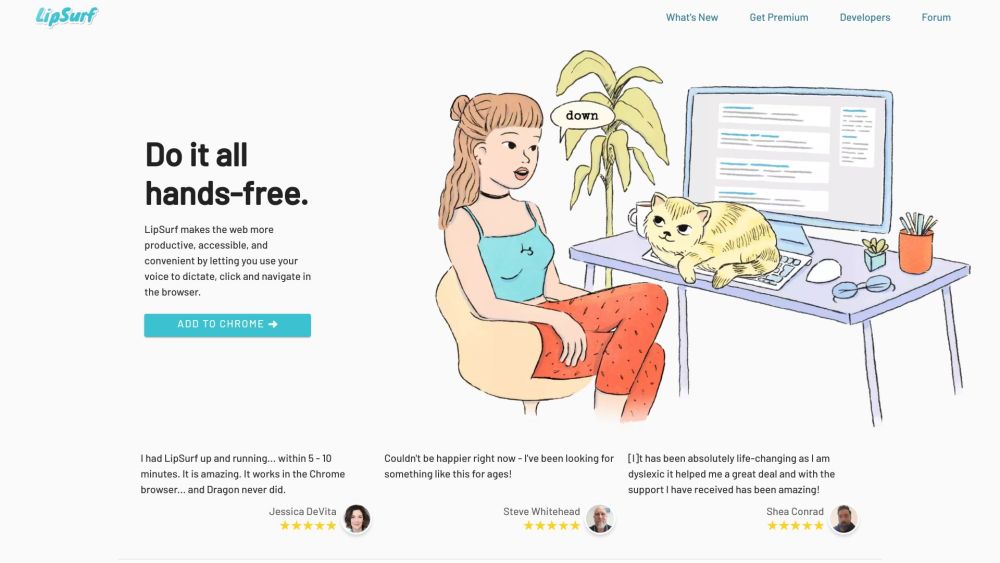
Do it all hands-free. LipSurf makes the web more productive, accessible, and convenient by letting you use your voice to dictate, click, and navigate in the browser.
#1 People with motor issues (Parkinson's, arthritis, RSI, etc.) #2 Productivity nerds #3 Computer professionals #4 Neurodiverse individuals (Dyslexia, ADHD)
Dictate and navigate in the browser Spend less time typing with speech-to-text Navigate the web hands-free Personalize voice shortcuts Prevent RSI/Carpal Tunnel Syndrome Multi-task while working No tracking, no ads, no selling your data Open-source plugins Works with existing computer hardware and microphone
Does LipSurf work with my browser? Do I need special hardware to use LipSurf? Is my data safe with LipSurf? Can I customize LipSurf to understand workplace jargon? Does LipSurf prevent RSI and Carpal Tunnel Syndrome?
Tools in the same categories, ranked by shared categories and then total views. Compare their features to find a suitable alternative.
Create an optimal daily plan using your voice. Intellisay uses AI to help you plan and accomplish your day efficiently by speaking for 2 min
Effortless meal tracking via WhatsApp chats. Simply talk about your meals and get instant dietary insights. Stay healthy, effortlessly!
Echonotes is a tool that turns your voice into written notes. Speak, and it writes for you, turning conversations, interviews, or any spoken
OutSKill is a desktop AI voice assistant designed for ultimate productivity and gaming domination. It helps users effortlessly perform multi
Speak with confidence and clarity and improve your communication skills in real-time.
Freed acts as a medical scribe, transcribing the patient visit and summarizing medically relevant information into the right format.
More tools to explore, ranked by total views on ToolsBot. Newer listings come first when view counts are equal.
Free online recap video maker: add your photos, pick a template, download a beat-synced MP4. No app, no sign-up. Photos deleted after your v
Transform photos into anime, watercolor, 3D avatars and other creative styles inside Telegram. Make personalized photo greeting cards. New a
Turn product updates into channel-ready marketing copy and visuals.
The LinkedIn MCP for AI agents.
AI product photography for clothing sellers: create on-model, ghost mannequin and flat lay images from garment photos, or remove backgrounds
AI Photo Detector checks photos for AI generation and editing. View classification, confidence and available region analysis. English and Ch
Product reference: LipSurf — Product website.
Check the product website for current capabilities, pricing and policies before adopting this tool.
ToolsBot provides directory information for discovery and comparison. A listing is not an endorsement or a guarantee of product claims.