Intellisay
Create an optimal daily plan using your voice. Intellisay uses AI to help you plan and accomplish your day efficiently by speaking for 2 min
Voice Control for the Browser
Publicado y mantenido por Equipo editorial de ToolsBot
| Sitio web del producto | LipSurf |
|---|---|
| Categoría |
Las fechas corresponden al registro de ToolsBot, no al lanzamiento del producto ni a una nueva evaluación independiente.
Voice Control for the Browser
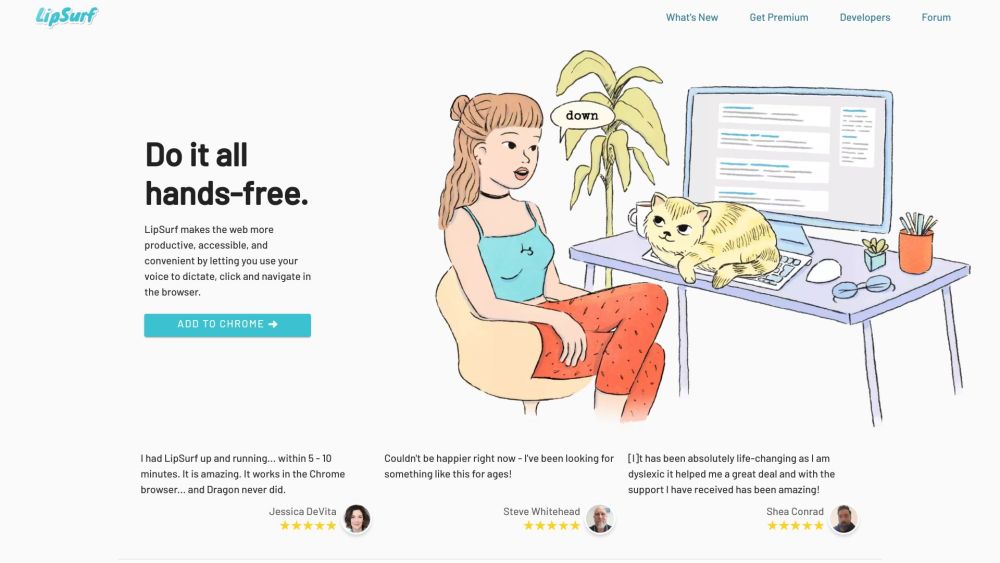
Do it all hands-free. LipSurf makes the web more productive, accessible, and convenient by letting you use your voice to dictate, click, and navigate in the browser.
#1 People with motor issues (Parkinson's, arthritis, RSI, etc.) #2 Productivity nerds #3 Computer professionals #4 Neurodiverse individuals (Dyslexia, ADHD)
Dictate and navigate in the browser Spend less time typing with speech-to-text Navigate the web hands-free Personalize voice shortcuts Prevent RSI/Carpal Tunnel Syndrome Multi-task while working No tracking, no ads, no selling your data Open-source plugins Works with existing computer hardware and microphone
Does LipSurf work with my browser? Do I need special hardware to use LipSurf? Is my data safe with LipSurf? Can I customize LipSurf to understand workplace jargon? Does LipSurf prevent RSI and Carpal Tunnel Syndrome?
Herramientas de las mismas categorías, ordenadas por categorías compartidas y luego por visitas totales. Compara sus funciones para encontrar una alternativa adecuada.
Create an optimal daily plan using your voice. Intellisay uses AI to help you plan and accomplish your day efficiently by speaking for 2 min
Effortless meal tracking via WhatsApp chats. Simply talk about your meals and get instant dietary insights. Stay healthy, effortlessly!
Echonotes is a tool that turns your voice into written notes. Speak, and it writes for you, turning conversations, interviews, or any spoken
OutSKill is a desktop AI voice assistant designed for ultimate productivity and gaming domination. It helps users effortlessly perform multi
Speak with confidence and clarity and improve your communication skills in real-time.
Freed acts as a medical scribe, transcribing the patient visit and summarizing medically relevant information into the right format.
Más herramientas, ordenadas por visitas totales en ToolsBot. Con las mismas visitas, se muestran primero las publicaciones más recientes.
Creador gratuito de vídeos recopilatorios en línea: añade tus fotos, elige una plantilla y descarga un MP4 sincronizado con el ritmo. Sin ap
Transforma fotos en anime, acuarelas, avatares 3D y otros estilos creativos dentro de Telegram. Crea tarjetas de felicitación personalizadas
Convierte las novedades de producto en textos e imágenes de marketing listos para cada canal.
El MCP de LinkedIn para agentes de IA.
Fotografía de productos con IA para vendedores de ropa: crea imágenes con modelo, maniquí invisible y prendas en plano a partir de fotos de
AI Photo Detector comprueba si las fotos se han generado o editado con IA. Consulta la clasificación, el nivel de confianza y el análisis po
Referencia del producto: LipSurf — Sitio web del producto.
Consulta las funciones, los precios y las políticas actuales en el sitio del producto antes de utilizarlo.
ToolsBot ofrece información para descubrir y comparar productos. La inclusión no implica respaldo ni garantiza las afirmaciones del producto.