Copywrite+
AI tool for converting handwritten text into digital documents instantly.
OLOCR is an online OCR service that offers unlimited OCR (Optical Character Recognition) for images and PDFs. It allows users to extract text from their images and PDFs by simply uploading them to the platform.
Published and maintained by ToolsBot Editorial Team
| Product website | OLOCR |
|---|---|
| Category |
Dates refer to this ToolsBot listing, not the product’s launch date or a new independent review.
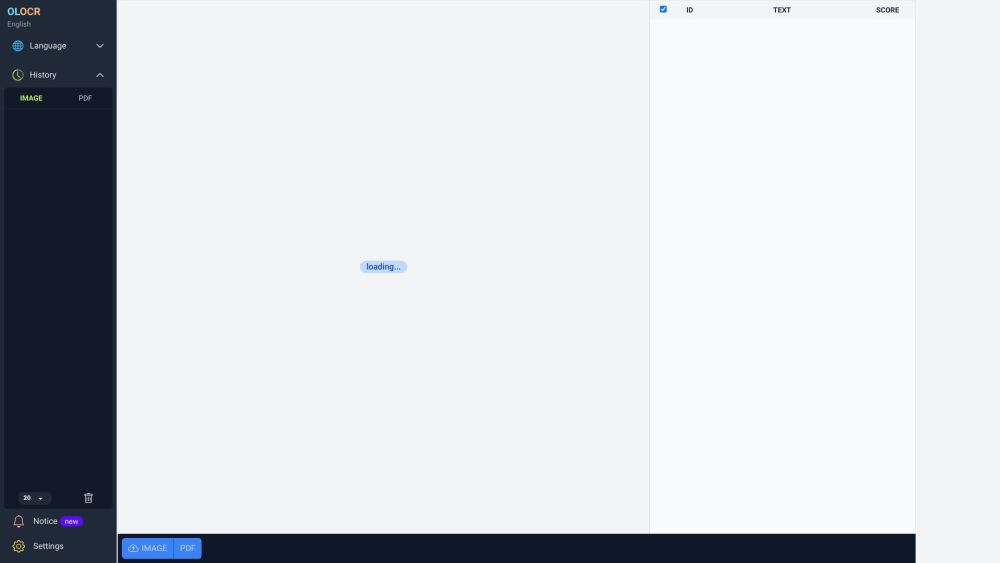
OLOCR is an online OCR service that offers unlimited OCR (Optical Character Recognition) for images and PDFs. It allows users to extract text from their images and PDFs by simply uploading them to the platform.
To use OLOCR, follow these steps: 1. Visit the OLOCR website. 2. Choose the desired OCR language from the available options. 3. Select the file(s) you want to extract text from, either by uploading them or providing a URL. 4. Specify any desired OCR settings, such as OCR speed. 5. Begin the OCR process. 6. Wait for the text extraction to be completed. 7. Review and download the extracted text if necessary.
#1 OLOCR can be used in various scenarios, including: 1. Digitizing Documents: Users can convert physical documents or scanned copies into editable text. 2. Language Translation: OLOCR can help extract text from foreign language documents for translation purposes. 3. Content Extraction: Text from images or PDFs can be extracted for research, data analysis, or content creation. 4. Data Entry Automation: OLOCR can automate the process of entering text from images or PDFs into digital systems or databases.
OLOCR offers the following core features: 1. Unlimited OCR: Users can perform OCR on as many images and PDFs as they need. 2. Online OCR: The entire OCR process can be done online without the need to install any software. 3. Batch OCR: Users can process multiple files at once, saving time and effort. 4. Multiple Languages: OLOCR supports a wide range of languages for OCR. 5. OCR History: Users can review their past OCR activities. 6. OCR Speed Control: Users can adjust the OCR speed according to their preference.
How many files can I process with OLOCR? Can I process multiple files at once? What languages are supported by OLOCR? Does OLOCR store my OCR history? Can I control the speed of the OCR process?
Tools in the same categories, ranked by shared categories and then total views. Compare their features to find a suitable alternative.
AI tool for converting handwritten text into digital documents instantly.
Picture to Text is an online Image OCR tool that lets you extract and copy text from images in bulk. It converts photos to editable text for
AI tool for extracting data from invoices efficiently.
AI expense tracking app for managing finances and receipts.
Papermerge DMS is a free and open source document management system with OCR.
Grab text from handwriting or any photo
More tools to explore, ranked by total views on ToolsBot. Newer listings come first when view counts are equal.
Free online recap video maker: add your photos, pick a template, download a beat-synced MP4. No app, no sign-up. Photos deleted after your v
Transform photos into anime, watercolor, 3D avatars and other creative styles inside Telegram. Make personalized photo greeting cards. New a
Turn product updates into channel-ready marketing copy and visuals.
The LinkedIn MCP for AI agents.
AI product photography for clothing sellers: create on-model, ghost mannequin and flat lay images from garment photos, or remove backgrounds
AI Photo Detector checks photos for AI generation and editing. View classification, confidence and available region analysis. English and Ch
Product reference: OLOCR — Product website.
Check the product website for current capabilities, pricing and policies before adopting this tool.
ToolsBot provides directory information for discovery and comparison. A listing is not an endorsement or a guarantee of product claims.