Copywrite+
AI tool for converting handwritten text into digital documents instantly.
OLOCR is an online OCR service that offers unlimited OCR (Optical Character Recognition) for images and PDFs. It allows users to extract text from their images and PDFs by simply uploading them to the platform.
公開・管理: ToolsBot 編集チーム
| 製品サイト | OLOCR |
|---|---|
| カテゴリー |
日付は ToolsBot の掲載記録を示し、製品の公開日や新たな独立評価の実施日ではありません。
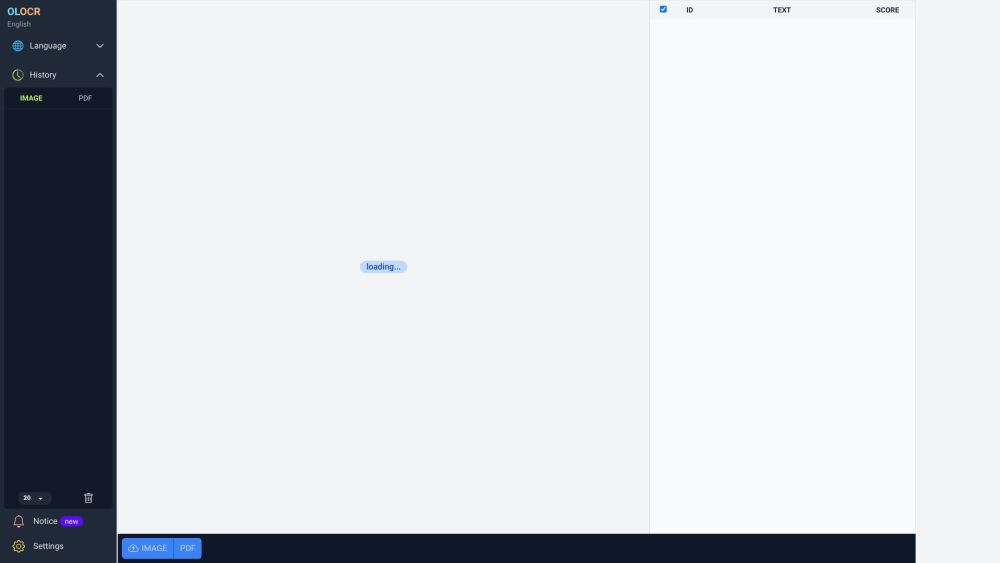
OLOCR is an online OCR service that offers unlimited OCR (Optical Character Recognition) for images and PDFs. It allows users to extract text from their images and PDFs by simply uploading them to the platform.
To use OLOCR, follow these steps: 1. Visit the OLOCR website. 2. Choose the desired OCR language from the available options. 3. Select the file(s) you want to extract text from, either by uploading them or providing a URL. 4. Specify any desired OCR settings, such as OCR speed. 5. Begin the OCR process. 6. Wait for the text extraction to be completed. 7. Review and download the extracted text if necessary.
#1 OLOCR can be used in various scenarios, including: 1. Digitizing Documents: Users can convert physical documents or scanned copies into editable text. 2. Language Translation: OLOCR can help extract text from foreign language documents for translation purposes. 3. Content Extraction: Text from images or PDFs can be extracted for research, data analysis, or content creation. 4. Data Entry Automation: OLOCR can automate the process of entering text from images or PDFs into digital systems or databases.
OLOCR offers the following core features: 1. Unlimited OCR: Users can perform OCR on as many images and PDFs as they need. 2. Online OCR: The entire OCR process can be done online without the need to install any software. 3. Batch OCR: Users can process multiple files at once, saving time and effort. 4. Multiple Languages: OLOCR supports a wide range of languages for OCR. 5. OCR History: Users can review their past OCR activities. 6. OCR Speed Control: Users can adjust the OCR speed according to their preference.
How many files can I process with OLOCR? Can I process multiple files at once? What languages are supported by OLOCR? Does OLOCR store my OCR history? Can I control the speed of the OCR process?
同じカテゴリのツールを、共通カテゴリ数、累計閲覧数の順に表示します。機能を比較して適切な代替ツールを探しましょう。
AI tool for converting handwritten text into digital documents instantly.
Picture to Text is an online Image OCR tool that lets you extract and copy text from images in bulk. It converts photos to editable text for
AI tool for extracting data from invoices efficiently.
AI expense tracking app for managing finances and receipts.
Papermerge DMS is a free and open source document management system with OCR.
Grab text from handwriting or any photo
ToolsBot の累計閲覧数順で表示するその他のツールです。同数の場合は新しく掲載されたツールを優先します。
TaxBowlは、スタートアップや中小企業に、記帳、会計、給与業務のサポート、税務計画、申告手続きの調整、キャッシュフローの可視化、CFOによる助言に
プロンプト、画像、参照メディアから、音声が同期した短い1080p動画を生成できます。登録すると、すぐにスタジオを利用できます。
Glasshandは、画面上で作業するAIエージェントの動きを可視化し、確認できるワークスペースです。タスクを任せ、次の動きを見守り、最終的な引き渡し
キャラクター、プロンプト、ローカルモデルを細かく制御したい上級ユーザー向けのLLMフロントエンド。
HappyShrimpは、オールインワンのAI音楽プラットフォームです。たった一行から、歌詞、ボーカル、楽曲制作を含むフルソングを作成できます。
AI直充は、GPT 5.6のサブスクリプション代行チャージサービスを提供し、WeChat Payでの支払い、注文照会、チャージ失敗時の返金に対応しています。
製品の参照先: OLOCR — 製品サイト.
導入前に製品サイトで最新の機能、料金、ポリシーを確認してください。
ToolsBot は製品の発見と比較のための情報を提供します。掲載は推奨や製品の主張の保証を意味しません。