Copywrite+
AI tool for converting handwritten text into digital documents instantly.
OLOCR is an online OCR service that offers unlimited OCR (Optical Character Recognition) for images and PDFs. It allows users to extract text from their images and PDFs by simply uploading them to the platform.
Veröffentlicht und gepflegt von ToolsBot-Redaktion
| Produktwebsite | OLOCR |
|---|---|
| Kategorie |
Die Daten beziehen sich auf den ToolsBot-Eintrag, nicht auf den Produktstart oder eine neue unabhängige Prüfung.
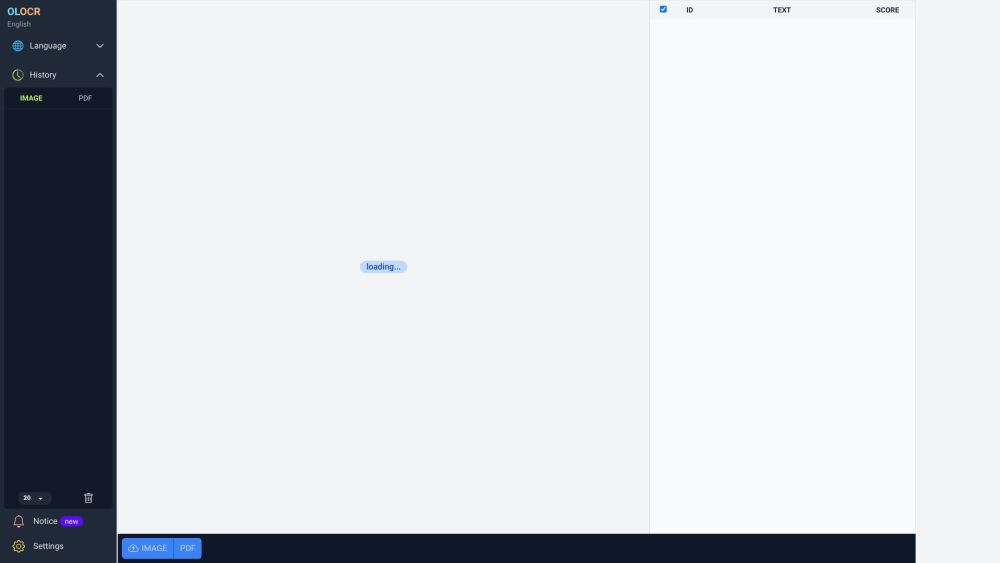
OLOCR is an online OCR service that offers unlimited OCR (Optical Character Recognition) for images and PDFs. It allows users to extract text from their images and PDFs by simply uploading them to the platform.
To use OLOCR, follow these steps: 1. Visit the OLOCR website. 2. Choose the desired OCR language from the available options. 3. Select the file(s) you want to extract text from, either by uploading them or providing a URL. 4. Specify any desired OCR settings, such as OCR speed. 5. Begin the OCR process. 6. Wait for the text extraction to be completed. 7. Review and download the extracted text if necessary.
#1 OLOCR can be used in various scenarios, including: 1. Digitizing Documents: Users can convert physical documents or scanned copies into editable text. 2. Language Translation: OLOCR can help extract text from foreign language documents for translation purposes. 3. Content Extraction: Text from images or PDFs can be extracted for research, data analysis, or content creation. 4. Data Entry Automation: OLOCR can automate the process of entering text from images or PDFs into digital systems or databases.
OLOCR offers the following core features: 1. Unlimited OCR: Users can perform OCR on as many images and PDFs as they need. 2. Online OCR: The entire OCR process can be done online without the need to install any software. 3. Batch OCR: Users can process multiple files at once, saving time and effort. 4. Multiple Languages: OLOCR supports a wide range of languages for OCR. 5. OCR History: Users can review their past OCR activities. 6. OCR Speed Control: Users can adjust the OCR speed according to their preference.
How many files can I process with OLOCR? Can I process multiple files at once? What languages are supported by OLOCR? Does OLOCR store my OCR history? Can I control the speed of the OCR process?
Tools aus denselben Kategorien, sortiert nach gemeinsamen Kategorien und dann nach Gesamtaufrufen. Vergleiche die Funktionen, um eine passende Alternative zu finden.
AI tool for converting handwritten text into digital documents instantly.
Picture to Text is an online Image OCR tool that lets you extract and copy text from images in bulk. It converts photos to editable text for
AI tool for extracting data from invoices efficiently.
AI expense tracking app for managing finances and receipts.
Papermerge DMS is a free and open source document management system with OCR.
Grab text from handwriting or any photo
Weitere Tools nach Gesamtaufrufen auf ToolsBot. Bei gleicher Aufrufzahl erscheinen neuere Einträge zuerst.
TaxBowl bietet Start-ups und kleinen Unternehmen ein reaktionsschnelles Team für Buchhaltung, Rechnungswesen, Lohn- und Gehaltsabrechnung, S
Erstelle kurze 1080p-Videos mit synchronisiertem Ton aus Prompts, Bildern oder Referenzmedien. Registriere dich, um das Studio sofort zu öff
Glasshand ist ein einsehbarer, überprüfbarer Arbeitsbereich für KI-Agenten, die Aufgaben am Bildschirm erledigen. Übergeben Sie die Aufgabe,
Ein LLM-Frontend für Power-User, die umfassende Kontrolle über Charaktere, Prompts und lokale Modelle wünschen.
HappyShrimp ist eine All-in-one-Plattform für KI-Musik. Verwandle eine einzige Zeile in einen vollständigen Song – inklusive Liedtext, Gesan
AI直充 bietet einen Aufladeservice für GPT 5.6-Abonnements und unterstützt WeChat Pay, die Bestellabfrage und Rückerstattungen bei fehlgesch
Produktreferenz: OLOCR — Produktwebsite.
Prüfe aktuelle Funktionen, Preise und Richtlinien auf der Produktwebsite, bevor du das Tool einsetzt.
ToolsBot hilft bei der Suche und beim Vergleich. Ein Eintrag ist keine Empfehlung oder Garantie für Produktangaben.