Copywrite+
AI tool for converting handwritten text into digital documents instantly.
OLOCR is an online OCR service that offers unlimited OCR (Optical Character Recognition) for images and PDFs. It allows users to extract text from their images and PDFs by simply uploading them to the platform.
Publié et maintenu par Équipe éditoriale ToolsBot
| Site du produit | OLOCR |
|---|---|
| Catégorie |
Les dates concernent la fiche ToolsBot, et non le lancement du produit ou une nouvelle évaluation indépendante.
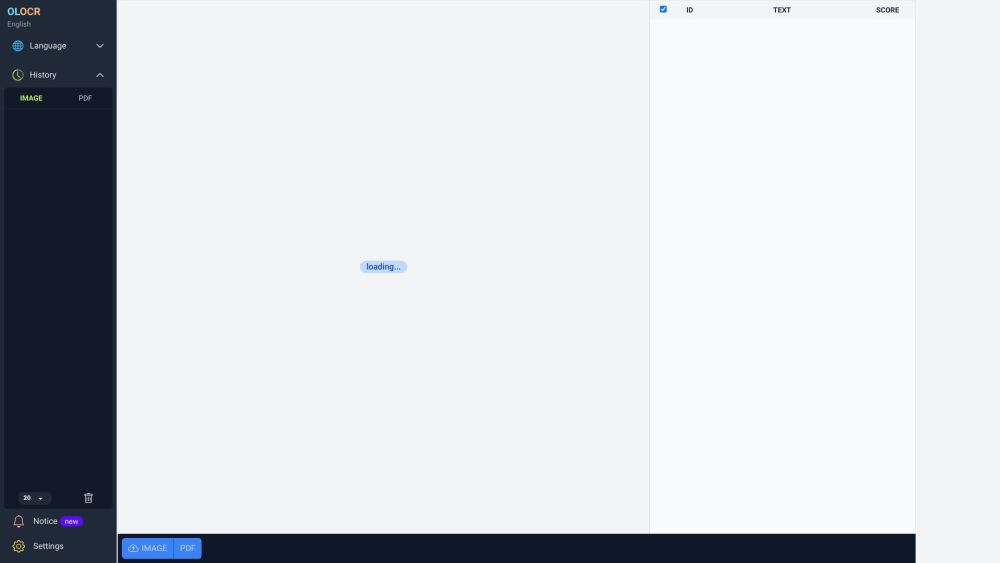
OLOCR is an online OCR service that offers unlimited OCR (Optical Character Recognition) for images and PDFs. It allows users to extract text from their images and PDFs by simply uploading them to the platform.
To use OLOCR, follow these steps: 1. Visit the OLOCR website. 2. Choose the desired OCR language from the available options. 3. Select the file(s) you want to extract text from, either by uploading them or providing a URL. 4. Specify any desired OCR settings, such as OCR speed. 5. Begin the OCR process. 6. Wait for the text extraction to be completed. 7. Review and download the extracted text if necessary.
#1 OLOCR can be used in various scenarios, including: 1. Digitizing Documents: Users can convert physical documents or scanned copies into editable text. 2. Language Translation: OLOCR can help extract text from foreign language documents for translation purposes. 3. Content Extraction: Text from images or PDFs can be extracted for research, data analysis, or content creation. 4. Data Entry Automation: OLOCR can automate the process of entering text from images or PDFs into digital systems or databases.
OLOCR offers the following core features: 1. Unlimited OCR: Users can perform OCR on as many images and PDFs as they need. 2. Online OCR: The entire OCR process can be done online without the need to install any software. 3. Batch OCR: Users can process multiple files at once, saving time and effort. 4. Multiple Languages: OLOCR supports a wide range of languages for OCR. 5. OCR History: Users can review their past OCR activities. 6. OCR Speed Control: Users can adjust the OCR speed according to their preference.
How many files can I process with OLOCR? Can I process multiple files at once? What languages are supported by OLOCR? Does OLOCR store my OCR history? Can I control the speed of the OCR process?
Outils des mêmes catégories, classés par catégories communes puis par nombre total de visites. Comparez leurs fonctions pour trouver une alternative adaptée.
AI tool for converting handwritten text into digital documents instantly.
Picture to Text is an online Image OCR tool that lets you extract and copy text from images in bulk. It converts photos to editable text for
AI tool for extracting data from invoices efficiently.
AI expense tracking app for managing finances and receipts.
Papermerge DMS is a free and open source document management system with OCR.
Grab text from handwriting or any photo
Autres outils classés par nombre total de visites sur ToolsBot. À égalité, les fiches les plus récentes apparaissent en premier.
Un convertisseur audio-texte en ligne pour les fichiers MP3, M4A, WAV, MP4 et autres fichiers multimédias.
Styles récit de données, tableau blanc et présentation ; l’IA rédige le script, assure la narration, dessine et compose la musique d’un film
Parlez dans l’ordre qui vous vient, ou importez un mémo vocal, et obtenez des notes claires avec des titres, des listes à puces et une liste
Logiciel de répartition axé sur les SMS pour les entreprises de services sur le terrain exploitant 2 à 10 camions. Les techniciens n’install
Générateur gratuit de coloriages par IA qui transforme du texte ou des photos en coloriages imprimables, et des photos en portraits de style
Discutez avec des personnages d’IA et créez des histoires interactives. Créez des personnages fictifs personnalisés et explorez des jeux de
Référence du produit : OLOCR — Site du produit.
Consultez le site du produit pour vérifier ses fonctionnalités, tarifs et politiques actuels avant de l’adopter.
ToolsBot facilite la découverte et la comparaison. Une fiche ne constitue ni une approbation ni une garantie des affirmations du produit.