Copywrite+
AI tool for converting handwritten text into digital documents instantly.
OLOCR is an online OCR service that offers unlimited OCR (Optical Character Recognition) for images and PDFs. It allows users to extract text from their images and PDFs by simply uploading them to the platform.
Publicado e mantido por Equipe editorial do ToolsBot
| Site do produto | OLOCR |
|---|---|
| Categoria |
As datas se referem ao registro no ToolsBot, não ao lançamento do produto nem a uma nova avaliação independente.
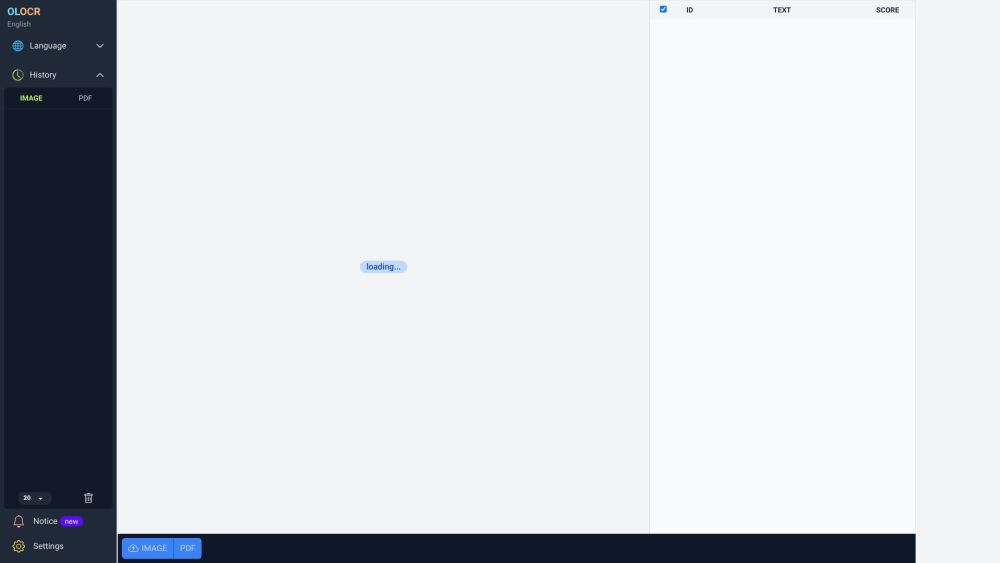
OLOCR is an online OCR service that offers unlimited OCR (Optical Character Recognition) for images and PDFs. It allows users to extract text from their images and PDFs by simply uploading them to the platform.
To use OLOCR, follow these steps: 1. Visit the OLOCR website. 2. Choose the desired OCR language from the available options. 3. Select the file(s) you want to extract text from, either by uploading them or providing a URL. 4. Specify any desired OCR settings, such as OCR speed. 5. Begin the OCR process. 6. Wait for the text extraction to be completed. 7. Review and download the extracted text if necessary.
#1 OLOCR can be used in various scenarios, including: 1. Digitizing Documents: Users can convert physical documents or scanned copies into editable text. 2. Language Translation: OLOCR can help extract text from foreign language documents for translation purposes. 3. Content Extraction: Text from images or PDFs can be extracted for research, data analysis, or content creation. 4. Data Entry Automation: OLOCR can automate the process of entering text from images or PDFs into digital systems or databases.
OLOCR offers the following core features: 1. Unlimited OCR: Users can perform OCR on as many images and PDFs as they need. 2. Online OCR: The entire OCR process can be done online without the need to install any software. 3. Batch OCR: Users can process multiple files at once, saving time and effort. 4. Multiple Languages: OLOCR supports a wide range of languages for OCR. 5. OCR History: Users can review their past OCR activities. 6. OCR Speed Control: Users can adjust the OCR speed according to their preference.
How many files can I process with OLOCR? Can I process multiple files at once? What languages are supported by OLOCR? Does OLOCR store my OCR history? Can I control the speed of the OCR process?
Ferramentas das mesmas categorias, ordenadas por categorias em comum e depois pelo total de visualizações. Compare os recursos para encontrar uma alternativa adequada.
AI tool for converting handwritten text into digital documents instantly.
Picture to Text is an online Image OCR tool that lets you extract and copy text from images in bulk. It converts photos to editable text for
AI tool for extracting data from invoices efficiently.
AI expense tracking app for managing finances and receipts.
Papermerge DMS is a free and open source document management system with OCR.
Grab text from handwriting or any photo
Mais ferramentas ordenadas pelo total de visualizações no ToolsBot. Em caso de empate, os registros mais recentes aparecem primeiro.
Um conversor online de áudio para texto para arquivos MP3, M4A, WAV, MP4 e outros arquivos de mídia.
Estilos de narrativa de dados, quadro branco e apresentação; a IA escreve o roteiro, narra, desenha e cria a trilha sonora de um filme de 15
Fale em qualquer ordem ou carregue uma gravação de voz e obtenha notas organizadas com títulos, marcadores e uma lista de tarefas — ou um e-
Software de despacho focado em SMS para empresas de serviços em campo que operam de 2 a 10 caminhões. Os técnicos não precisam instalar um a
Gerador gratuito de páginas para colorir com IA que transforma textos ou fotos em páginas para colorir imprimíveis e fotos em retratos de de
Chat com personagens de IA e narrativa interativa. Crie personagens fictícios personalizados e explore a interpretação de papéis por texto.
Referência do produto: OLOCR — Site do produto.
Confira os recursos, preços e políticas atuais no site do produto antes de utilizá-lo.
O ToolsBot fornece informações para descoberta e comparação. Uma listagem não é um endosso nem uma garantia das alegações do produto.