VidAU
VidAU AI empowers you to create videos simply through product links or descriptions, with realistic AI avatars as your engaging spokesperson
CapCut is an all-in-one creative platform powered by AI that enables video editing and image design on browsers, Windows, Mac, Android, and iOS.
Publicado y mantenido por Equipo editorial de ToolsBot
| Sitio web del producto | CapCut |
|---|---|
| Categoría |
Las fechas corresponden al registro de ToolsBot, no al lanzamiento del producto ni a una nueva evaluación independiente.
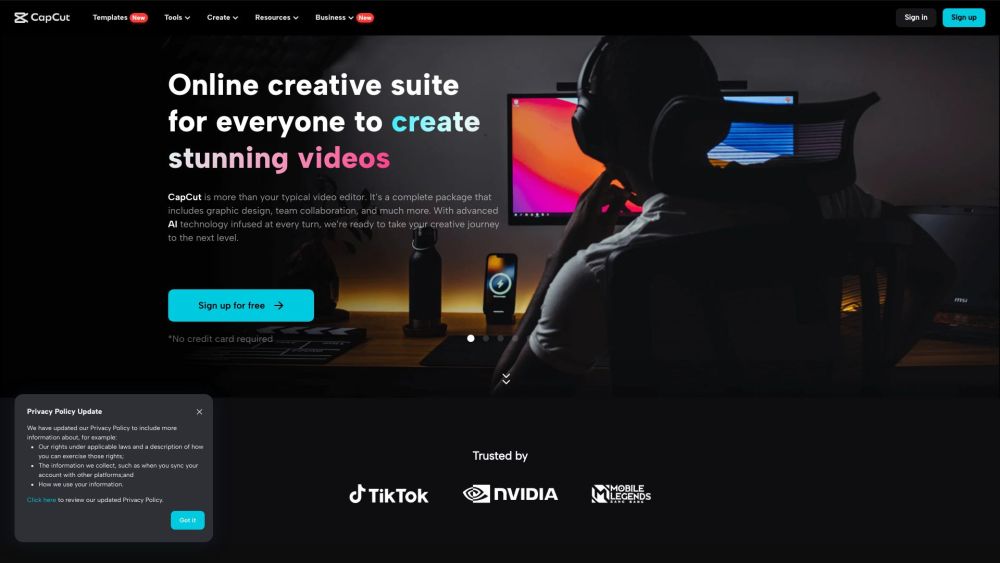
CapCut is an all-in-one creative platform powered by AI that enables video editing and image design on browsers, Windows, Mac, Android, and iOS.
CapCut offers a variety of tools and features for video editing and graphic design. Users can access CapCut online through their browser, download the desktop app for offline editing, or use the mobile app for on-the-go editing. With CapCut, users can trim, cut, and edit videos, add text and subtitles, incorporate music and sound effects, apply video effects and filters, remove backgrounds, upscale images and videos, and collaborate with team members.
#1 Online video editing #2 Graphic design #3 Business videos and ads #4 Social media content creation #5 Lifestyle videos #6 Marketing and branding
Video editor for desktop and mobile Video effects and filters Background remover Image upscaler Text-to-speech AI color correction Old photo restoration Portrait generator Resize video Collaboration tools Stock assets
What platforms does CapCut support? What features does CapCut offer for video editing? Can multiple users collaborate on a project in CapCut? Is there a free version of CapCut available? Does CapCut provide stock assets for video editing and design? Is my data and privacy secure with CapCut?
Herramientas de las mismas categorías, ordenadas por categorías compartidas y luego por visitas totales. Compara sus funciones para encontrar una alternativa adecuada.
VidAU AI empowers you to create videos simply through product links or descriptions, with realistic AI avatars as your engaging spokesperson
TopView.ai is an AI video editor that allows users to upload their raw materials and ideas, and AI will do the rest, from scriptwriting to s
AI tool for quickly generating viral video clips and captions.
AI platform for creating magical experiences from selfies.
Transform long videos into engaging short clips for social media.
AI tool for creating engaging short videos instantly.
Más herramientas, ordenadas por visitas totales en ToolsBot. Con las mismas visitas, se muestran primero las publicaciones más recientes.
Estudio creativo de IA todo en uno para generar imágenes, videos, música y locuciones.
Magi2AI es una aplicación web independiente basada en MAGI-2 de Sand.ai para generar vídeos cinematográficos con IA en 1080p y audio sincron
Conecta ChatGPT, Claude y clientes para desarrolladores a datos de mercado en tiempo real e históricos de acciones estadounidenses, divisas,
Generador de videos con IA sin mostrar tu rostro: convierte cualquier tema en un video corto con narración y subtítulos para YouTube Shorts,
Explora ideas de plantación a partir de fotos del jardín: áreas con nombre, sugerencias de plantas, ajustes por área y un resumen que puedes
Diseño de portadas de libros con IA para autores independientes. Genera ilustraciones adaptadas al género, edita la tipografía y prepara por
Referencia del producto: CapCut — Sitio web del producto.
Consulta las funciones, los precios y las políticas actuales en el sitio del producto antes de utilizarlo.
ToolsBot ofrece información para descubrir y comparar productos. La inclusión no implica respaldo ni garantiza las afirmaciones del producto.