Drawstory
AI storyboarding tool for visualizing narratives from scripts
Go beyond single-function AI assistants and create AI co-workers on Slack for hundreds of roles including finance, sales, product, marketing, and operations.
Publicado y mantenido por Equipo editorial de ToolsBot
| Sitio web del producto | https://teamcreate.ai/ |
|---|---|
| Categoría |
Las fechas corresponden al registro de ToolsBot, no al lanzamiento del producto ni a una nueva evaluación independiente.
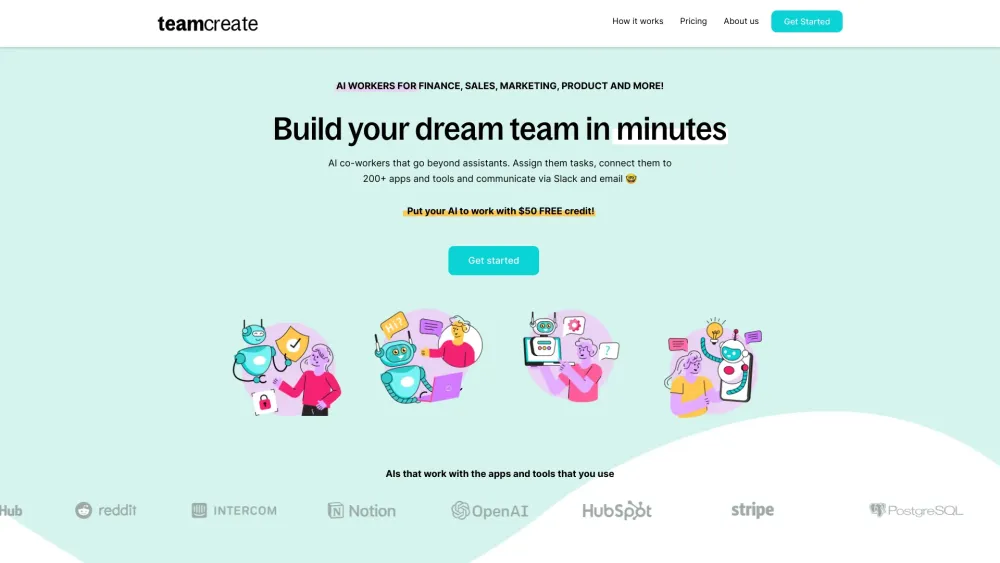
Go beyond single-function AI assistants and create AI co-workers on Slack for hundreds of roles including finance, sales, product, marketing, and operations.
Step 1: Click here to add TeamCreate to Slack. @teamcreate handles AI creation, payments, and support. Coming soon to Microsoft Teams, Discord, and WhatsApp. Step 2: Message @teamcreate to create a new AI worker. Assign your AI worker to a team, give them a manager and provide details like a name, job title, and responsibilities or let @teamcreate suggest them. Step 3: Assign your AI worker an email and app access to fulfill their role, with security controls. If unsure, they'll consult their manager. Step 4: Think of your new AI worker as a fast-learning junior hire! Assign tasks and leverage their multilingual skills (English, Mandarin, Spanish) for seamless team integration.
#1 Manage QuickBooks tasks like billing and payments #2 Identify sales prospects and add details to HubSpot #3 Create financial projections and cash flow analysis #4 Create content and post on Notion including links to documents
Customizable AI workers for roles in Sales, Marketing, Finance, Product, Support, and Operations
How do I create an AI worker for my team? How can AI workers perform recurring tasks? What if I don't use Slack? How do I give my AI worker access to apps and tools? What is my AI worker called?
Herramientas de las mismas categorías, ordenadas por categorías compartidas y luego por visitas totales. Compara sus funciones para encontrar una alternativa adecuada.
AI storyboarding tool for visualizing narratives from scripts
Build custom ChatGPT bots for websites easily.
AI poker coach simplifying learning with personalized feedback.
AI platform for tracking yearly resolutions and personal goals.
AI-powered tool for crafting resumes and cover letters efficiently.
AI-driven platform for customer service and sales automation.
Más herramientas, ordenadas por visitas totales en ToolsBot. Con las mismas visitas, se muestran primero las publicaciones más recientes.
Generador de vídeo AI en línea gratuito: crea clips cinematográficos de texto a vídeo e imagen a vídeo con audio nativo y sincronización lab
一站开通 ChatGPT Plus / Pro, Grok, Cursor y Gemini 会员,支付宝付款,充到你自己的账号,服务费公开,30 天质保。
ChatGPT Plus, Pro 5x y Pro 20x 会员充值,支付宝付款,充到你自己的账号,没有美金卡也能开通,30 天质保。
Crear vídeos de conciertos de escritorio ficticios con audio original de retratos de adultos autorizados. Elige un conductor y hasta cuatro
SyncStudy ayuda a los estudiantes a convertir listas de reproducción públicas de YouTube en cursos estructurados. Organize clases en vídeo,
FaceTiers es una prueba gratuita de atractividad. Un modelo de referencia de cara en el dispositivo coloca 478 puntos en su foto dentro del
Referencia del producto: TeamCreate AI — Sitio web del producto.
Consulta las funciones, los precios y las políticas actuales en el sitio del producto antes de utilizarlo.
ToolsBot ofrece información para descubrir y comparar productos. La inclusión no implica respaldo ni garantiza las afirmaciones del producto.