Image Text Eraser
Image Text Eraser removes visible text from photos and screenshots and rebuilds the background. Eligible verified accounts receive 30 trial
Edit photos with a prompt — restyle outfits, recolor details, or turn a couple shot into anime. 10 real before/afters with public prompts.
公開・管理: ToolsBot 編集チーム
| 製品サイト | TuneImage |
|---|---|
| カテゴリー | |
| ToolsBot 掲載日 | |
| 掲載情報の更新日 |
日付は ToolsBot の掲載記録を示し、製品の公開日や新たな独立評価の実施日ではありません。
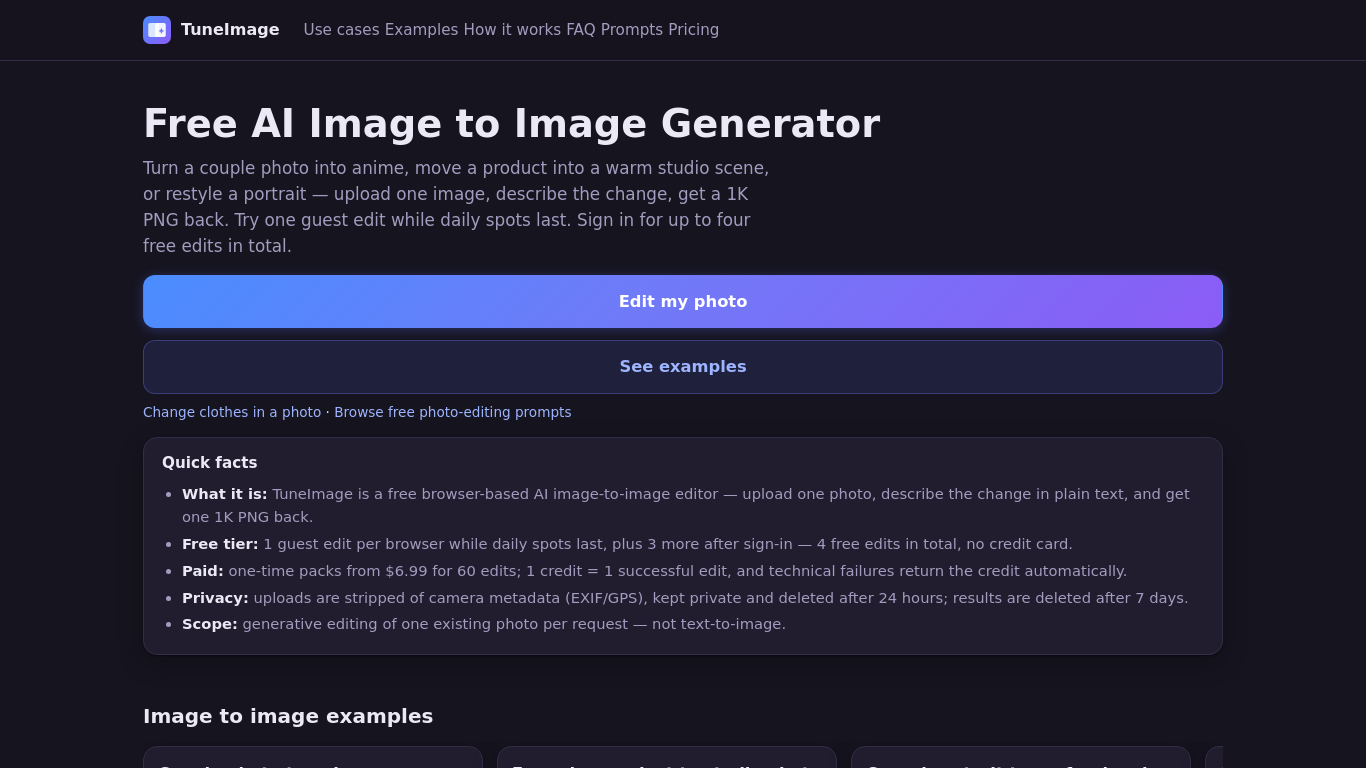
Upload one photo and describe an edit to restyle an outfit, recolor a detail, or turn a couple photo into anime. TuneImage shows 10 real before-and-after examples with public original prompts, plus an Optimize prompt button. It works in your browser and returns one downloadable 1K PNG per successful edit. Results vary, so review faces, hair, clothing edges and colors.
Upload one photo, describe the desired edit or choose a preset, select an aspect ratio, and generate a downloadable 1K PNG.
Restyle a couple photo as anime, create a product studio image or professional headshot, recolor an object, or redesign a room.
AI clothes changer, photo recolor, couple photo to anime, prompt-based photo editing. Freemium: one guest edit while daily spots last; up to four free edits after sign-in. One-time packs from $6.99 for 60 credits. No subscription.
Q: Can I try it for free? A: One guest edit is available while daily spots last; signing in provides up to four free edits in total. Q: What happens to uploaded photos? A: Uploads are private, stripped of camera metadata, and deleted after 24 hours. Results are deleted after seven days. Q: Can I merge two photos? A: No. The tool edits one existing photo per request.
同じカテゴリのツールを、共通カテゴリ数、累計閲覧数の順に表示します。機能を比較して適切な代替ツールを探しましょう。
Image Text Eraser removes visible text from photos and screenshots and rebuilds the background. Eligible verified accounts receive 30 trial
RemoveText erases visible words from photos and rebuilds the covered background. Upload JPG, PNG or WebP, up to 10 images at once. A new acc
Upload a photo, pick how many pounds to lose or gain, and AI shows a realistic full-body before-and-after that still looks like you. First p
Upload a selfie and try 112 hairstyles or 36 hair colors on your own face in about 20 seconds, then take the picture to your stylist. Runs i
Ravana is an AI face swap bot for photos and videos in Telegram. New users get free credits. Use Multi-Face, batch swaps, Enhanced quality a
People Remover is a freemium browser tool that removes people from photos so you can clean up travel and group shots without installing soft
ToolsBot の累計閲覧数順で表示するその他のツールです。同数の場合は新しく掲載されたツールを優先します。
独立したデイリーパズルのページです。SumbreakはLinkedInが提供するデイリーゲームです。このサイトはLinkedInとは提携しておらず、LinkedInの承認も
答えを見る前にクイズのヒントをチェック。ネタバレを抑えた例題を試してから、Krillion Dailyで制限時間付きの7問に挑戦しましょう。
非公式のTrollheim: Gnomes wiki。公式情報に基づき、リリース状況、対応プラットフォーム、Steamプレイテストの仕組み、8人協力プレイ、Väsen、PCの
Anime Crusaders Xのフィールドガイド:報告されたコード、検索可能なユニットのティア、保存できるチーム編成ツール、召喚確率計算ツールを掲載。次
独立したCork7のゲームガイドです。操作を覚え、スノーボードを入手し、コークトリックを練習して、公式のブラウザ版、デスクトップ版、iOS版を見つけ
Realistic Ragdoll MMAのコードを公式情報源と照合。SORRY4UPDに対応するゲームを確認し、報酬を比較して、よくあるコード引き換えの問題を解決します
製品の参照先: TuneImage — 製品サイト.
導入前に製品サイトで最新の機能、料金、ポリシーを確認してください。
ToolsBot は製品の発見と比較のための情報を提供します。掲載は推奨や製品の主張の保証を意味しません。