Image Text Eraser
Image Text Eraser removes visible text from photos and screenshots and rebuilds the background. Eligible verified accounts receive 30 trial
Edit photos with a prompt — restyle outfits, recolor details, or turn a couple shot into anime. 10 real before/afters with public prompts.
發布與維護: ToolsBot 編輯團隊
| 產品網站 | TuneImage |
|---|---|
| 分類 | |
| ToolsBot 收錄日期 | |
| 收錄紀錄更新日期 |
日期僅表示 ToolsBot 收錄紀錄的時間,不代表產品上線時間或完成了新的獨立評測。
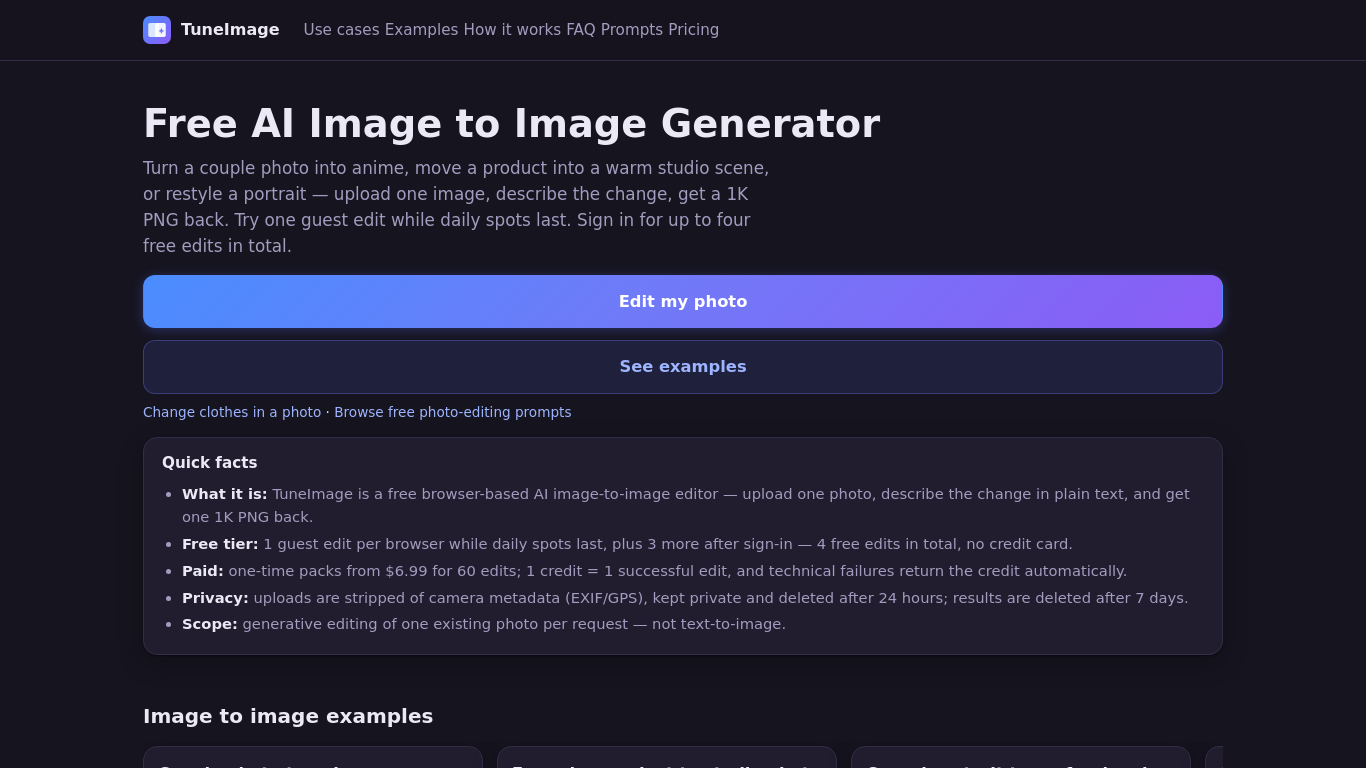
Upload one photo and describe an edit to restyle an outfit, recolor a detail, or turn a couple photo into anime. TuneImage shows 10 real before-and-after examples with public original prompts, plus an Optimize prompt button. It works in your browser and returns one downloadable 1K PNG per successful edit. Results vary, so review faces, hair, clothing edges and colors.
Upload one photo, describe the desired edit or choose a preset, select an aspect ratio, and generate a downloadable 1K PNG.
Restyle a couple photo as anime, create a product studio image or professional headshot, recolor an object, or redesign a room.
AI clothes changer, photo recolor, couple photo to anime, prompt-based photo editing. Freemium: one guest edit while daily spots last; up to four free edits after sign-in. One-time packs from $6.99 for 60 credits. No subscription.
Q: Can I try it for free? A: One guest edit is available while daily spots last; signing in provides up to four free edits in total. Q: What happens to uploaded photos? A: Uploads are private, stripped of camera metadata, and deleted after 24 hours. Results are deleted after seven days. Q: Can I merge two photos? A: No. The tool edits one existing photo per request.
依共同分類數量及累計瀏覽量排序的相似工具,可比較功能後選擇合適的替代方案。
Image Text Eraser removes visible text from photos and screenshots and rebuilds the background. Eligible verified accounts receive 30 trial
RemoveText erases visible words from photos and rebuilds the covered background. Upload JPG, PNG or WebP, up to 10 images at once. A new acc
Upload a photo, pick how many pounds to lose or gain, and AI shows a realistic full-body before-and-after that still looks like you. First p
Upload a selfie and try 112 hairstyles or 36 hair colors on your own face in about 20 seconds, then take the picture to your stylist. Runs i
Ravana is an AI face swap bot for photos and videos in Telegram. New users get free credits. Use Multi-Face, batch swaps, Enhanced quality a
People Remover is a freemium browser tool that removes people from photos so you can clean up travel and group shots without installing soft
依 ToolsBot 累計瀏覽量排序的更多工具;瀏覽量相同時優先顯示較新收錄的工具。
獨立的每日益智遊戲頁面。Sumbreak 是 LinkedIn 推出的每日遊戲;本網站與 LinkedIn 並無關聯,也未獲其認可。我們每天早上會在此解出 LinkedIn 益智
揭曉答案前先取得測驗提示。試試不太會劇透的範例,然後遊玩 Krillion Daily,練習回答七道限時題目。
非官方 Trollheim: Gnomes 維基。根據官方來源介紹發行狀態、支援平台、Steam 遊戲測試的運作方式、8 人合作遊玩、Väsen 和 PC 系統需求。
你的 Anime Crusaders X 實戰指南:玩家回報的兌換碼、可搜尋的角色強度排行、可儲存的隊伍組建工具與召喚機率計算器。規劃你的下一場 Roblox 冒險。
你的獨立 Cork7 遊戲指南。了解操作方式、取得滑雪單板、練習軸外旋轉技巧,並找到官方瀏覽器、桌面及 iOS 版本。
依據官方來源查核 Realistic Ragdoll MMA 代碼。找出 SORRY4UPD 適用的遊戲、比較獎勵並解決常見的兌換問題。
產品參考連結: TuneImage — 產品網站.
採用此工具前,請到產品網站核實最新功能、價格與政策。
ToolsBot 提供目錄資訊,協助發現與比較產品。收錄不代表背書,也不保證產品聲明的準確性。