Image Text Eraser
Image Text Eraser removes visible text from photos and screenshots and rebuilds the background. Eligible verified accounts receive 30 trial
Edit photos with a prompt — restyle outfits, recolor details, or turn a couple shot into anime. 10 real before/afters with public prompts.
Published and maintained by ToolsBot Editorial Team
| Product website | TuneImage |
|---|---|
| Category | |
| Listed on ToolsBot | |
| Listing record updated |
Dates refer to this ToolsBot listing, not the product’s launch date or a new independent review.
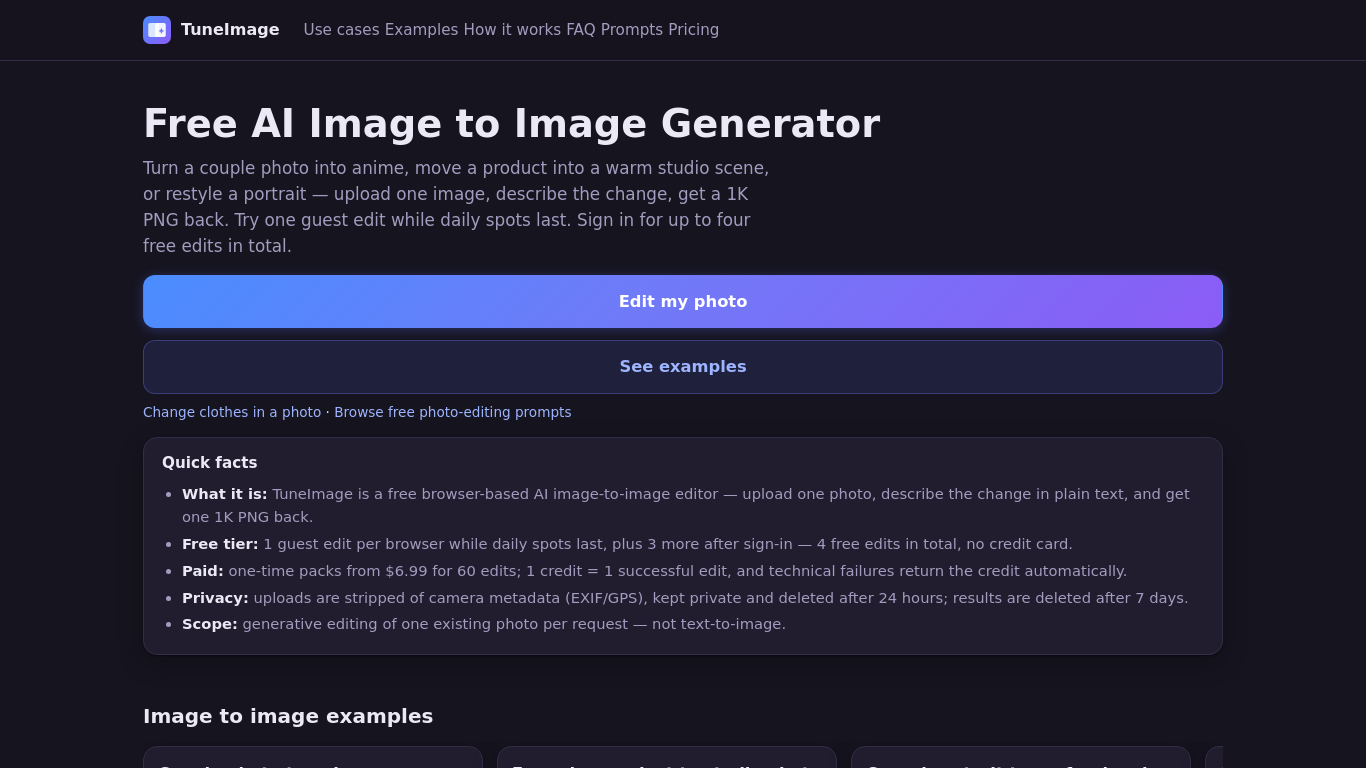
Upload one photo and describe an edit to restyle an outfit, recolor a detail, or turn a couple photo into anime. TuneImage shows 10 real before-and-after examples with public original prompts, plus an Optimize prompt button. It works in your browser and returns one downloadable 1K PNG per successful edit. Results vary, so review faces, hair, clothing edges and colors.
Upload one photo, describe the desired edit or choose a preset, select an aspect ratio, and generate a downloadable 1K PNG.
Restyle a couple photo as anime, create a product studio image or professional headshot, recolor an object, or redesign a room.
AI clothes changer, photo recolor, couple photo to anime, prompt-based photo editing. Freemium: one guest edit while daily spots last; up to four free edits after sign-in. One-time packs from $6.99 for 60 credits. No subscription.
Q: Can I try it for free? A: One guest edit is available while daily spots last; signing in provides up to four free edits in total. Q: What happens to uploaded photos? A: Uploads are private, stripped of camera metadata, and deleted after 24 hours. Results are deleted after seven days. Q: Can I merge two photos? A: No. The tool edits one existing photo per request.
Tools in the same categories, ranked by shared categories and then total views. Compare their features to find a suitable alternative.
Image Text Eraser removes visible text from photos and screenshots and rebuilds the background. Eligible verified accounts receive 30 trial
RemoveText erases visible words from photos and rebuilds the covered background. Upload JPG, PNG or WebP, up to 10 images at once. A new acc
Upload a photo, pick how many pounds to lose or gain, and AI shows a realistic full-body before-and-after that still looks like you. First p
Upload a selfie and try 112 hairstyles or 36 hair colors on your own face in about 20 seconds, then take the picture to your stylist. Runs i
Ravana is an AI face swap bot for photos and videos in Telegram. New users get free credits. Use Multi-Face, batch swaps, Enhanced quality a
People Remover is a freemium browser tool that removes people from photos so you can clean up travel and group shots without installing soft
More tools to explore, ranked by total views on ToolsBot. Newer listings come first when view counts are equal.
An independent daily puzzle page. Sumbreak is a daily game made by LinkedIn; this site is not affiliated with or endorsed by LinkedIn. The a
Get a quiz hint before you reveal the answer. Try a spoiler-light example, then play Krillion Daily and practise on seven timed prompts.
Unofficial Trollheim: Gnomes wiki. Release status, platforms, how the Steam playtest works, 8-player co-op, Väsen and PC requirements, from
Your Anime Crusaders X field guide: reported codes, searchable unit tiers, a saved team builder and summon probability calculator. Plan your
Your independent Cork7 game guide. Learn the controls, get a snowboard, practise cork tricks and find the official browser, desktop and iOS
Realistic Ragdoll MMA codes checked against official sources. Find the right game for SORRY4UPD, compare rewards and fix common redemption p
Product reference: TuneImage — Product website.
Check the product website for current capabilities, pricing and policies before adopting this tool.
ToolsBot provides directory information for discovery and comparison. A listing is not an endorsement or a guarantee of product claims.