Vidmoat
작업을 맡길 수 있는 AI 동영상 편집기: 원하는 동영상을 설명하면 Otto가 자막과 색상부터 음악, 음성, AI 영상 컷까지 실제 타임라인에서 편집하며,
VideoCutout removes video backgrounds in the browser and exports transparent WebM or a clip with a replacement background. Eligible verified accounts receive 5 trial credits for up to 5 seconds. Use costs 1 credit per started second (minimum 3). Further use is paid.
게시 및 관리: ToolsBot 편집팀
| 제품 웹사이트 | VideoCutout |
|---|---|
| 범주 | |
| ToolsBot 등록일 | |
| 등록 정보 수정일 |
날짜는 ToolsBot 등록 기록에 관한 것으로, 제품 출시일이나 새로운 독립 평가일을 의미하지 않습니다.
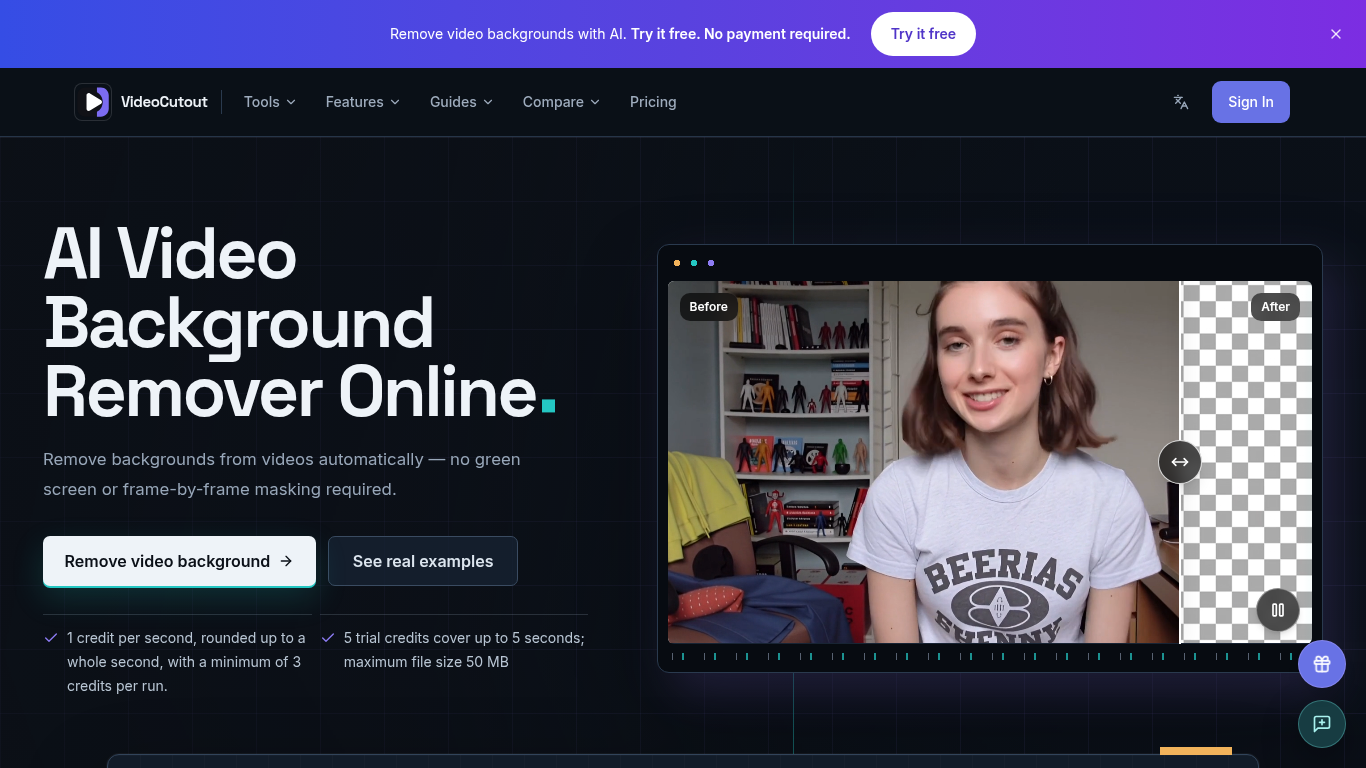
VideoCutout removes video backgrounds using AI and exports transparent videos or videos with a custom image background.
Upload a video or GIF, choose a transparent or custom image background, then process and download the result.
Create cutouts for creator videos, product demos, pet clips, and creative compositing.
Supports MP4, MOV, WebM, and GIF input; transparent WebM output; JPG, PNG, and WebP background images; and automatic foreground separation without a green screen.
Q: Is a green screen required? A: No. Q: Is there a free trial? A: Verified accounts receive 5 one-time trial credits, covering up to 5 seconds. Processing costs 1 credit per started second, with a minimum of 3 credits per run.
같은 카테고리의 도구를 공통 카테고리 수, 누적 조회수 순으로 표시합니다. 기능을 비교하여 적합한 대안을 찾아보세요.
작업을 맡길 수 있는 AI 동영상 편집기: 원하는 동영상을 설명하면 Otto가 자막과 색상부터 음악, 음성, AI 영상 컷까지 실제 타임라인에서 편집하며,
Remove Watermark from Video is an online AI tool that cleans watermarks off videos you own. It rebuilds the area behind the mark instead of
Remove unwanted people, objects, logos or text from MP4 or MOV with an English prompt. Eligible verified accounts get 3 trial credits. Proce
Valmera is an AI video editor for footage you already have. Upload a recording, describe the cut you want, then review the result and ask fo
TextRemover.video is a browser-based AI tool that removes text, captions and hardcoded subtitles from videos. Upload a clip, choose a remova
OmniEditor is a free AI video editor: describe the result, add photos or clips, and an agent edits images and videos with you.
ToolsBot 누적 조회수순으로 정렬한 다른 도구입니다. 조회수가 같으면 최근 등록된 도구를 먼저 표시합니다.
독립적으로 운영되는 일일 퍼즐 페이지입니다. Sumbreak는 LinkedIn이 만든 일일 게임이며, 이 사이트는 LinkedIn과 제휴 관계가 없고 LinkedIn의 승
정답을 공개하기 전에 퀴즈 힌트를 확인해 보세요. 스포일러를 최소화한 예제를 풀어 본 다음, Krillion Daily에서 제한 시간이 있는 일곱 문제로 연
비공식 Trollheim: Gnomes 위키. 공식 자료를 바탕으로 출시 현황, 플랫폼, Steam 플레이테스트 참여 방식, 8인 협동 플레이, Väsen 및 PC 사양을 안
Anime Crusaders X 현장 가이드: 제보된 코드, 검색 가능한 유닛 티어, 저장 가능한 팀 구성 도구와 소환 확률 계산기를 확인하세요. 다음 Roblox 플
독립적인 Cork7 게임 가이드입니다. 조작법을 익히고, 스노보드를 마련하고, 코크 트릭을 연습하고, 공식 브라우저, 데스크톱 및 iOS 버전을 찾아보세
공식 출처를 통해 확인한 Realistic Ragdoll MMA 코드입니다. SORRY4UPD에 맞는 게임을 찾고, 보상을 비교하고, 흔한 코드 사용 문제를 해결하세요.
제품 참고 링크: VideoCutout — 제품 웹사이트.
도입 전에 제품 웹사이트에서 최신 기능, 가격 및 정책을 확인하세요.
ToolsBot은 제품 탐색과 비교를 위한 정보를 제공합니다. 등록이 제품에 대한 보증이나 주장의 정확성을 보장하지는 않습니다.