Vidmoat
Trình chỉnh sửa video AI mà bạn có thể giao việc: mô tả video và Otto sẽ chỉnh sửa trên một dòng thời gian thực, từ phụ đề, màu sắc đến nhạc
VideoCutout removes video backgrounds in the browser and exports transparent WebM or a clip with a replacement background. Eligible verified accounts receive 5 trial credits for up to 5 seconds. Use costs 1 credit per started second (minimum 3). Further use is paid.
Đăng và duy trì bởi Nhóm biên tập ToolsBot
| Trang web sản phẩm | VideoCutout |
|---|---|
| Danh mục | |
| Ngày đăng trên ToolsBot | |
| Ngày cập nhật hồ sơ |
Các ngày này thuộc hồ sơ ToolsBot, không phải ngày ra mắt sản phẩm hoặc ngày đánh giá độc lập mới.
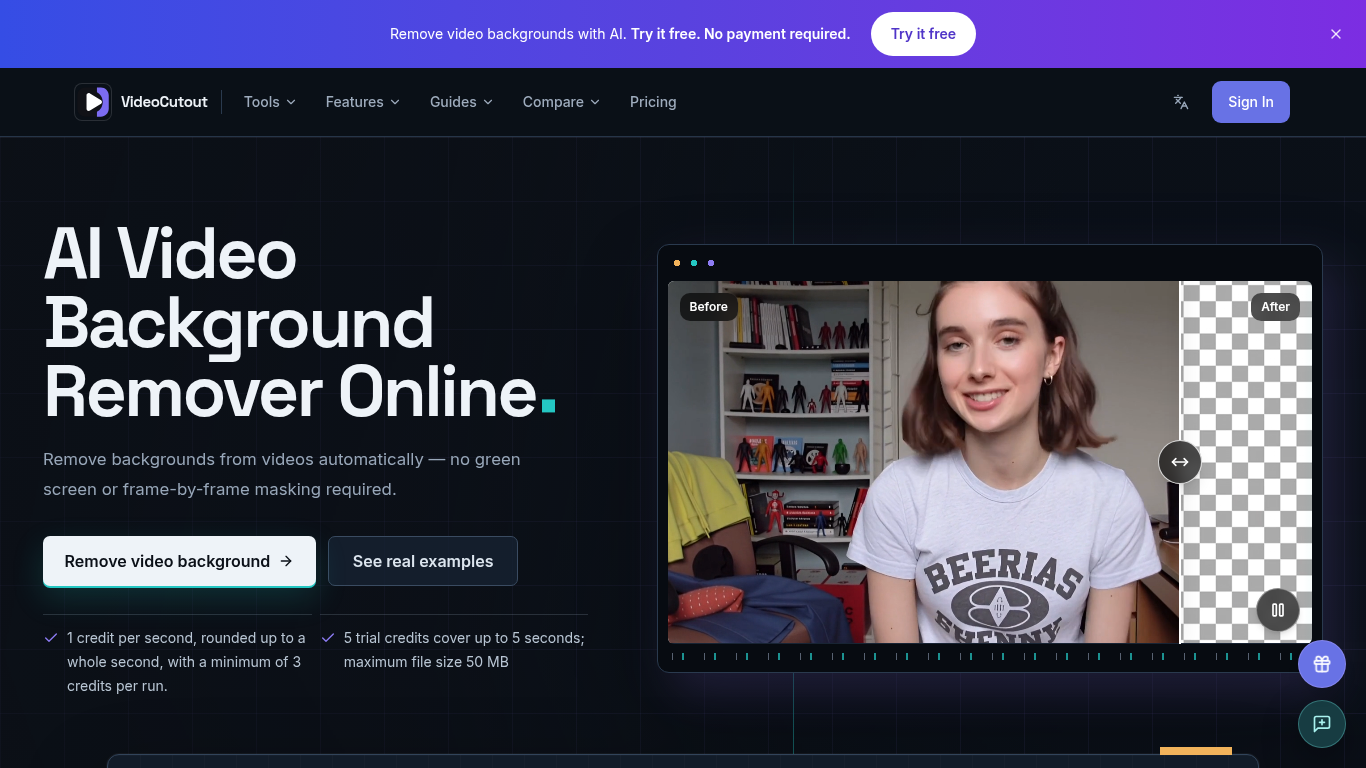
VideoCutout removes video backgrounds using AI and exports transparent videos or videos with a custom image background.
Upload a video or GIF, choose a transparent or custom image background, then process and download the result.
Create cutouts for creator videos, product demos, pet clips, and creative compositing.
Supports MP4, MOV, WebM, and GIF input; transparent WebM output; JPG, PNG, and WebP background images; and automatic foreground separation without a green screen.
Q: Is a green screen required? A: No. Q: Is there a free trial? A: Verified accounts receive 5 one-time trial credits, covering up to 5 seconds. Processing costs 1 credit per started second, with a minimum of 3 credits per run.
Công cụ cùng danh mục, xếp theo số danh mục chung rồi đến tổng lượt xem. So sánh tính năng để tìm lựa chọn thay thế phù hợp.
Trình chỉnh sửa video AI mà bạn có thể giao việc: mô tả video và Otto sẽ chỉnh sửa trên một dòng thời gian thực, từ phụ đề, màu sắc đến nhạc
Remove Watermark from Video is an online AI tool that cleans watermarks off videos you own. It rebuilds the area behind the mark instead of
Remove unwanted people, objects, logos or text from MP4 or MOV with an English prompt. Eligible verified accounts get 3 trial credits. Proce
Valmera is an AI video editor for footage you already have. Upload a recording, describe the cut you want, then review the result and ask fo
TextRemover.video is a browser-based AI tool that removes text, captions and hardcoded subtitles from videos. Upload a clip, choose a remova
OmniEditor is a free AI video editor: describe the result, add photos or clips, and an agent edits images and videos with you.
Các công cụ khác xếp theo tổng lượt xem trên ToolsBot. Khi lượt xem bằng nhau, công cụ được đăng gần đây hơn sẽ xuất hiện trước.
Một trang giải đố hằng ngày độc lập. Sumbreak là trò chơi hằng ngày do LinkedIn tạo ra; trang web này không liên kết với hoặc được LinkedIn
Nhận gợi ý cho câu đố trước khi xem đáp án. Thử một ví dụ hạn chế tiết lộ đáp án, sau đó chơi Krillion Daily và luyện tập với bảy câu hỏi có
Wiki không chính thức về Trollheim: Gnomes. Tình trạng phát hành, các nền tảng, cách hoạt động của đợt chơi thử trên Steam, chế độ co-op 8 n
Cẩm nang Anime Crusaders X của bạn: các mã được báo cáo, bảng xếp hạng đơn vị có thể tìm kiếm, công cụ xây dựng và lưu đội hình cùng công cụ
Hướng dẫn trò chơi Cork7 độc lập của bạn. Tìm hiểu cách điều khiển, lấy ván trượt tuyết, luyện các kỹ thuật cork và tìm các phiên bản chính
Các mã Realistic Ragdoll MMA được kiểm tra đối chiếu với nguồn chính thức. Tìm đúng trò chơi cho SORRY4UPD, so sánh phần thưởng và khắc phục
Tham khảo sản phẩm: VideoCutout — Trang web sản phẩm.
Kiểm tra tính năng, giá và chính sách hiện tại trên trang web sản phẩm trước khi sử dụng.
ToolsBot cung cấp thông tin để khám phá và so sánh. Việc đăng trong danh mục không phải là sự chứng thực hay bảo đảm cho tuyên bố của sản phẩm.