Vidmoat
一款可以放心交付任务的 AI 视频编辑器:描述你想要的视频,Otto 就会在真正的时间线上完成编辑,从字幕、调色到音乐、配音和 AI 镜头,让你掌握最终
VideoCutout removes video backgrounds in the browser and exports transparent WebM or a clip with a replacement background. Eligible verified accounts receive 5 trial credits for up to 5 seconds. Use costs 1 credit per started second (minimum 3). Further use is paid.
发布与维护: ToolsBot 编辑团队
| 产品网站 | VideoCutout |
|---|---|
| 分类 | |
| ToolsBot 收录日期 | |
| 收录记录更新日期 |
日期仅表示 ToolsBot 收录记录的时间,不代表产品上线时间或完成了新的独立评测。
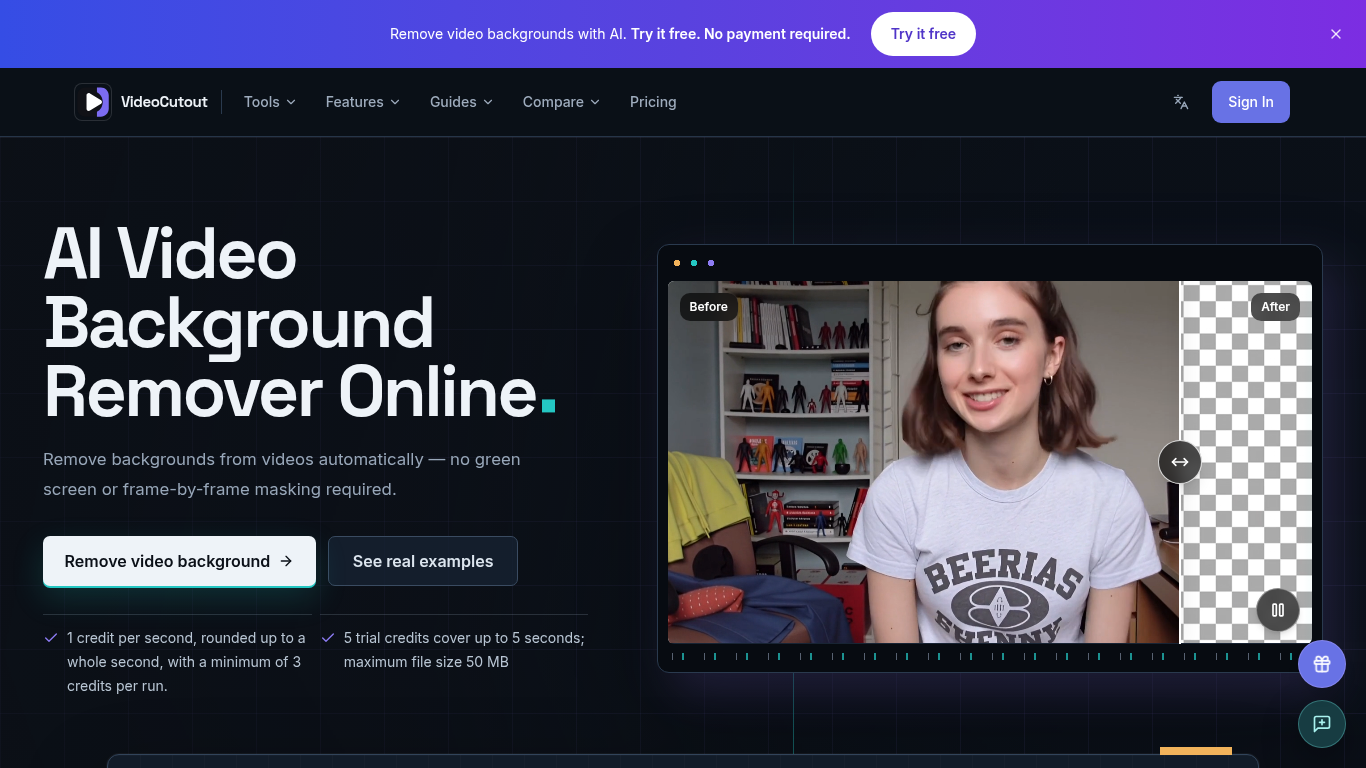
VideoCutout removes video backgrounds using AI and exports transparent videos or videos with a custom image background.
Upload a video or GIF, choose a transparent or custom image background, then process and download the result.
Create cutouts for creator videos, product demos, pet clips, and creative compositing.
Supports MP4, MOV, WebM, and GIF input; transparent WebM output; JPG, PNG, and WebP background images; and automatic foreground separation without a green screen.
Q: Is a green screen required? A: No. Q: Is there a free trial? A: Verified accounts receive 5 one-time trial credits, covering up to 5 seconds. Processing costs 1 credit per started second, with a minimum of 3 credits per run.
按共同分类数量及累计浏览量排序的相似工具,可比较功能后选择合适的替代方案。
一款可以放心交付任务的 AI 视频编辑器:描述你想要的视频,Otto 就会在真正的时间线上完成编辑,从字幕、调色到音乐、配音和 AI 镜头,让你掌握最终
Remove Watermark from Video is an online AI tool that cleans watermarks off videos you own. It rebuilds the area behind the mark instead of
Remove unwanted people, objects, logos or text from MP4 or MOV with an English prompt. Eligible verified accounts get 3 trial credits. Proce
Valmera is an AI video editor for footage you already have. Upload a recording, describe the cut you want, then review the result and ask fo
TextRemover.video is a browser-based AI tool that removes text, captions and hardcoded subtitles from videos. Upload a clip, choose a remova
OmniEditor is a free AI video editor: describe the result, add photos or clips, and an agent edits images and videos with you.
按 ToolsBot 累计浏览量排序的更多工具;浏览量相同时优先展示较新收录的工具。
一个独立的每日谜题页面。Sumbreak 是 LinkedIn 推出的一款每日游戏;本网站与 LinkedIn 没有任何关联,也未获得其认可。我们每天早上在这里推算出 Li
在揭晓答案前先获取一道测验提示。试试剧透较少的示例,然后玩 Krillion Daily,练习七道限时题目。
非官方 Trollheim: Gnomes 维基。根据官方资料介绍发布状态、游戏平台、Steam 测试的运作方式、8 人合作模式、Väsen 和 PC 配置要求。
你的 Anime Crusaders X 实战指南:玩家报告的兑换码、可搜索的单位强度排行、可保存的队伍构建工具和召唤概率计算器。规划你的下一场 Roblox 游戏。
你的独立 Cork7 游戏指南。了解操作方法、获取单板、练习斜轴旋转技巧,并找到官方浏览器版、桌面版和 iOS 版。
根据官方来源核查的 Realistic Ragdoll MMA 兑换码。了解 SORRY4UPD 对应的游戏,比较奖励并解决常见兑换问题。
产品参考链接: VideoCutout — 产品网站.
采用此工具前,请到产品网站核实最新功能、价格与政策。
ToolsBot 提供目录信息,帮助发现与比较产品。收录不代表背书,也不保证产品声明的准确性。