Trump Simulator
AI tool for generating Trump-style speeches and tweets.
CueCam lets you bring content into your video calls by giving your Mac a new virtual camera and mic. It connects to your iPhone and iPad to add drawing, cameras, and extra screens.
Published and maintained by ToolsBot Editorial Team
| Product website | https://cuecam-presenter.com/ |
|---|---|
| Category |
Dates refer to this ToolsBot listing, not the product’s launch date or a new independent review.
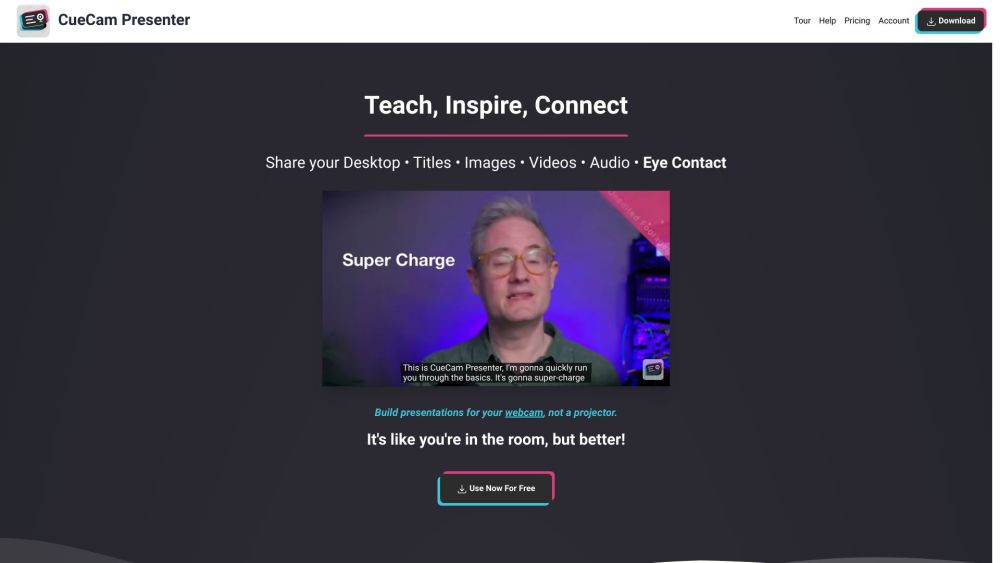
CueCam lets you bring content into your video calls by giving your Mac a new virtual camera and mic. It connects to your iPhone and iPad to add drawing, cameras, and extra screens.
Download CueCam on your Mac and connect your iPhone and iPad. Use your iPhone as a camera, teleprompter, and preview window. Use your iPad to draw on anything.
#1 Teaching - Share educational content and use teleprompter features. #2 Presenting Your Work - Showcase designs and annotate them with iPad drawing. #3 Sports Coaching - Analyze game footage, provide inspiration, and add music. #4 Sales Calls and Software Demos - Use teleprompter for notes and seamlessly switch to screen sharing. #5 Testimonials - Improve video production, engage with audience, and enhance meetings.
Virtual camera and mic for Mac Connect to iPhone and iPad Draw on anything with iPad
What does CueCam do?
Tools in the same categories, ranked by shared categories and then total views. Compare their features to find a suitable alternative.
AI tool for generating Trump-style speeches and tweets.
AI platform for perfecting business pitches with analysis and feedback.
AI writing assistant for clear and impactful communication.
AI writing assistant for improved content quality.
Free tool to convert AI text into human-like content.
AI writing assistant that personalizes to improve writing quality.
More tools to explore, ranked by total views on ToolsBot. Newer listings come first when view counts are equal.
Create a short music performance remix from an adult portrait, with the original backing shots and soundtrack.
The Drive AI is the intelligence layer for all the files in the world, wherever they are. It organizes existing and incoming files by rules
Turn one adult photo into a 14-second vertical office-concert video: you sing lead at a red keyboard with backing singers and a sax ending,
48 free AI tools for writing, summarizing and rewriting, inside ZIPZAX's 475+ free online tools. Built by a small team in Lisbon.
Manufacturer of industrial X-ray inspection systems, AXI, industrial CT and NDT equipment for PCB and electronics quality control. Based in
Create a Victoria Secret Runway AI video from one photo. Explore Kylie Jenner, Hadid, Ming Xi, Anok Yai and Jasmine Tookes looks with real b
Product reference: CueCam — Product website.
Check the product website for current capabilities, pricing and policies before adopting this tool.
ToolsBot provides directory information for discovery and comparison. A listing is not an endorsement or a guarantee of product claims.