One-line prompt to narrated explainer MP4
Data-story, whiteboard and keynote looks; AI writes the script, narrates, draws and scores a 15-60 second film with SRT subtitles.
Framov turns images or keyframes into short clips. Editors can set the first and last frames to guide a transition, or extract a still from existing footage before creating new motion.
發布與維護: ToolsBot 編輯團隊
| 產品網站 | Framov |
|---|---|
| 分類 | |
| ToolsBot 收錄日期 | |
| 收錄紀錄更新日期 |
日期僅表示 ToolsBot 收錄紀錄的時間,不代表產品上線時間或完成了新的獨立評測。
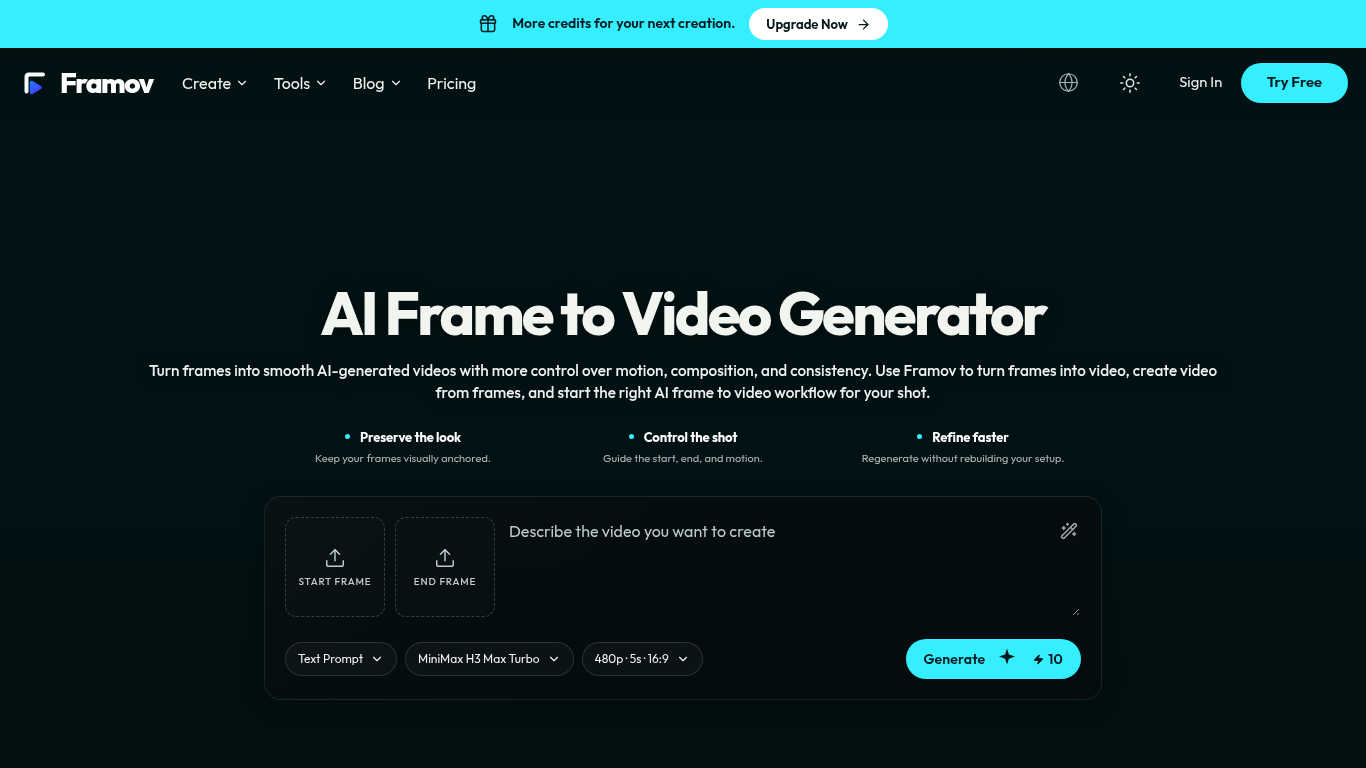
Framov turns images or frames into AI-generated videos.
Choose a workflow, upload one or more frames, describe the desired motion, adjust settings, and generate a clip.
Animate characters and products, create camera movements, and generate transitions between scenes.
Single-image, start-and-end-frame, two-frame, and keyframe workflows; motion prompts; video frame extraction; multiple AI models.
Q: Can I create a video between two frames? A: Yes, when the selected model supports start and end frame control.
依共同分類數量及累計瀏覽量排序的相似工具,可比較功能後選擇合適的替代方案。
Data-story, whiteboard and keynote looks; AI writes the script, narrates, draws and scores a 15-60 second film with SRT subtitles.
AI video generator that turns your photos into a desk-concert session. Upload portraits locally, choose the lead and optional bandmates, and
AI video generator powered by VEO3, Nano Banana Pro and Sora2: text-to-video, image-to-video, and viral templates for social content.
Plan short videos with editable scene timings and notes, then export a text brief without signing in. The separate text-to-video and image-t
Vidion 是一款獨立的網頁應用程式,可根據文字提示草擬短影片,或為初始圖片製作動畫。它與 OpenAI 或 Sora 官方產品沒有關聯。
MiniMax H3 AI Video Generator 是一個網頁工作區,可根據簡要說明、靜態圖片或參考媒體製作短片。生成前可調整鏡頭並查看點數預估。
依 ToolsBot 累計瀏覽量排序的更多工具;瀏覽量相同時優先顯示較新收錄的工具。
An online audio-to-text converter for MP3, M4A, WAV, MP4 and other media files.
Talk in any order, or upload a voice memo, and get clean notes with headings, bullet points and a to-do list - or an email, journal entry, l
SMS-first dispatch software for field-service shops running 2–10 trucks. Techs never install an app — they reply to a text. Flat pricing fro
Free AI coloring page generator that turns text or photos into printable coloring pages, and photos into cartoon portraits.
AI character chat and interactive storytelling. Create custom fictional characters and explore text-based roleplay.
Animate Photo Online – Bring Portraits and Memories to Life
產品參考連結: Framov — 產品網站.
採用此工具前,請到產品網站核實最新功能、價格與政策。
ToolsBot 提供目錄資訊,協助發現與比較產品。收錄不代表背書,也不保證產品聲明的準確性。