One-line prompt to narrated explainer MP4
提供数据故事、白板和演示文稿风格;AI 撰写脚本、配音、绘制画面并配乐,生成一部 15-60 秒且带有 SRT 字幕的视频。
Framov turns images or keyframes into short clips. Editors can set the first and last frames to guide a transition, or extract a still from existing footage before creating new motion.
发布与维护: ToolsBot 编辑团队
| 产品网站 | Framov |
|---|---|
| 分类 | |
| ToolsBot 收录日期 | |
| 收录记录更新日期 |
日期仅表示 ToolsBot 收录记录的时间,不代表产品上线时间或完成了新的独立评测。
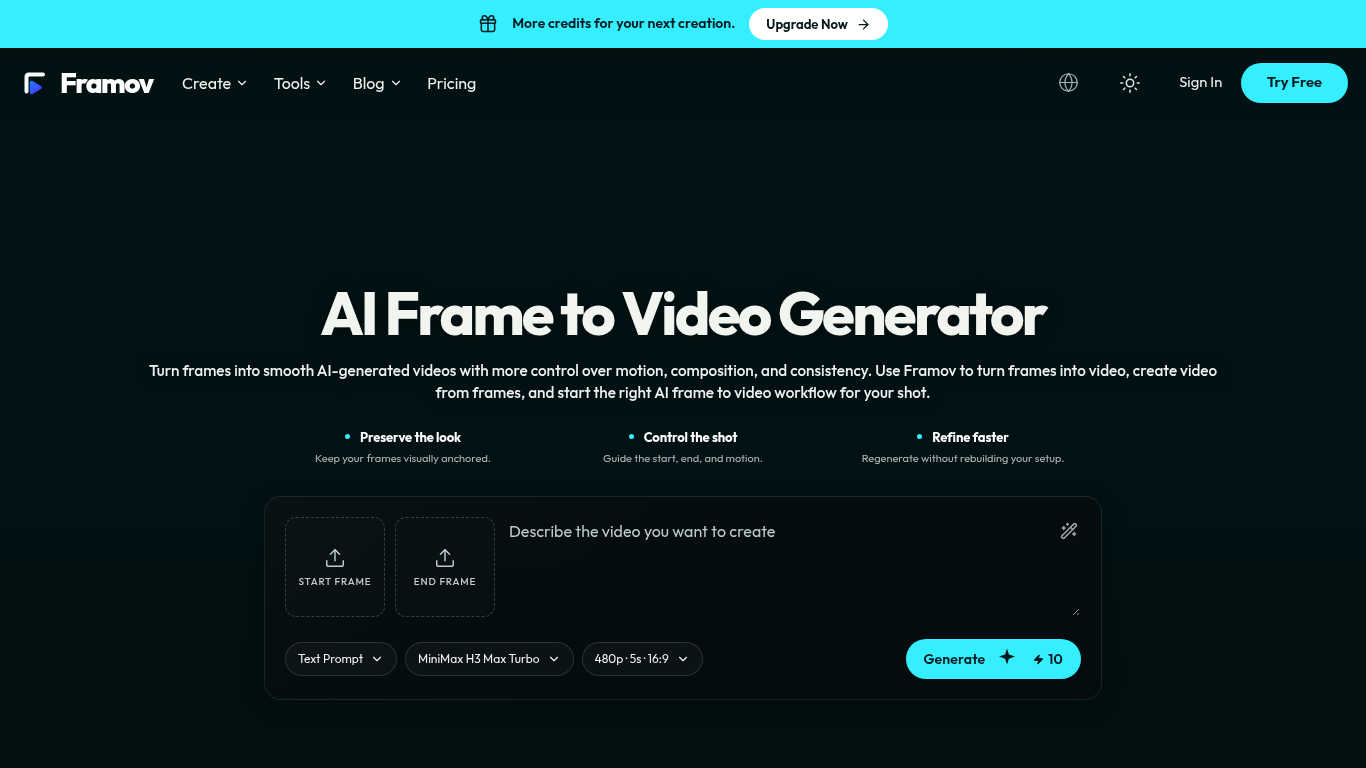
Framov turns images or frames into AI-generated videos.
Choose a workflow, upload one or more frames, describe the desired motion, adjust settings, and generate a clip.
Animate characters and products, create camera movements, and generate transitions between scenes.
Single-image, start-and-end-frame, two-frame, and keyframe workflows; motion prompts; video frame extraction; multiple AI models.
Q: Can I create a video between two frames? A: Yes, when the selected model supports start and end frame control.
按共同分类数量及累计浏览量排序的相似工具,可比较功能后选择合适的替代方案。
提供数据故事、白板和演示文稿风格;AI 撰写脚本、配音、绘制画面并配乐,生成一部 15-60 秒且带有 SRT 字幕的视频。
AI video generator that turns your photos into a desk-concert session. Upload portraits locally, choose the lead and optional bandmates, and
AI video generator powered by VEO3, Nano Banana Pro and Sora2: text-to-video, image-to-video, and viral templates for social content.
Plan short videos with editable scene timings and notes, then export a text brief without signing in. The separate text-to-video and image-t
Vidion 是一款独立的网页应用,可根据文本提示制作短视频草稿,或让起始图片动起来。它与 OpenAI 或官方 Sora 产品没有关联。
MiniMax H3 AI 视频生成器是一个网页工作区,可根据简短描述、静态图片或参考素材制作短视频。生成前可调整镜头并查看预计消耗的积分。
按 ToolsBot 累计浏览量排序的更多工具;浏览量相同时优先展示较新收录的工具。
一款在线音频转文字转换器,支持 MP3、M4A、WAV、MP4 等媒体文件。
想到什么就说什么,或上传语音备忘录,即可获得包含标题、要点和待办事项清单的整洁笔记,也可以用自己的话生成电子邮件、日记、课堂笔记或文章初稿,
以短信为主要沟通方式的调度软件,适用于拥有 2–10 辆服务车辆的外勤服务公司。技术人员无需安装应用,只需回复短信。统一定价,每月 $49 起,绝不按
免费 AI 涂色页生成器,可将文字或照片转换为可打印的涂色页,还能将照片转换为卡通肖像。
AI 角色聊天与互动故事创作。创建自定义虚构角色,探索文字角色扮演。
Animate Photo Online – 让肖像和回忆栩栩如生
产品参考链接: Framov — 产品网站.
采用此工具前,请到产品网站核实最新功能、价格与政策。
ToolsBot 提供目录信息,帮助发现与比较产品。收录不代表背书,也不保证产品声明的准确性。