Bluedot
Bluedot は AI 搭載の Chrome 拡張機能で、ユーザーのニーズに合わせて AI で生成されたノートでミーティングノートを記録、転録、概要することによっ
Backtrack is a Mac menu bar recorder that allows users to save their past audio, screen, and microphone recordings. It is designed to help users in various use cases such as recording meetings, client calls, brainstorming sessions, user interviews, sales calls, webinars, conference booths, bug reporting, and more.
公開・管理: ToolsBot 編集チーム
| 製品サイト | Backtrack |
|---|---|
| カテゴリー |
日付は ToolsBot の掲載記録を示し、製品の公開日や新たな独立評価の実施日ではありません。
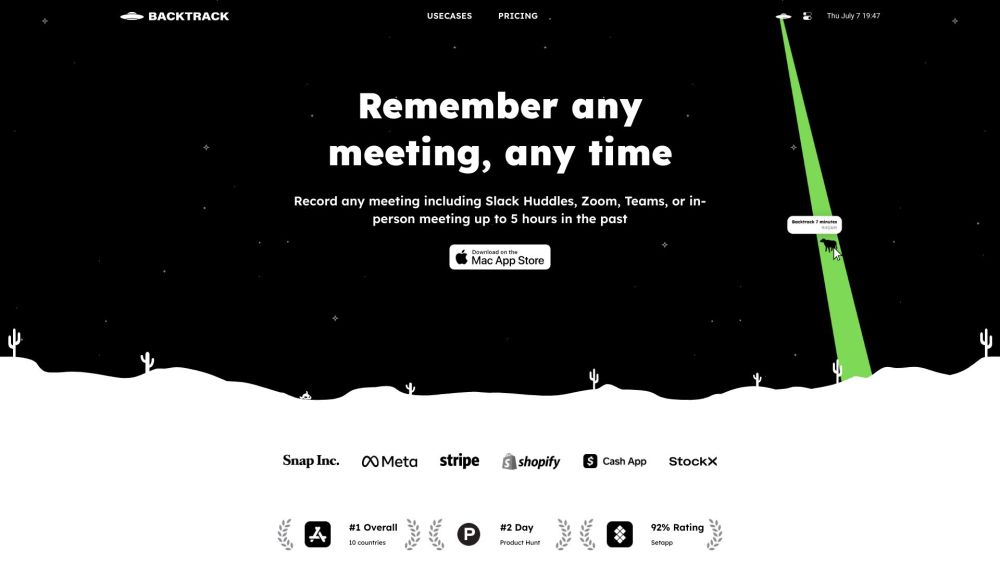
Backtrack is a Mac menu bar recorder that allows users to save their past audio, screen, and microphone recordings. It is designed to help users in various use cases such as recording meetings, client calls, brainstorming sessions, user interviews, sales calls, webinars, conference booths, bug reporting, and more.
To use Backtrack, simply install the app on your Mac. Once installed, the Backtrack icon will appear in your menu bar. Click and drag the icon to save up to 1 hour of in-person or Zoom calls in the past. Backtrack automatically remembers the most recent 1 hour of internal/external audio and screen. You can preview and customize what you want to save from Zoom calls and in-person conversations before downloading. The recordings are completely private to you until you create a sharable link.
#1 Recording Slack Huddles #2 Client Calls #3 Brainstorming Sessions #4 User Interviews #5 Sales Calls #6 Webinars #7 Conference Booths #8 Bug Reporting
Locally record up to 5 hours past audio, screen, or microphone Preview and customize recordings before downloading Upload recordings to the cloud for AI note-taking Generate AI transcripts and summaries Save recordings from various platforms such as Zoom, Slack Huddles, in-person meetings, and more
What platforms does Backtrack support for recording? How far back can I record with Backtrack? Can I customize what I want to save from Zoom calls or in-person conversations? Is my recording data private?
同じカテゴリのツールを、共通カテゴリ数、累計閲覧数の順に表示します。機能を比較して適切な代替ツールを探しましょう。
Bluedot は AI 搭載の Chrome 拡張機能で、ユーザーのニーズに合わせて AI で生成されたノートでミーティングノートを記録、転録、概要することによっ
Fellow is the only AI meeting assistant built with privacy and security in mind. It supports the before, during, and after every meeting wit
AI tool to automate sales tasks and improve efficiency.
Apowersoft is a provider of free multimedia and online business solutions, helping users to record, enrich, convert and deliver multimedia c
AI platform for easy podcast creation and publishing.
Tailored AI solutions for business innovation and optimization.
ToolsBot の累計閲覧数順で表示するその他のツールです。同数の場合は新しく掲載されたツールを優先します。
無料のオンライン総集編動画メーカー。写真を追加し、テンプレートを選んで、ビートに同期したMP4をダウンロードできます。アプリや登録は不要。写真
Telegram内で写真をアニメ、水彩画、3Dアバターなどのクリエイティブなスタイルに変換できます。パーソナライズされた写真グリーティングカードも作成
製品アップデートを、各チャネルですぐに使えるマーケティングコピーとビジュアルに変えます。
AIエージェント向けのLinkedIn MCP。
衣料品販売者向けのAI商品撮影:衣服の写真からモデル着用画像、ゴーストマネキン画像、平置き画像を作成したり、背景を削除したりできます。
AI Photo Detectorは、写真がAIで生成または編集されたものかをチェックします。分類結果、信頼度、利用可能な領域分析を確認できます。英語と中国語
製品の参照先: Backtrack — 製品サイト.
導入前に製品サイトで最新の機能、料金、ポリシーを確認してください。
ToolsBot は製品の発見と比較のための情報を提供します。掲載は推奨や製品の主張の保証を意味しません。