Image to 3D Model
Image to 3D Model turns a photo or illustration into a 3D model in the browser. Sign in for 20 welcome credits (one Trellis model). Export G
Image to STL turns one JPG, PNG or WebP into a previewable 3D mesh and exports STL. Two trial credits cover one Fast draft. Standard uses 3 credits and Advanced uses 4. Additional generations use paid packs or plans.
게시 및 관리: ToolsBot 편집팀
| 제품 웹사이트 | Image to STL |
|---|---|
| 범주 | |
| ToolsBot 등록일 | |
| 등록 정보 수정일 |
날짜는 ToolsBot 등록 기록에 관한 것으로, 제품 출시일이나 새로운 독립 평가일을 의미하지 않습니다.
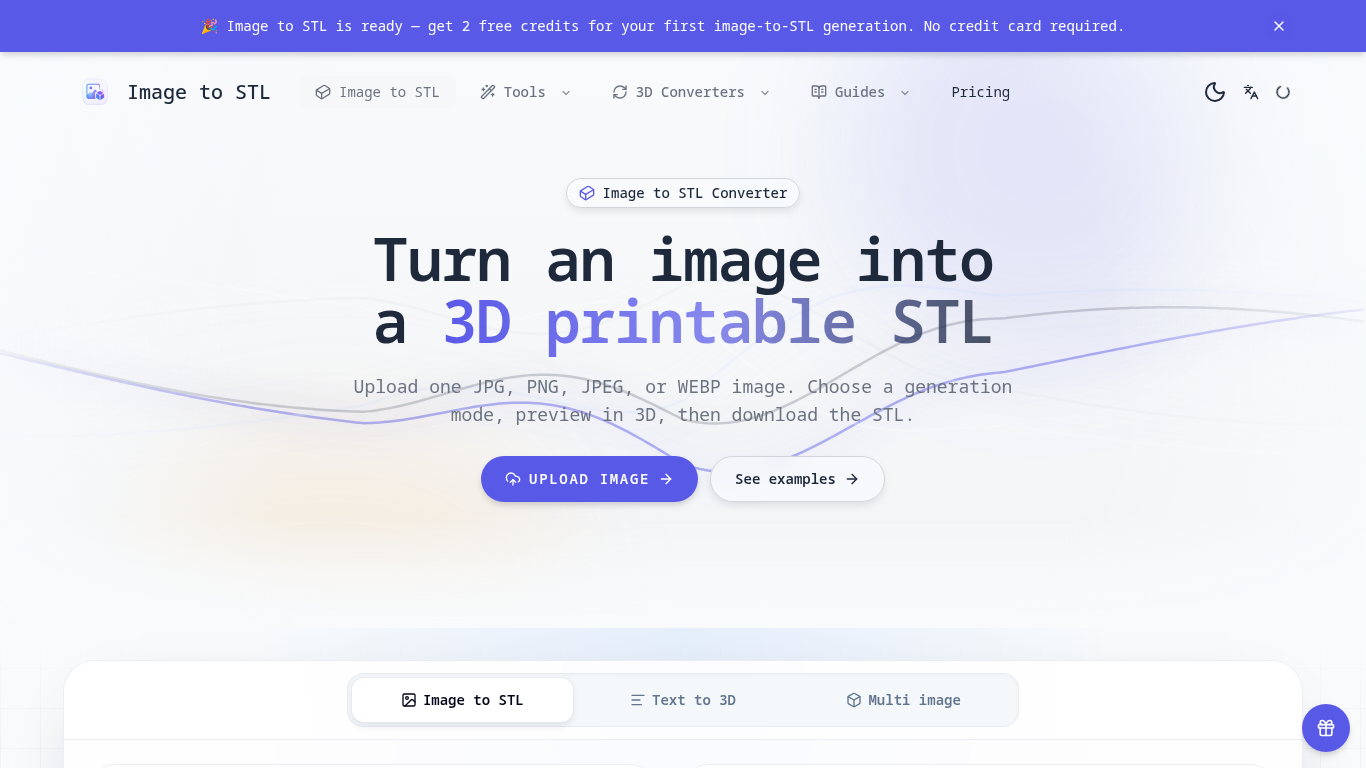
An online tool that turns images into previewable 3D models and downloadable STL drafts.
Upload an image, choose a generation mode, inspect the 3D preview, and download the STL for review in a slicer.
Create first-pass models for 3D printing, gifts, classroom demonstrations, and product ideas.
JPG, JPEG, PNG, and WEBP uploads up to 8 MB; three generation modes; browser-based 3D preview; text-to-3D and multi-image workflows; automatic credit returns for failed generations.
Q: Is the STL ready to print? A: It is a draft; check scale, geometry, orientation, and supports in a slicer first. Q: What images work best? A: Use a clear image with one subject, visible edges, and a simple background.
같은 카테고리의 도구를 공통 카테고리 수, 누적 조회수 순으로 표시합니다. 기능을 비교하여 적합한 대안을 찾아보세요.
Image to 3D Model turns a photo or illustration into a 3D model in the browser. Sign in for 20 welcome credits (one Trellis model). Export G
참조 이미지에서 3D 모델을 생성하고 결과를 검사하고 편집, 보기 또는 인쇄 준비를 위해 적합한 내보내기를 선택합니다.
Create and customize 3D models using AI.
Discover the True Value of Your Coins and Banknotes with HeritCoin! HeritCoin is the ultimate app powered by artificial intelligence and exp
AI-powered 3D creation tool for visuals and scenes.
Transform your photo into a 3D motion video with motion parallax.
ToolsBot 누적 조회수순으로 정렬한 다른 도구입니다. 조회수가 같으면 최근 등록된 도구를 먼저 표시합니다.
독립적으로 운영되는 일일 퍼즐 페이지입니다. Sumbreak는 LinkedIn이 만든 일일 게임이며, 이 사이트는 LinkedIn과 제휴 관계가 없고 LinkedIn의 승
정답을 공개하기 전에 퀴즈 힌트를 확인해 보세요. 스포일러를 최소화한 예제를 풀어 본 다음, Krillion Daily에서 제한 시간이 있는 일곱 문제로 연
비공식 Trollheim: Gnomes 위키. 공식 자료를 바탕으로 출시 현황, 플랫폼, Steam 플레이테스트 참여 방식, 8인 협동 플레이, Väsen 및 PC 사양을 안
Anime Crusaders X 현장 가이드: 제보된 코드, 검색 가능한 유닛 티어, 저장 가능한 팀 구성 도구와 소환 확률 계산기를 확인하세요. 다음 Roblox 플
독립적인 Cork7 게임 가이드입니다. 조작법을 익히고, 스노보드를 마련하고, 코크 트릭을 연습하고, 공식 브라우저, 데스크톱 및 iOS 버전을 찾아보세
공식 출처를 통해 확인한 Realistic Ragdoll MMA 코드입니다. SORRY4UPD에 맞는 게임을 찾고, 보상을 비교하고, 흔한 코드 사용 문제를 해결하세요.
제품 참고 링크: Image to STL — 제품 웹사이트.
도입 전에 제품 웹사이트에서 최신 기능, 가격 및 정책을 확인하세요.
ToolsBot은 제품 탐색과 비교를 위한 정보를 제공합니다. 등록이 제품에 대한 보증이나 주장의 정확성을 보장하지는 않습니다.