Image to 3D Model
Image to 3D Model turns a photo or illustration into a 3D model in the browser. Sign in for 20 welcome credits (one Trellis model). Export G
Image to STL turns one JPG, PNG or WebP into a previewable 3D mesh and exports STL. Two trial credits cover one Fast draft. Standard uses 3 credits and Advanced uses 4. Additional generations use paid packs or plans.
Veröffentlicht und gepflegt von ToolsBot-Redaktion
| Produktwebsite | Image to STL |
|---|---|
| Kategorie | |
| Auf ToolsBot gelistet | |
| Eintrag aktualisiert |
Die Daten beziehen sich auf den ToolsBot-Eintrag, nicht auf den Produktstart oder eine neue unabhängige Prüfung.
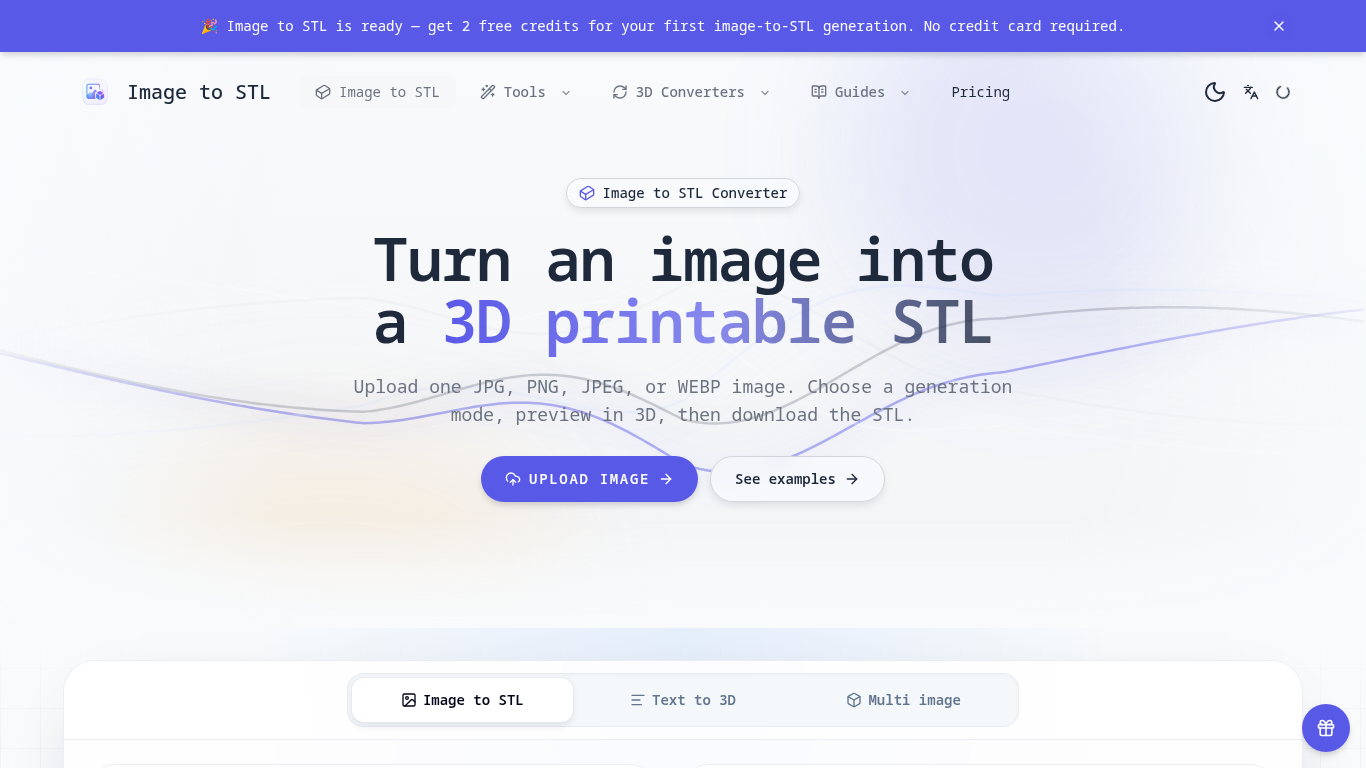
An online tool that turns images into previewable 3D models and downloadable STL drafts.
Upload an image, choose a generation mode, inspect the 3D preview, and download the STL for review in a slicer.
Create first-pass models for 3D printing, gifts, classroom demonstrations, and product ideas.
JPG, JPEG, PNG, and WEBP uploads up to 8 MB; three generation modes; browser-based 3D preview; text-to-3D and multi-image workflows; automatic credit returns for failed generations.
Q: Is the STL ready to print? A: It is a draft; check scale, geometry, orientation, and supports in a slicer first. Q: What images work best? A: Use a clear image with one subject, visible edges, and a simple background.
Tools aus denselben Kategorien, sortiert nach gemeinsamen Kategorien und dann nach Gesamtaufrufen. Vergleiche die Funktionen, um eine passende Alternative zu finden.
Image to 3D Model turns a photo or illustration into a 3D model in the browser. Sign in for 20 welcome credits (one Trellis model). Export G
Erstellen Sie ein 3D-Modell aus einem Referenzbild, prüfen Sie das Ergebnis und wählen Sie einen geeigneten Export für die Bearbeitung, Anze
Create and customize 3D models using AI.
Discover the True Value of Your Coins and Banknotes with HeritCoin! HeritCoin is the ultimate app powered by artificial intelligence and exp
AI-powered 3D creation tool for visuals and scenes.
Transform your photo into a 3D motion video with motion parallax.
Weitere Tools nach Gesamtaufrufen auf ToolsBot. Bei gleicher Aufrufzahl erscheinen neuere Einträge zuerst.
Eine unabhängige Seite für tägliche Rätsel. Sumbreak ist ein tägliches Spiel von LinkedIn; diese Seite ist weder mit LinkedIn verbunden noch
Hol dir einen Quizhinweis, bevor du die Antwort aufdeckst. Probiere ein spoilerarmes Beispiel aus, spiele anschließend Krillion Daily und üb
Inoffizielles Wiki zu Trollheim: Gnomes. Veröffentlichungsstatus, Plattformen, Ablauf des Steam-Playtests, Koop-Modus für 8 Spieler, Väsen u
Dein Leitfaden für Anime Crusaders X: gemeldete Codes, durchsuchbare Einheiten-Ranglisten, ein Team-Builder mit Speicherfunktion und ein Rec
Dein unabhängiger Spielführer für Cork7. Lerne die Steuerung, hol dir ein Snowboard, übe Cork-Tricks und finde die offiziellen Browser-, Des
Realistic Ragdoll MMA-Codes, anhand offizieller Quellen überprüft. Finde das richtige Spiel für SORRY4UPD, vergleiche Belohnungen und löse h
Produktreferenz: Image to STL — Produktwebsite.
Prüfe aktuelle Funktionen, Preise und Richtlinien auf der Produktwebsite, bevor du das Tool einsetzt.
ToolsBot hilft bei der Suche und beim Vergleich. Ein Eintrag ist keine Empfehlung oder Garantie für Produktangaben.