Image to 3D Model
Image to 3D Model turns a photo or illustration into a 3D model in the browser. Sign in for 20 welcome credits (one Trellis model). Export G
Image to STL turns one JPG, PNG or WebP into a previewable 3D mesh and exports STL. Two trial credits cover one Fast draft. Standard uses 3 credits and Advanced uses 4. Additional generations use paid packs or plans.
發布與維護: ToolsBot 編輯團隊
| 產品網站 | Image to STL |
|---|---|
| 分類 | |
| ToolsBot 收錄日期 | |
| 收錄紀錄更新日期 |
日期僅表示 ToolsBot 收錄紀錄的時間,不代表產品上線時間或完成了新的獨立評測。
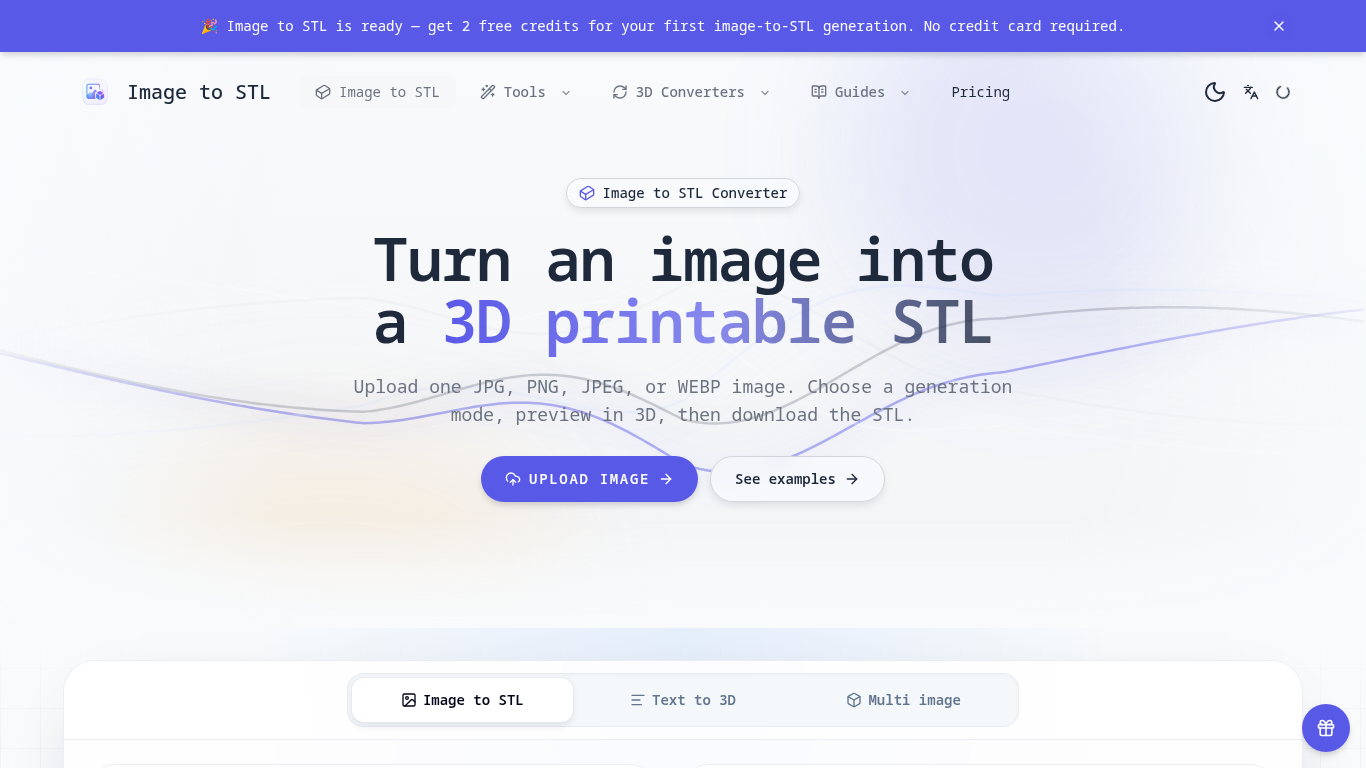
An online tool that turns images into previewable 3D models and downloadable STL drafts.
Upload an image, choose a generation mode, inspect the 3D preview, and download the STL for review in a slicer.
Create first-pass models for 3D printing, gifts, classroom demonstrations, and product ideas.
JPG, JPEG, PNG, and WEBP uploads up to 8 MB; three generation modes; browser-based 3D preview; text-to-3D and multi-image workflows; automatic credit returns for failed generations.
Q: Is the STL ready to print? A: It is a draft; check scale, geometry, orientation, and supports in a slicer first. Q: What images work best? A: Use a clear image with one subject, visible edges, and a simple background.
依共同分類數量及累計瀏覽量排序的相似工具,可比較功能後選擇合適的替代方案。
Image to 3D Model turns a photo or illustration into a 3D model in the browser. Sign in for 20 welcome credits (one Trellis model). Export G
從參攷影像生成3D模型,檢查結果,並選擇符合條件的匯出進行編輯、查看或列印準備。
Create and customize 3D models using AI.
Discover the True Value of Your Coins and Banknotes with HeritCoin! HeritCoin is the ultimate app powered by artificial intelligence and exp
AI-powered 3D creation tool for visuals and scenes.
Transform your photo into a 3D motion video with motion parallax.
依 ToolsBot 累計瀏覽量排序的更多工具;瀏覽量相同時優先顯示較新收錄的工具。
獨立的每日益智遊戲頁面。Sumbreak 是 LinkedIn 推出的每日遊戲;本網站與 LinkedIn 並無關聯,也未獲其認可。我們每天早上會在此解出 LinkedIn 益智
揭曉答案前先取得測驗提示。試試不太會劇透的範例,然後遊玩 Krillion Daily,練習回答七道限時題目。
非官方 Trollheim: Gnomes 維基。根據官方來源介紹發行狀態、支援平台、Steam 遊戲測試的運作方式、8 人合作遊玩、Väsen 和 PC 系統需求。
你的 Anime Crusaders X 實戰指南:玩家回報的兌換碼、可搜尋的角色強度排行、可儲存的隊伍組建工具與召喚機率計算器。規劃你的下一場 Roblox 冒險。
你的獨立 Cork7 遊戲指南。了解操作方式、取得滑雪單板、練習軸外旋轉技巧,並找到官方瀏覽器、桌面及 iOS 版本。
依據官方來源查核 Realistic Ragdoll MMA 代碼。找出 SORRY4UPD 適用的遊戲、比較獎勵並解決常見的兌換問題。
產品參考連結: Image to STL — 產品網站.
採用此工具前,請到產品網站核實最新功能、價格與政策。
ToolsBot 提供目錄資訊,協助發現與比較產品。收錄不代表背書,也不保證產品聲明的準確性。