Image to 3D Model
Image to 3D Model turns a photo or illustration into a 3D model in the browser. Sign in for 20 welcome credits (one Trellis model). Export G
Image to STL turns one JPG, PNG or WebP into a previewable 3D mesh and exports STL. Two trial credits cover one Fast draft. Standard uses 3 credits and Advanced uses 4. Additional generations use paid packs or plans.
Đăng và duy trì bởi Nhóm biên tập ToolsBot
| Trang web sản phẩm | Image to STL |
|---|---|
| Danh mục | |
| Ngày đăng trên ToolsBot | |
| Ngày cập nhật hồ sơ |
Các ngày này thuộc hồ sơ ToolsBot, không phải ngày ra mắt sản phẩm hoặc ngày đánh giá độc lập mới.
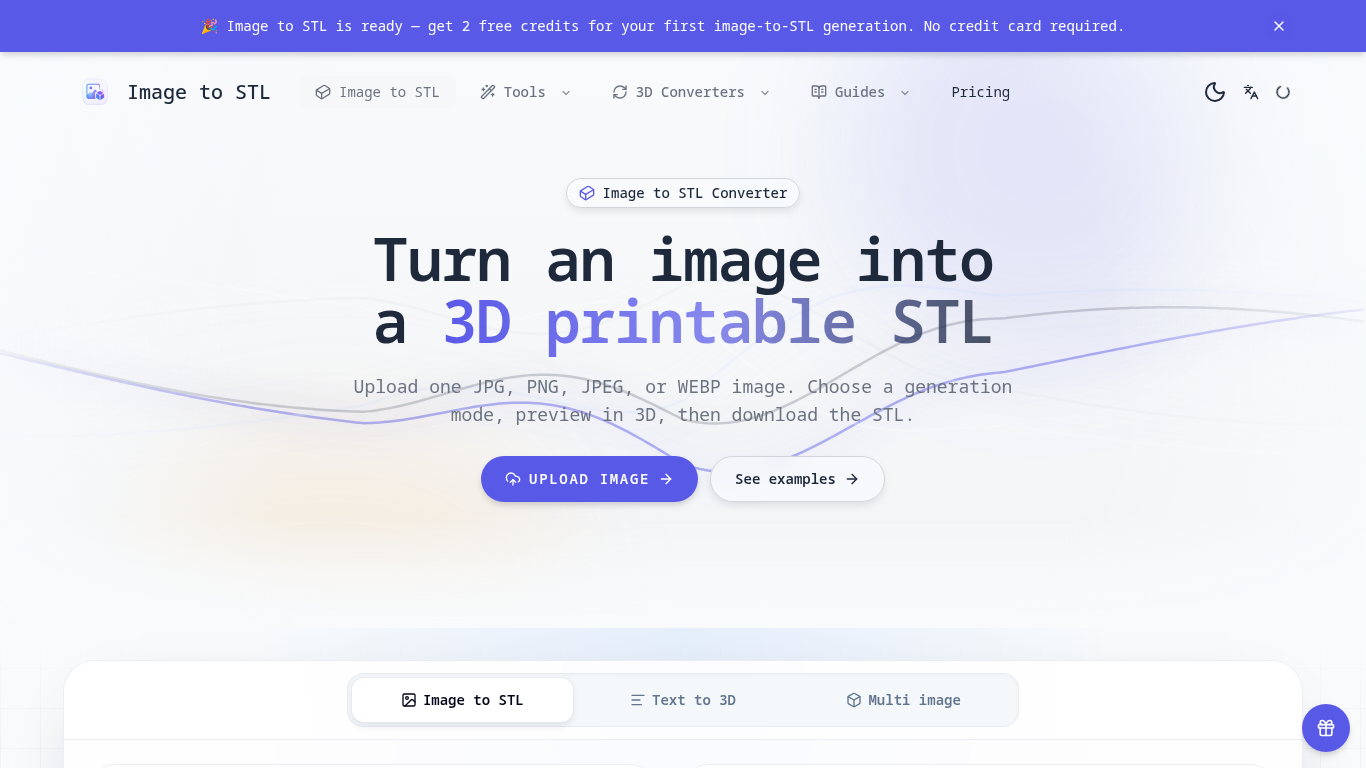
An online tool that turns images into previewable 3D models and downloadable STL drafts.
Upload an image, choose a generation mode, inspect the 3D preview, and download the STL for review in a slicer.
Create first-pass models for 3D printing, gifts, classroom demonstrations, and product ideas.
JPG, JPEG, PNG, and WEBP uploads up to 8 MB; three generation modes; browser-based 3D preview; text-to-3D and multi-image workflows; automatic credit returns for failed generations.
Q: Is the STL ready to print? A: It is a draft; check scale, geometry, orientation, and supports in a slicer first. Q: What images work best? A: Use a clear image with one subject, visible edges, and a simple background.
Công cụ cùng danh mục, xếp theo số danh mục chung rồi đến tổng lượt xem. So sánh tính năng để tìm lựa chọn thay thế phù hợp.
Image to 3D Model turns a photo or illustration into a 3D model in the browser. Sign in for 20 welcome credits (one Trellis model). Export G
Tạo một mô hình 3D từ một hình ảnh tham chiếu, kiểm tra kết quả và chọn một xuất đủ điều kiện để chỉnh sửa, xem hoặc chuẩn bị in.
Create and customize 3D models using AI.
Discover the True Value of Your Coins and Banknotes with HeritCoin! HeritCoin is the ultimate app powered by artificial intelligence and exp
AI-powered 3D creation tool for visuals and scenes.
Transform your photo into a 3D motion video with motion parallax.
Các công cụ khác xếp theo tổng lượt xem trên ToolsBot. Khi lượt xem bằng nhau, công cụ được đăng gần đây hơn sẽ xuất hiện trước.
Một trang giải đố hằng ngày độc lập. Sumbreak là trò chơi hằng ngày do LinkedIn tạo ra; trang web này không liên kết với hoặc được LinkedIn
Nhận gợi ý cho câu đố trước khi xem đáp án. Thử một ví dụ hạn chế tiết lộ đáp án, sau đó chơi Krillion Daily và luyện tập với bảy câu hỏi có
Wiki không chính thức về Trollheim: Gnomes. Tình trạng phát hành, các nền tảng, cách hoạt động của đợt chơi thử trên Steam, chế độ co-op 8 n
Cẩm nang Anime Crusaders X của bạn: các mã được báo cáo, bảng xếp hạng đơn vị có thể tìm kiếm, công cụ xây dựng và lưu đội hình cùng công cụ
Hướng dẫn trò chơi Cork7 độc lập của bạn. Tìm hiểu cách điều khiển, lấy ván trượt tuyết, luyện các kỹ thuật cork và tìm các phiên bản chính
Các mã Realistic Ragdoll MMA được kiểm tra đối chiếu với nguồn chính thức. Tìm đúng trò chơi cho SORRY4UPD, so sánh phần thưởng và khắc phục
Tham khảo sản phẩm: Image to STL — Trang web sản phẩm.
Kiểm tra tính năng, giá và chính sách hiện tại trên trang web sản phẩm trước khi sử dụng.
ToolsBot cung cấp thông tin để khám phá và so sánh. Việc đăng trong danh mục không phải là sự chứng thực hay bảo đảm cho tuyên bố của sản phẩm.