Image to 3D Model
Image to 3D Model turns a photo or illustration into a 3D model in the browser. Sign in for 20 welcome credits (one Trellis model). Export G
Image to STL turns one JPG, PNG or WebP into a previewable 3D mesh and exports STL. Two trial credits cover one Fast draft. Standard uses 3 credits and Advanced uses 4. Additional generations use paid packs or plans.
公開・管理: ToolsBot 編集チーム
| 製品サイト | Image to STL |
|---|---|
| カテゴリー | |
| ToolsBot 掲載日 | |
| 掲載情報の更新日 |
日付は ToolsBot の掲載記録を示し、製品の公開日や新たな独立評価の実施日ではありません。
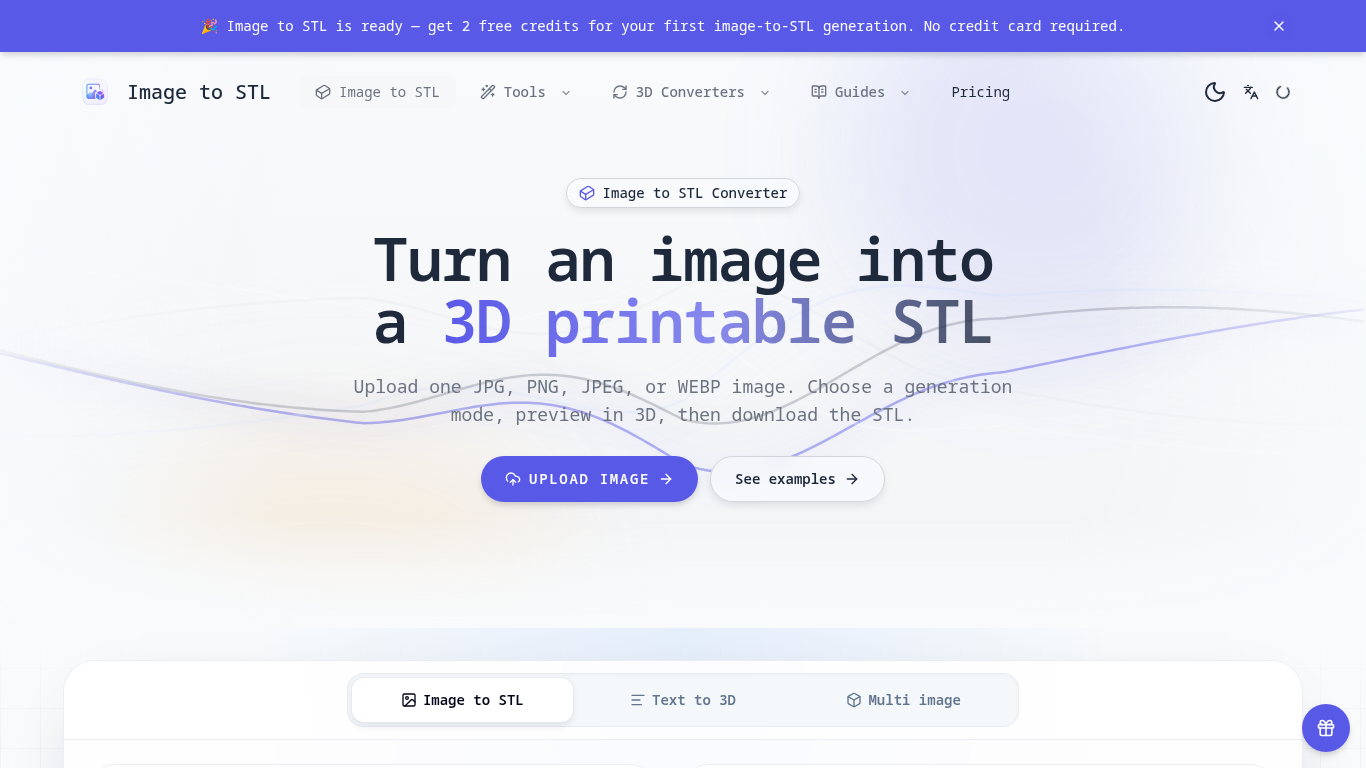
An online tool that turns images into previewable 3D models and downloadable STL drafts.
Upload an image, choose a generation mode, inspect the 3D preview, and download the STL for review in a slicer.
Create first-pass models for 3D printing, gifts, classroom demonstrations, and product ideas.
JPG, JPEG, PNG, and WEBP uploads up to 8 MB; three generation modes; browser-based 3D preview; text-to-3D and multi-image workflows; automatic credit returns for failed generations.
Q: Is the STL ready to print? A: It is a draft; check scale, geometry, orientation, and supports in a slicer first. Q: What images work best? A: Use a clear image with one subject, visible edges, and a simple background.
同じカテゴリのツールを、共通カテゴリ数、累計閲覧数の順に表示します。機能を比較して適切な代替ツールを探しましょう。
Image to 3D Model turns a photo or illustration into a 3D model in the browser. Sign in for 20 welcome credits (one Trellis model). Export G
参照画像から3 Dモデルを生成し、結果をチェックし、条件に合ったエクスポートを選択して編集、表示、または印刷の準備を行います。
Create and customize 3D models using AI.
Discover the True Value of Your Coins and Banknotes with HeritCoin! HeritCoin is the ultimate app powered by artificial intelligence and exp
AI-powered 3D creation tool for visuals and scenes.
Transform your photo into a 3D motion video with motion parallax.
ToolsBot の累計閲覧数順で表示するその他のツールです。同数の場合は新しく掲載されたツールを優先します。
独立したデイリーパズルのページです。SumbreakはLinkedInが提供するデイリーゲームです。このサイトはLinkedInとは提携しておらず、LinkedInの承認も
答えを見る前にクイズのヒントをチェック。ネタバレを抑えた例題を試してから、Krillion Dailyで制限時間付きの7問に挑戦しましょう。
非公式のTrollheim: Gnomes wiki。公式情報に基づき、リリース状況、対応プラットフォーム、Steamプレイテストの仕組み、8人協力プレイ、Väsen、PCの
Anime Crusaders Xのフィールドガイド:報告されたコード、検索可能なユニットのティア、保存できるチーム編成ツール、召喚確率計算ツールを掲載。次
独立したCork7のゲームガイドです。操作を覚え、スノーボードを入手し、コークトリックを練習して、公式のブラウザ版、デスクトップ版、iOS版を見つけ
Realistic Ragdoll MMAのコードを公式情報源と照合。SORRY4UPDに対応するゲームを確認し、報酬を比較して、よくあるコード引き換えの問題を解決します
製品の参照先: Image to STL — 製品サイト.
導入前に製品サイトで最新の機能、料金、ポリシーを確認してください。
ToolsBot は製品の発見と比較のための情報を提供します。掲載は推奨や製品の主張の保証を意味しません。