Image to 3D Model
Image to 3D Model turns a photo or illustration into a 3D model in the browser. Sign in for 20 welcome credits (one Trellis model). Export G
Image to STL turns one JPG, PNG or WebP into a previewable 3D mesh and exports STL. Two trial credits cover one Fast draft. Standard uses 3 credits and Advanced uses 4. Additional generations use paid packs or plans.
Published and maintained by ToolsBot Editorial Team
| Product website | Image to STL |
|---|---|
| Category | |
| Listed on ToolsBot | |
| Listing record updated |
Dates refer to this ToolsBot listing, not the product’s launch date or a new independent review.
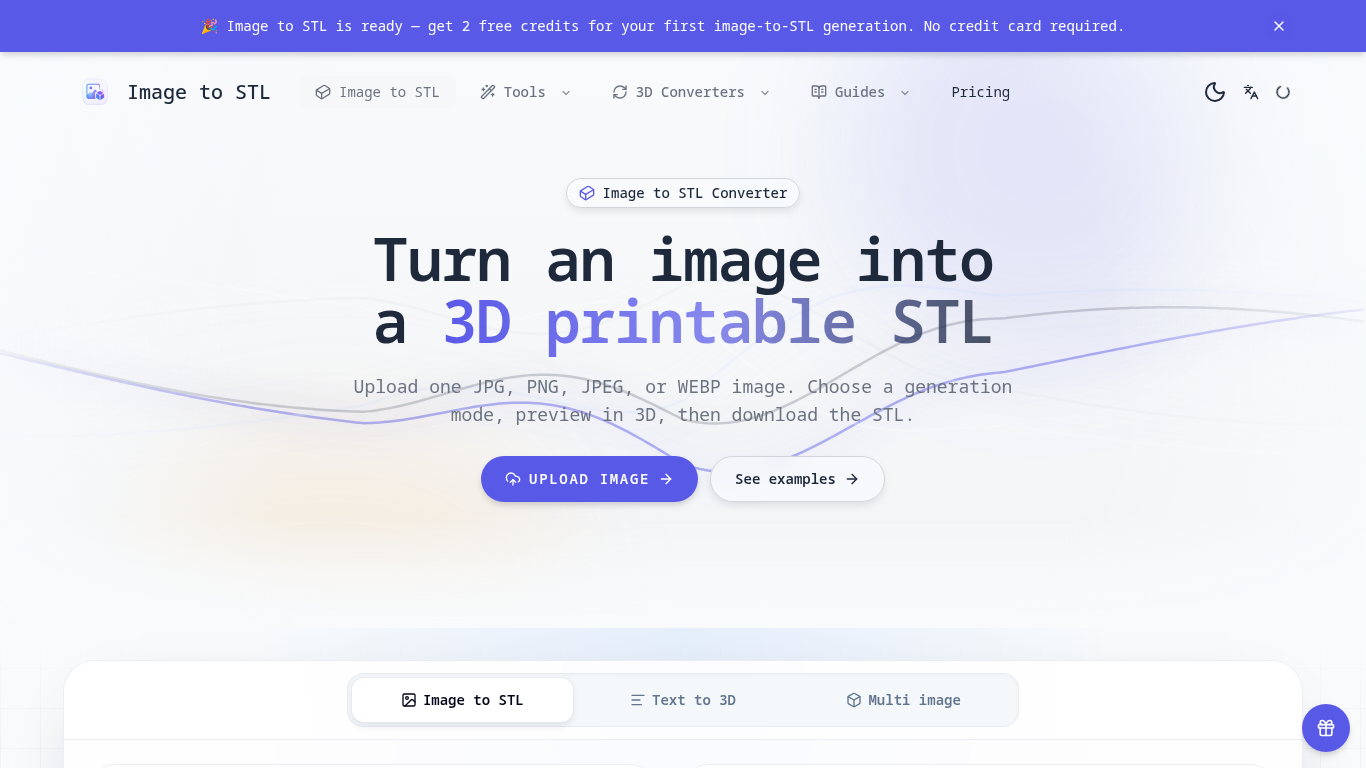
An online tool that turns images into previewable 3D models and downloadable STL drafts.
Upload an image, choose a generation mode, inspect the 3D preview, and download the STL for review in a slicer.
Create first-pass models for 3D printing, gifts, classroom demonstrations, and product ideas.
JPG, JPEG, PNG, and WEBP uploads up to 8 MB; three generation modes; browser-based 3D preview; text-to-3D and multi-image workflows; automatic credit returns for failed generations.
Q: Is the STL ready to print? A: It is a draft; check scale, geometry, orientation, and supports in a slicer first. Q: What images work best? A: Use a clear image with one subject, visible edges, and a simple background.
Tools in the same categories, ranked by shared categories and then total views. Compare their features to find a suitable alternative.
Image to 3D Model turns a photo or illustration into a 3D model in the browser. Sign in for 20 welcome credits (one Trellis model). Export G
Generate a 3D model from a reference image, inspect the result, and choose an eligible export for editing, viewing or print preparation.
Create and customize 3D models using AI.
Discover the True Value of Your Coins and Banknotes with HeritCoin! HeritCoin is the ultimate app powered by artificial intelligence and exp
AI-powered 3D creation tool for visuals and scenes.
Transform your photo into a 3D motion video with motion parallax.
More tools to explore, ranked by total views on ToolsBot. Newer listings come first when view counts are equal.
An independent daily puzzle page. Sumbreak is a daily game made by LinkedIn; this site is not affiliated with or endorsed by LinkedIn. The a
Get a quiz hint before you reveal the answer. Try a spoiler-light example, then play Krillion Daily and practise on seven timed prompts.
Unofficial Trollheim: Gnomes wiki. Release status, platforms, how the Steam playtest works, 8-player co-op, Väsen and PC requirements, from
Your Anime Crusaders X field guide: reported codes, searchable unit tiers, a saved team builder and summon probability calculator. Plan your
Your independent Cork7 game guide. Learn the controls, get a snowboard, practise cork tricks and find the official browser, desktop and iOS
Realistic Ragdoll MMA codes checked against official sources. Find the right game for SORRY4UPD, compare rewards and fix common redemption p
Product reference: Image to STL — Product website.
Check the product website for current capabilities, pricing and policies before adopting this tool.
ToolsBot provides directory information for discovery and comparison. A listing is not an endorsement or a guarantee of product claims.