Image to 3D Model
Image to 3D Model turns a photo or illustration into a 3D model in the browser. Sign in for 20 welcome credits (one Trellis model). Export G
Image to STL turns one JPG, PNG or WebP into a previewable 3D mesh and exports STL. Two trial credits cover one Fast draft. Standard uses 3 credits and Advanced uses 4. Additional generations use paid packs or plans.
发布与维护: ToolsBot 编辑团队
| 产品网站 | Image to STL |
|---|---|
| 分类 | |
| ToolsBot 收录日期 | |
| 收录记录更新日期 |
日期仅表示 ToolsBot 收录记录的时间,不代表产品上线时间或完成了新的独立评测。
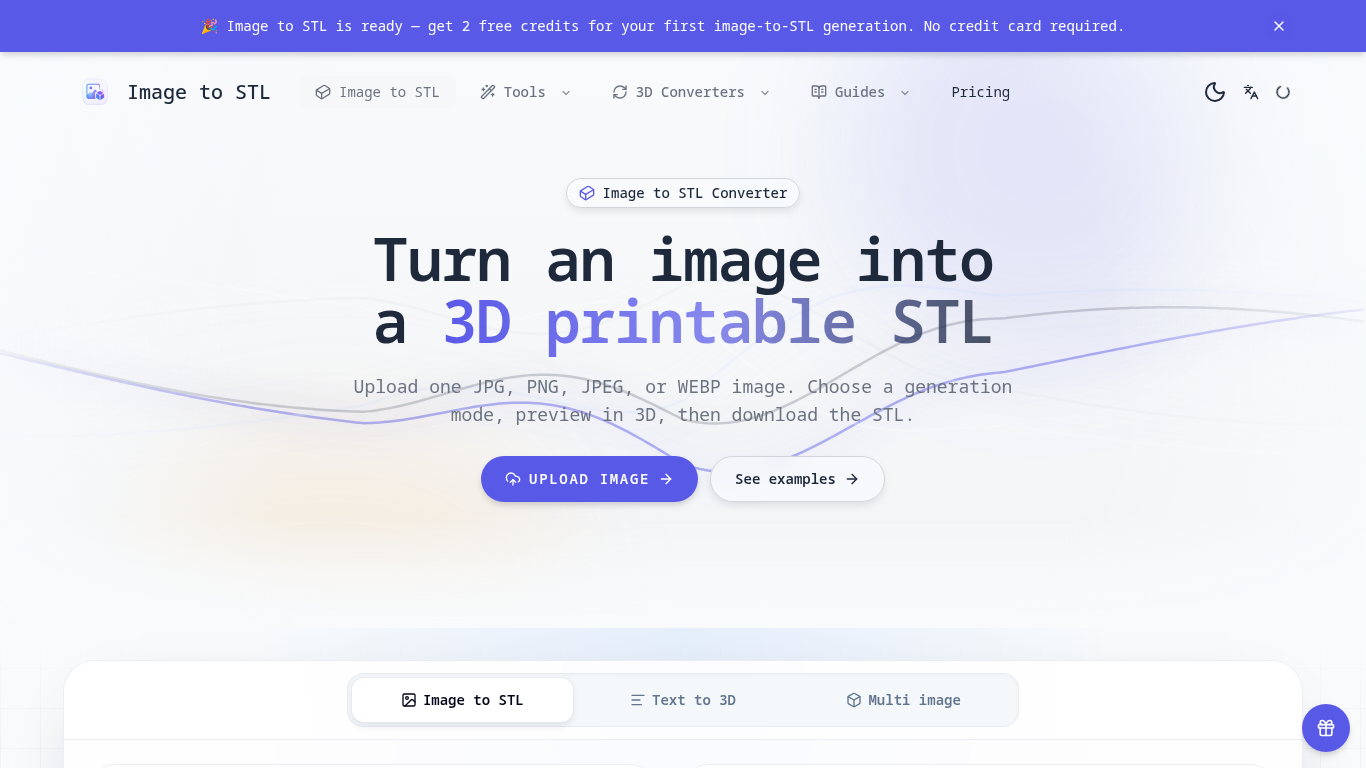
An online tool that turns images into previewable 3D models and downloadable STL drafts.
Upload an image, choose a generation mode, inspect the 3D preview, and download the STL for review in a slicer.
Create first-pass models for 3D printing, gifts, classroom demonstrations, and product ideas.
JPG, JPEG, PNG, and WEBP uploads up to 8 MB; three generation modes; browser-based 3D preview; text-to-3D and multi-image workflows; automatic credit returns for failed generations.
Q: Is the STL ready to print? A: It is a draft; check scale, geometry, orientation, and supports in a slicer first. Q: What images work best? A: Use a clear image with one subject, visible edges, and a simple background.
按共同分类数量及累计浏览量排序的相似工具,可比较功能后选择合适的替代方案。
Image to 3D Model turns a photo or illustration into a 3D model in the browser. Sign in for 20 welcome credits (one Trellis model). Export G
从参考图像生成3D模型,检查结果,并选择符合条件的导出进行编辑、查看或打印准备。
Create and customize 3D models using AI.
Discover the True Value of Your Coins and Banknotes with HeritCoin! HeritCoin is the ultimate app powered by artificial intelligence and exp
AI-powered 3D creation tool for visuals and scenes.
Transform your photo into a 3D motion video with motion parallax.
按 ToolsBot 累计浏览量排序的更多工具;浏览量相同时优先展示较新收录的工具。
一个独立的每日谜题页面。Sumbreak 是 LinkedIn 推出的一款每日游戏;本网站与 LinkedIn 没有任何关联,也未获得其认可。我们每天早上在这里推算出 Li
在揭晓答案前先获取一道测验提示。试试剧透较少的示例,然后玩 Krillion Daily,练习七道限时题目。
非官方 Trollheim: Gnomes 维基。根据官方资料介绍发布状态、游戏平台、Steam 测试的运作方式、8 人合作模式、Väsen 和 PC 配置要求。
你的 Anime Crusaders X 实战指南:玩家报告的兑换码、可搜索的单位强度排行、可保存的队伍构建工具和召唤概率计算器。规划你的下一场 Roblox 游戏。
你的独立 Cork7 游戏指南。了解操作方法、获取单板、练习斜轴旋转技巧,并找到官方浏览器版、桌面版和 iOS 版。
根据官方来源核查的 Realistic Ragdoll MMA 兑换码。了解 SORRY4UPD 对应的游戏,比较奖励并解决常见兑换问题。
产品参考链接: Image to STL — 产品网站.
采用此工具前,请到产品网站核实最新功能、价格与政策。
ToolsBot 提供目录信息,帮助发现与比较产品。收录不代表背书,也不保证产品声明的准确性。